
App Update Checker for android developers
Features: 1.Automatic check on app startup 2.Manual Check whenever required with a dialog box
How to use:
Step-1 : Add it in your root build.gradle at the end of repositories:
allprojects {
	repositories {
		...
		maven { url 'https://jitpack.io' }
	}
}
Step 2. Add the dependency in build.gradle file of module level
dependencies {
        implementation 'com.github.shashifreeze:AppUpdateChecker:1.0.2'
}
Step-3: Call checkForUpdate method to get popup if the app has update on play store.
I. Checking update manually: When user performs any event(Click), library checks whether any update on playstore is there or not. If update availbale on play store-> It will show popup with message 'An update [Current app version on play store] is available on the play store'. If no update available on the play store -> Then a toast will be shown as 'No update available'. For eg: User click a button to check for update, then call the method with argument true shown as below.
     // Create instance of class AppUpdateChecker .. Arg1 = activity, Arg2 = App current version name
   	     	AppUpdateChecker appUpdateChecker = new AppUpdateChecker(activity,BuildConfig.VERSION_NAME);
     // Call for manual check
         	appUpdateChecker.checkForUpdate(true);
Screenshots:
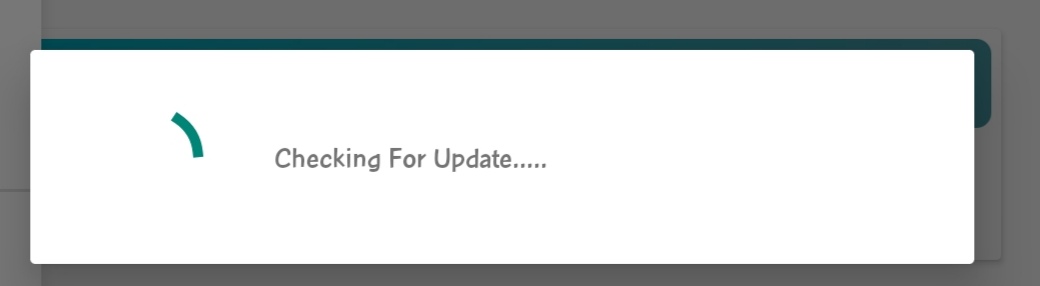
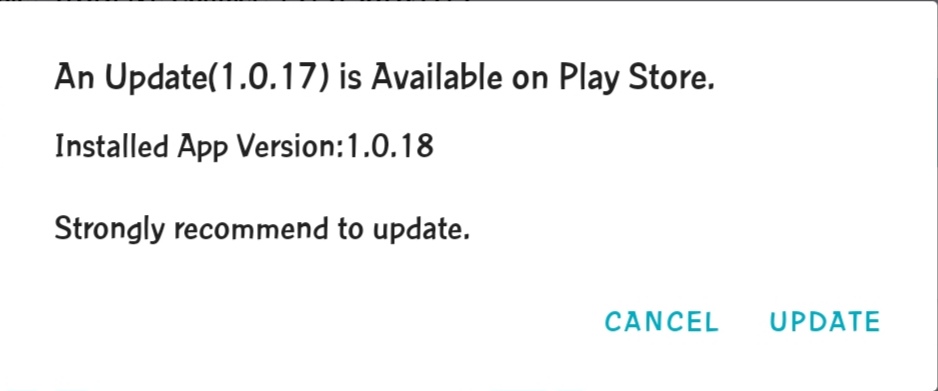
II. Checking update on app startup : The library will check for update in the background and will show a popup with the message 'checking for update'. If update availbale on play store-> Show popup with message 'An update [Current app version on play store] is available on the play store'. If no update available on the play store -> Nothing happens.
     // Create instance of class AppUpdateChecker .. Arg1 = activity, Arg2 = App current version name
   	     	AppUpdateChecker appUpdateChecker = new AppUpdateChecker(activity,BuildConfig.VERSION_NAME);
     // Call for automatic check
         	appUpdateChecker.checkForUpdate(false);
Screenshots: