
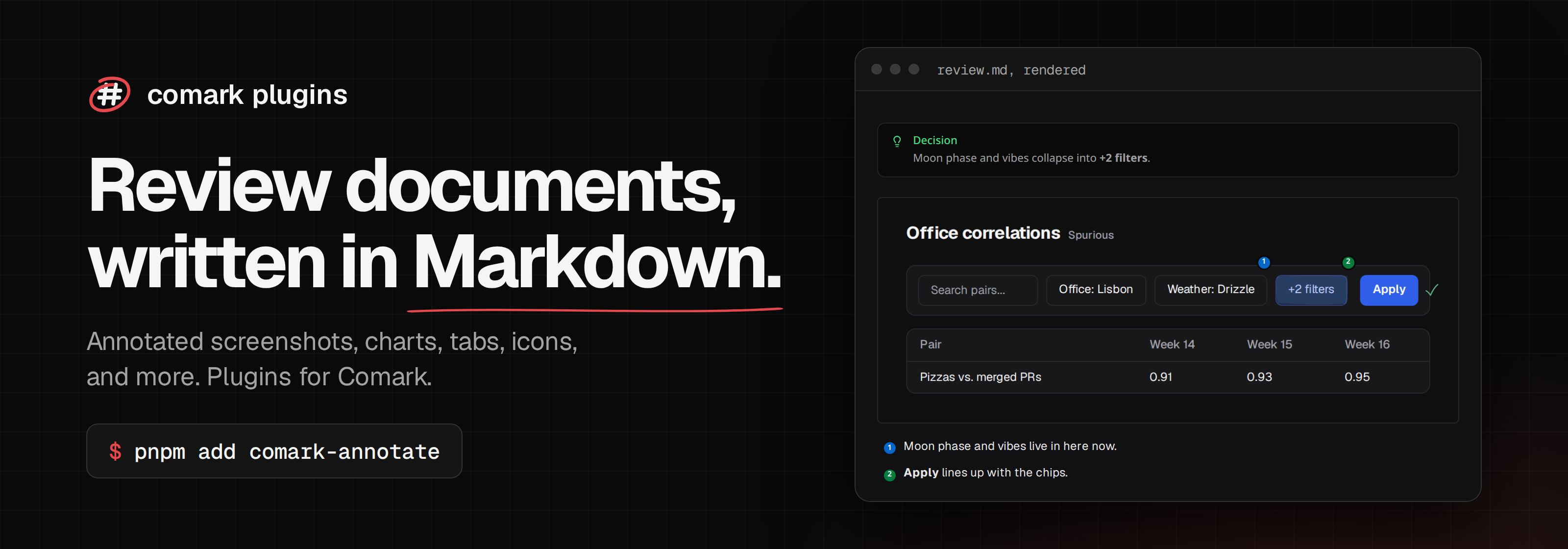
Comark plugins for review documents. Each package is published on its own and all of them share one version.
| Package | What it does |
|---|---|
comark-annotate |
Hand-drawn marks, numbered notes, and arrows on screenshots, and before/after comparisons. |
comark-carousel |
A carousel of any Markdown content, with arrows, a counter, keys, and zoom. |
comark-charts |
Charts from Markdown tables. |
comark-chips |
Links and @user mentions as chips with the site's favicon or the person's avatar, inlined while parsing. |
comark-code |
Copy and Wrap buttons on code blocks, and buttons of your own that hand the code to your app. |
comark-diff |
A code change shown like a suggested change in a pull request review: the file, red and green lines, and the words that changed. |
comark-embed |
YouTube, Vimeo, Loom, Spotify, CodePen, StackBlitz, and Figma players from a link, with no network fetch. |
comark-github |
GitHub's > [!NOTE] alerts as callouts, @user and #123 as links, and raw HTML limited to what GitHub allows. |
comark-icon |
Iconify icons in Markdown as :icon{name="lucide:apple"}, drawn as CSS with no script, and the resolver other plugins draw icons with. |
comark-linter |
Finds unclosed blocks, unknown components, broken anchors, and plugin issues in Comark documents, from a script, the command line, or Vite Doctor. |
comark-include |
Markdown partials and code snippets from files, by lines or by region. |
comark-tabs |
Tabs and code groups that switch together across the page, and read without a script. |
comark-zoom |
Zoom images and any block like medium-zoom, with Escape, Back, and click-outside to close. |
Docs and live demos: comark.onmax.me.
pnpm install
pnpm ready      # format, lint, typecheck, build, test, and Vite Doctor
pnpm docs:build # the docs site in docs/dist
Each package keeps its docs pages next to its code, in packages/<name>/docs/, and docs/build.ts renders them into the site with the pages in docs/pages/. test/workspace.test.ts lists everywhere a new package has to be registered.