




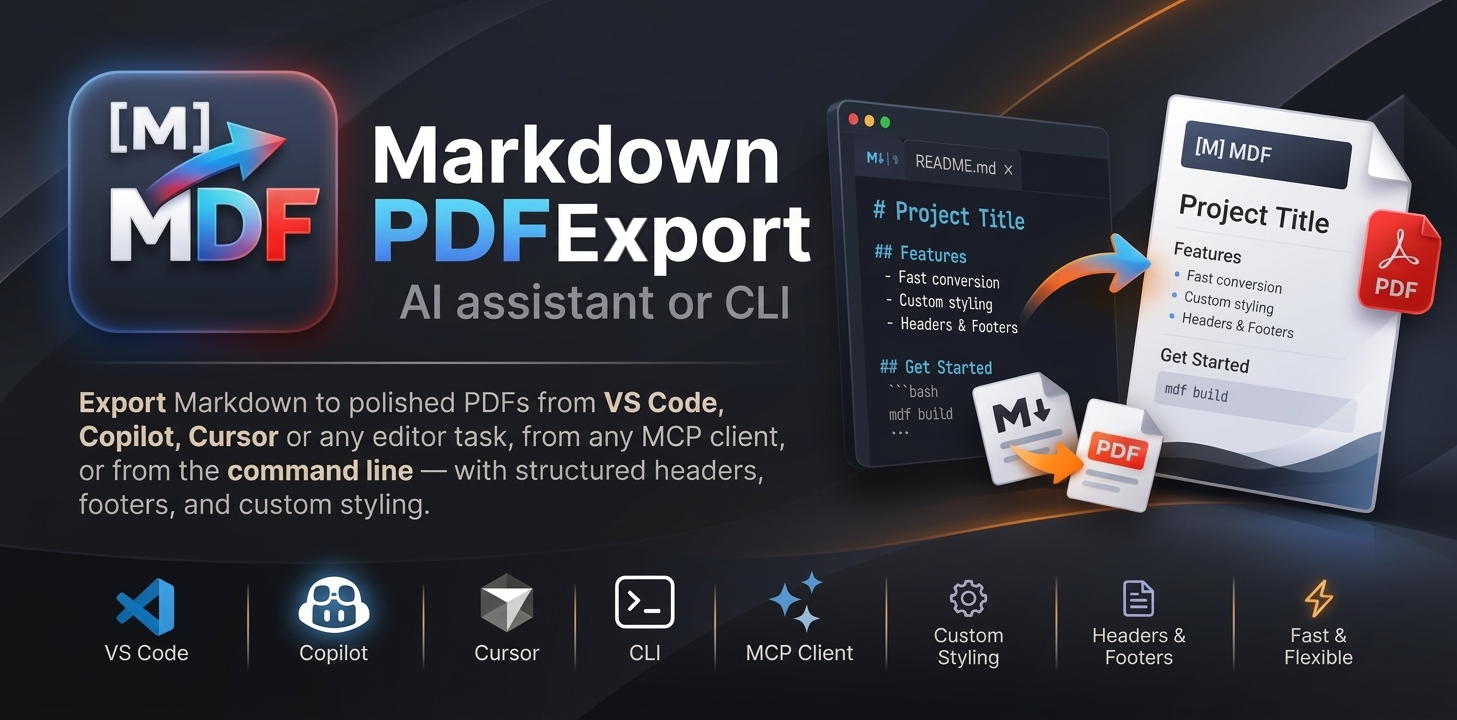
Turn Markdown files into clean PDFs from VS Code, Zed, Cursor, Claude or any AI assistant, or from the command line.
Full documentation: https://markdown-pdf.matinfo.tech/
You need:
- Node.js 20 or newer (it comes with
npx). - Google Chrome or Microsoft Edge. No Chromium browser? Run
npx -y markdown-pdf-export install-browseronce (about 200 MB).
Then run this line in a terminal:
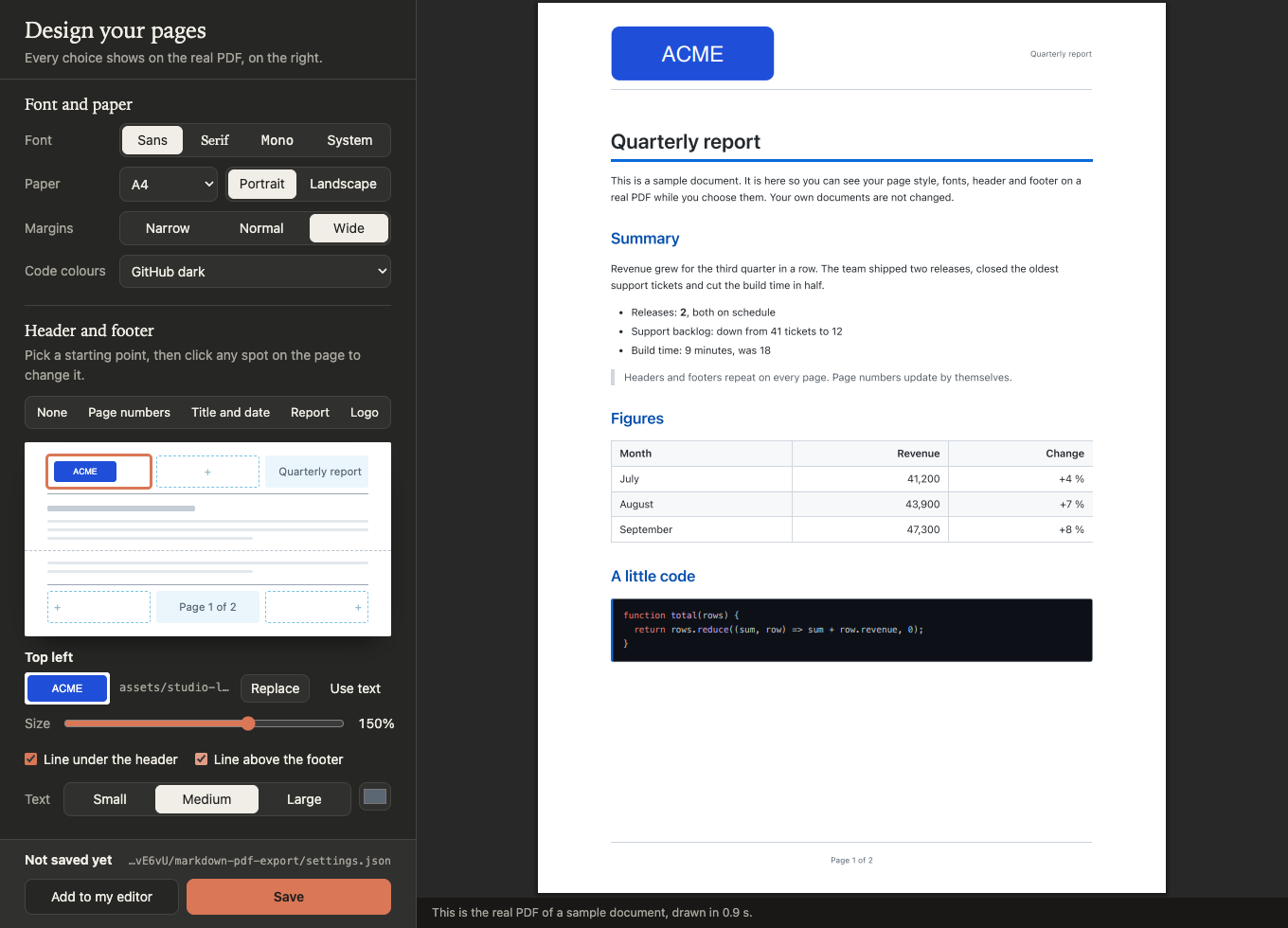
npx -y markdown-pdf-export studioStudio opens in your browser. Pick a page style, fonts, paper size, header and footer, and watch the real PDF update as you go. Click Save, then Add to my editor, and you are ready to export.
There is nothing to install first: npx downloads the package on first use and reuses it after.
Prefer the terminal? Run npx -y markdown-pdf-export with no arguments for a small menu.
More: Get started · Studio · Design online, no install
| Where | How |
|---|---|
| Your editor | Run the task Markdown: Export to PDF on the open file |
| AI assistant | Ask: "Export this file to PDF" |
| Terminal | npx -y markdown-pdf-export report.md |
The PDF is saved next to the Markdown file. To add the task or the assistant tool by hand, run
npx -y markdown-pdf-export setup, or see
Editors.
- Five page styles: Clean, Report, Academic, Compact and Technical.
- Headers and footers with the title, page numbers, the date and your logo.
- Coloured code blocks, with a choice of colour themes.
- Maths with KaTeX:
$inline$and$$display$$. - A contents list from a
[[toc]]marker, with links to each heading. - Mermaid diagrams, task lists, footnotes and GitHub alerts (
> [!NOTE]). - Settings for one document in its front matter.
- One settings file used by every editor, the assistant and the terminal.
- Safe with documents you did not write: scripts, frames and event handlers in raw HTML are filtered out (Raw HTML and safety).
- Advanced topics: a one-page map of everything below.
- Settings file: where it lives and how files are combined.
- Per-document settings: change one document with front matter.
- Header and footer: zones, logos, page numbers and dates.
- Styling: your own CSS, fonts and code colours.
- Content: maths, contents list, images and page breaks.
- Command line: every command and option.
- Assistant tools: the MCP server and its two tools.
- Browser: which browser is used and how to pick another.
- Recipes: ready-made setups for common jobs.
- Settings reference: every setting.
- Placeholders reference:
{page},{title},{date}and more.
Check the browser and your settings in one step:
npx -y markdown-pdf-export doctorYou can also ask the assistant: "Run doctor_markdown_pdf". For common problems, see Help.
See CONTRIBUTING.md for development setup, tests and how the project is built.
MIT. See LICENSE.