This theme works with GTK 2.24 (with murrine/pixbuf) & GTK 3.24 & GTK 4.8..4.23, with or without compositor, with or without CSD windows, and with or without gtk3/4-classic. It works also with Qt 5.15 & Qt 6.0..6.11 & Firefox 152.
It is mainly intended for MATE desktop environment, it's not too bad with Xfce, it's experimental with Cinnamon.
GTK 2.24 (Pango 1.58)
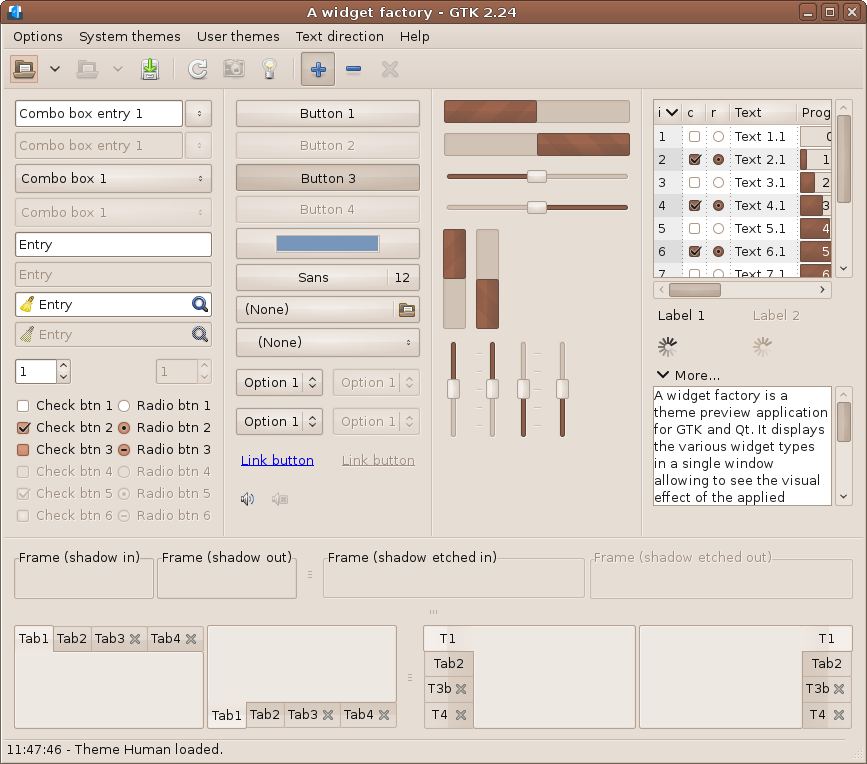
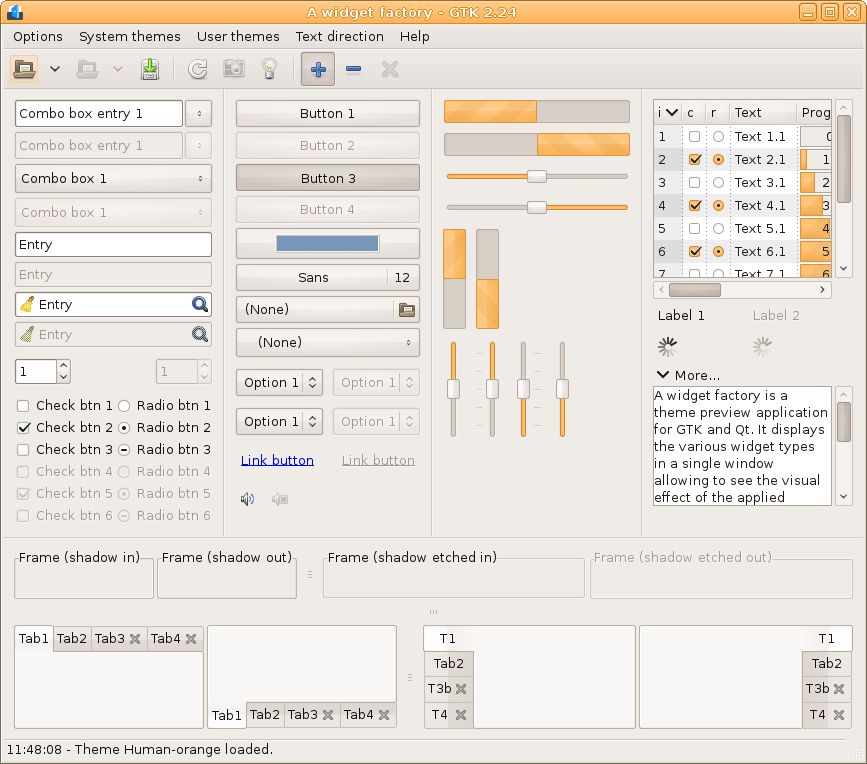
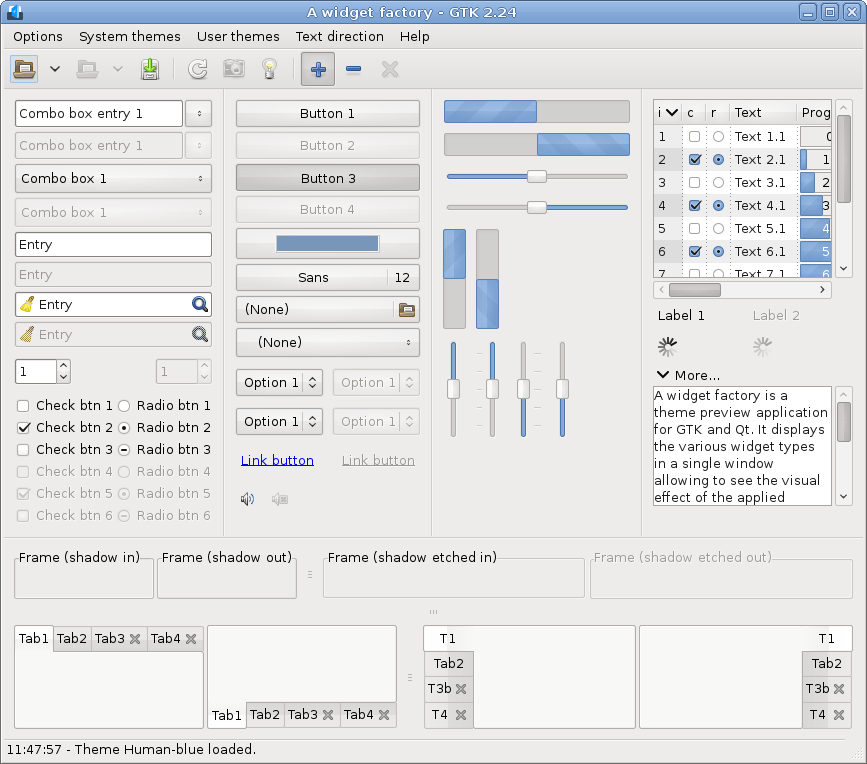
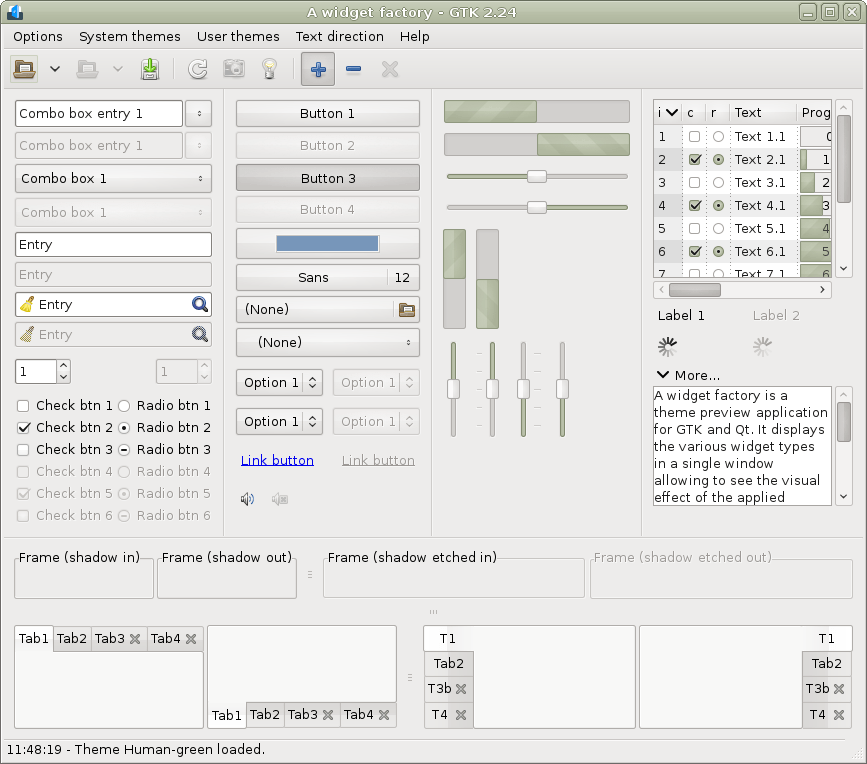
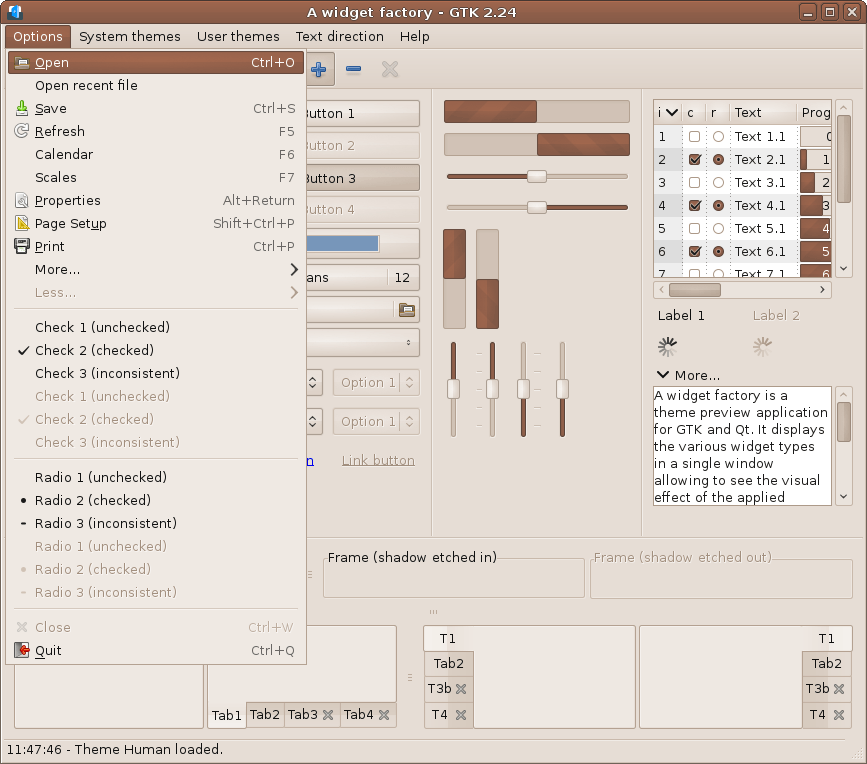
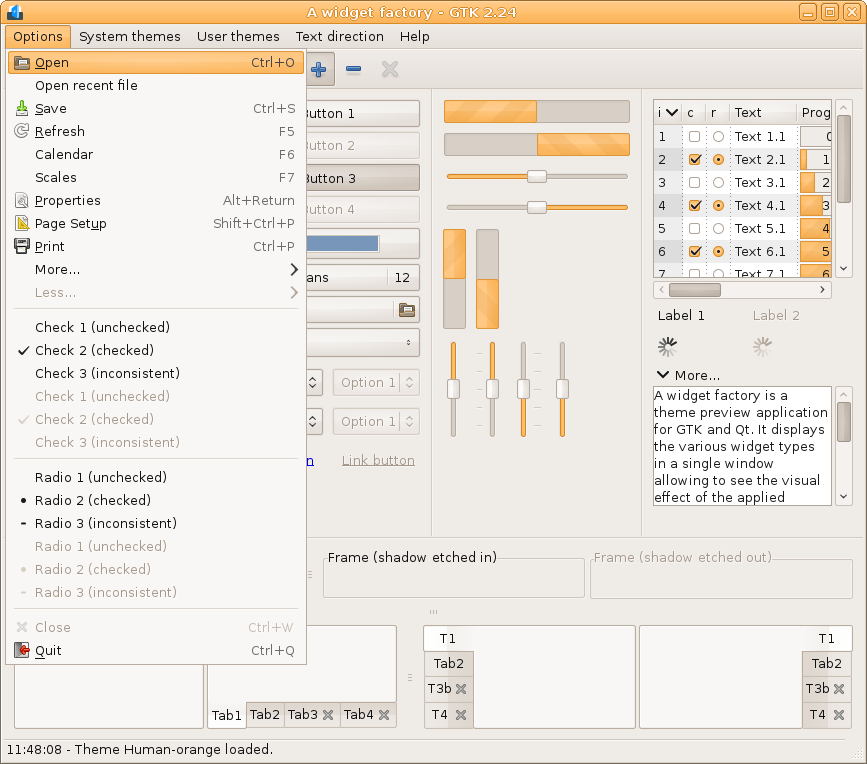
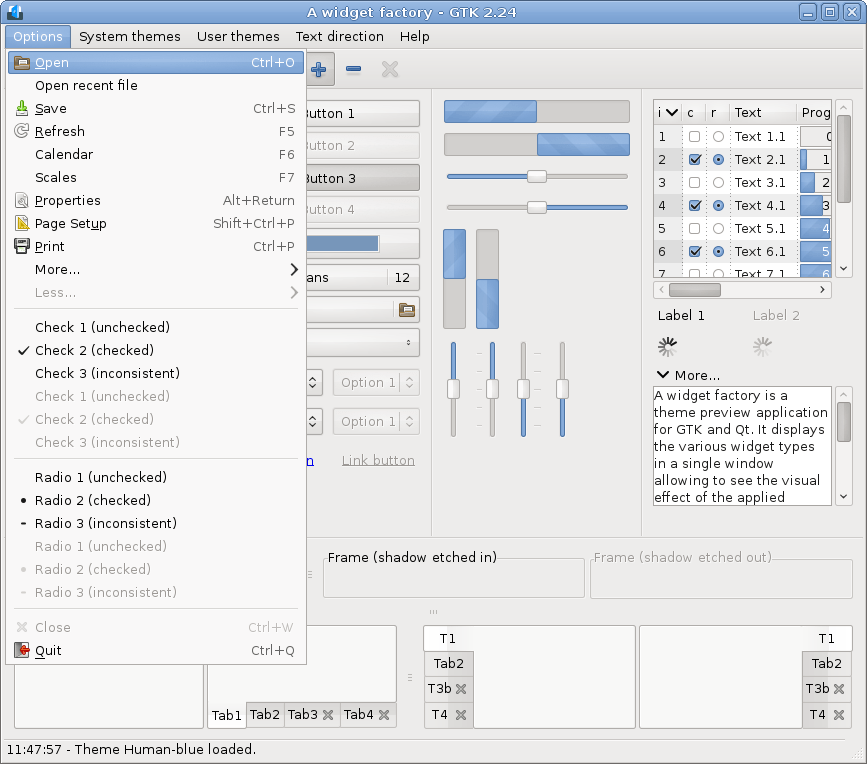
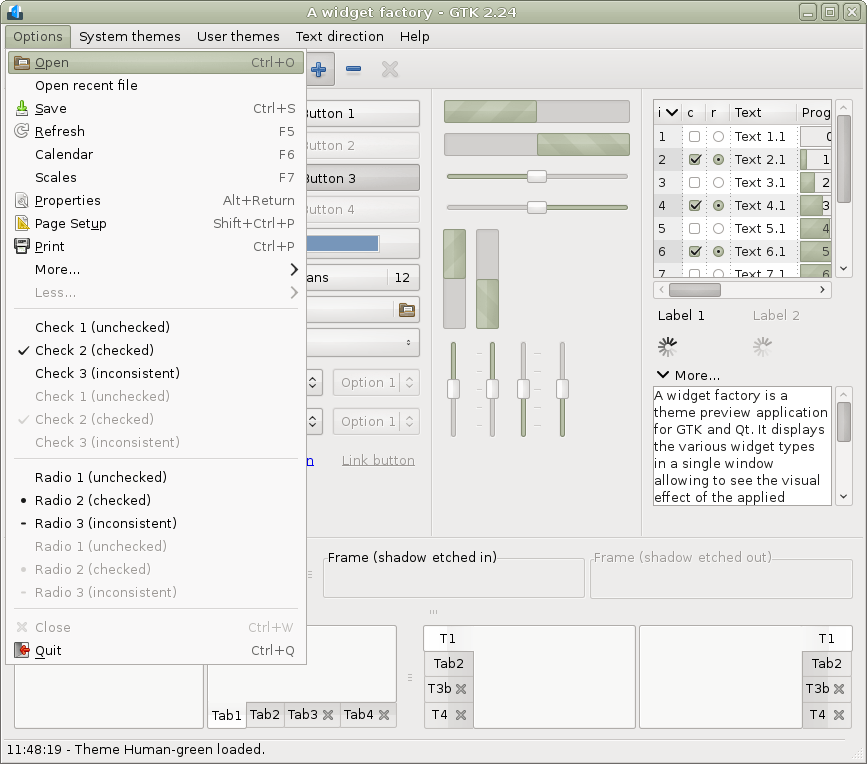
GTK 2.24 RTL (Pango 1.58)
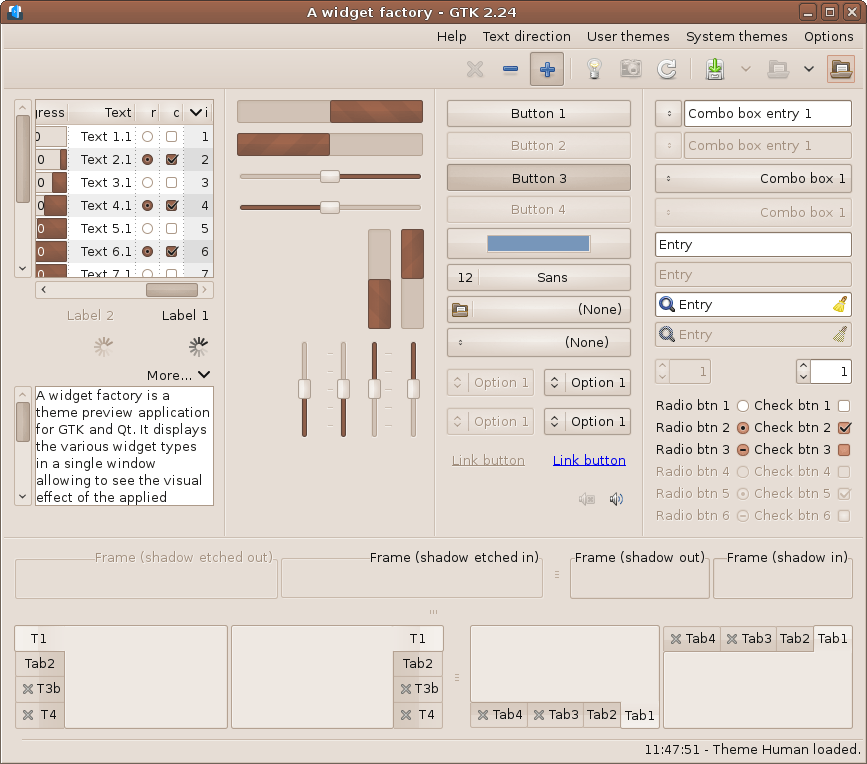
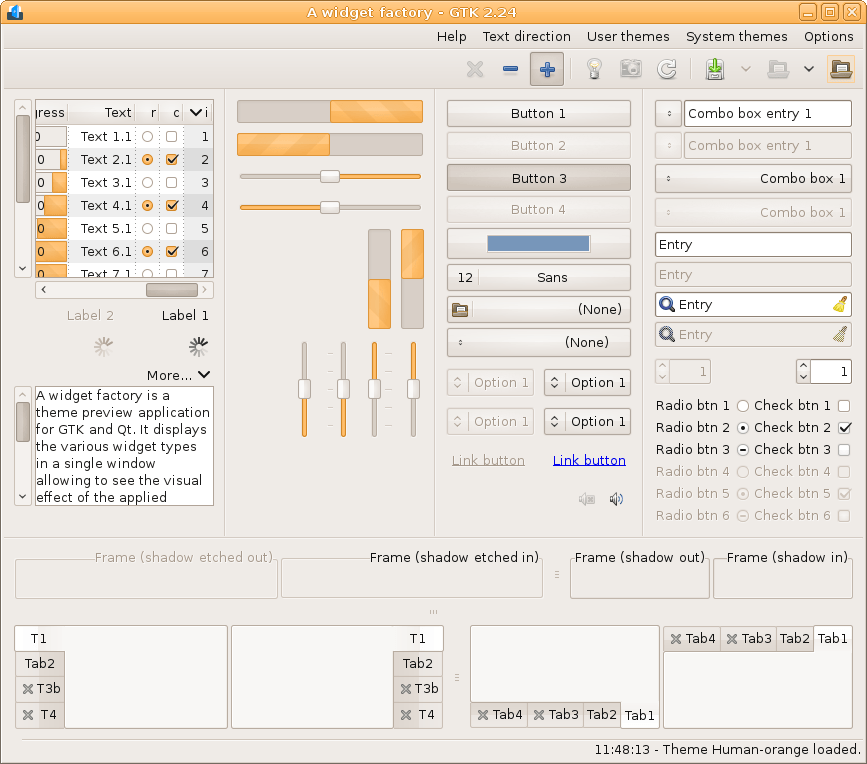
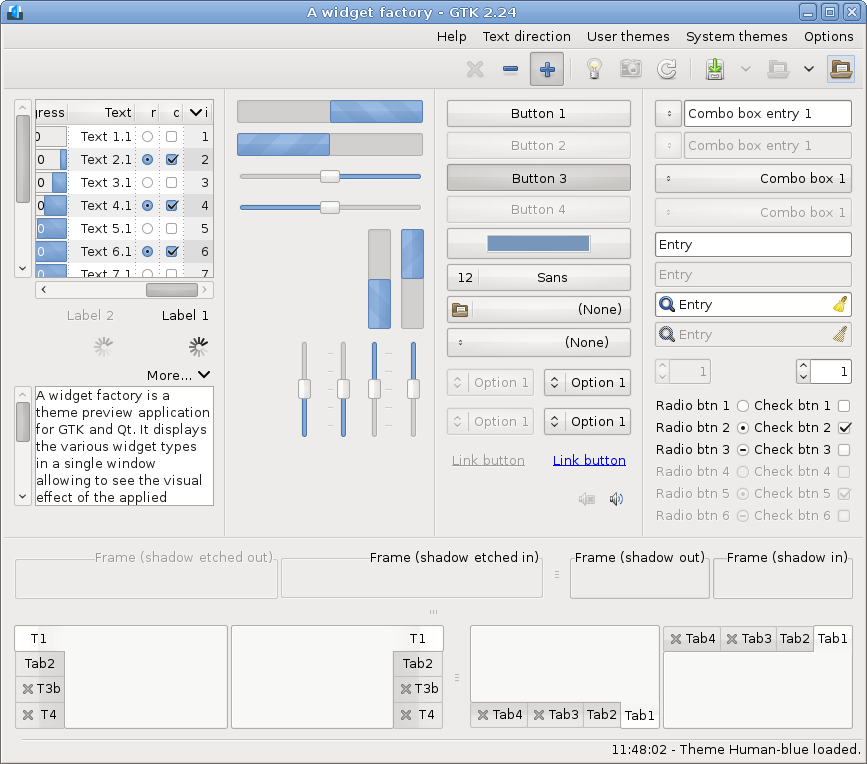
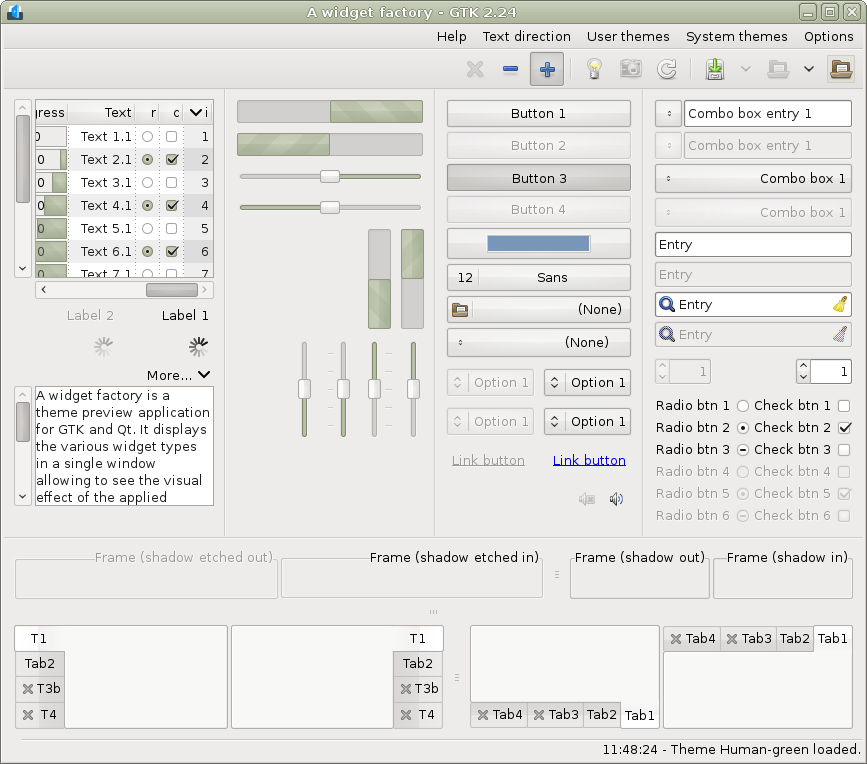
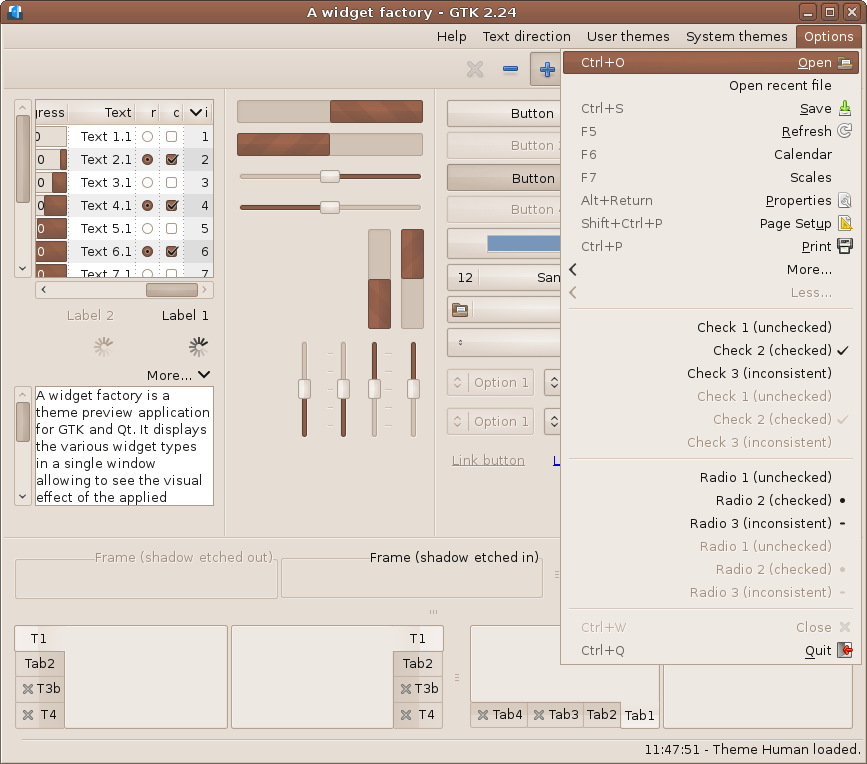
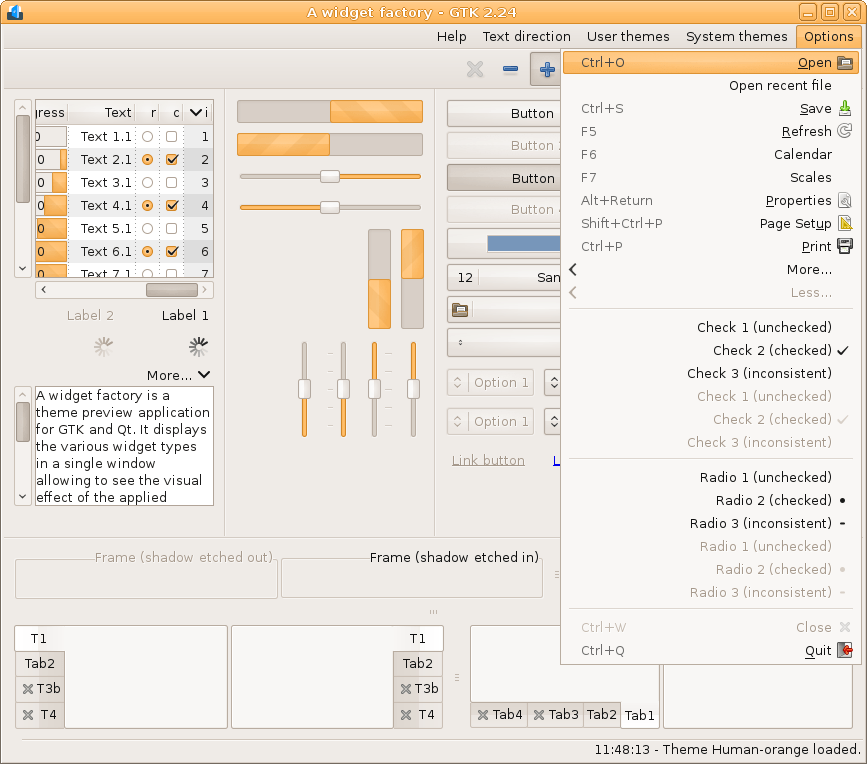
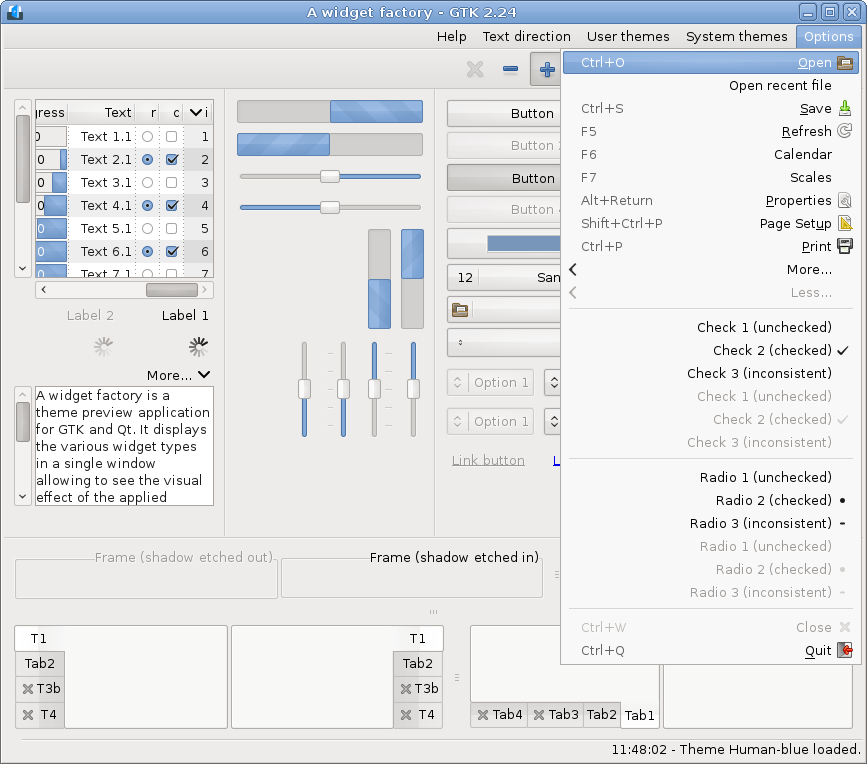
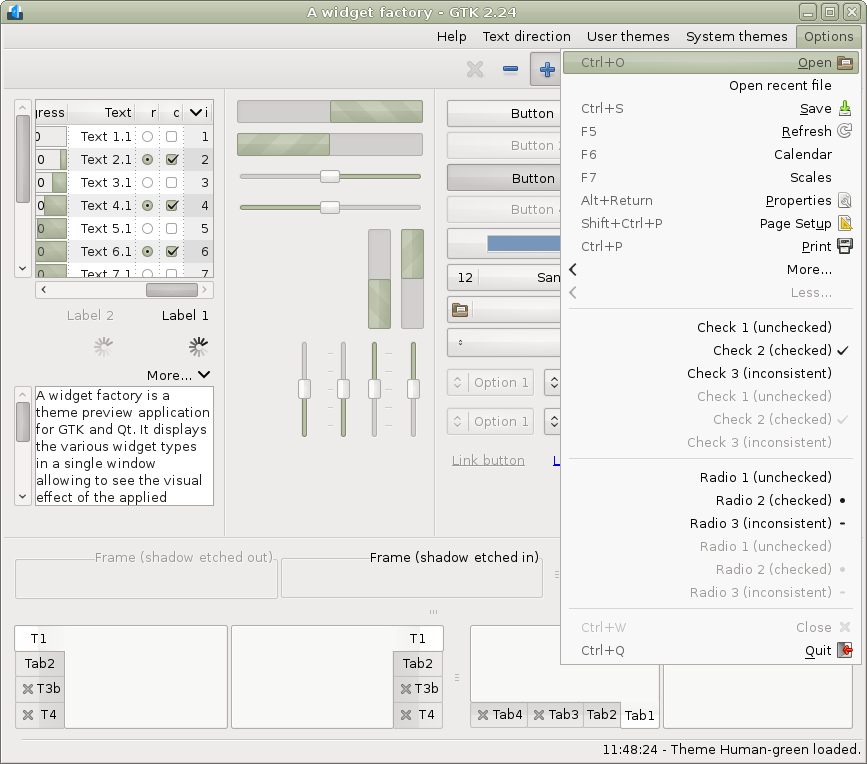
GTK 3.24-classic (Pango 1.58)
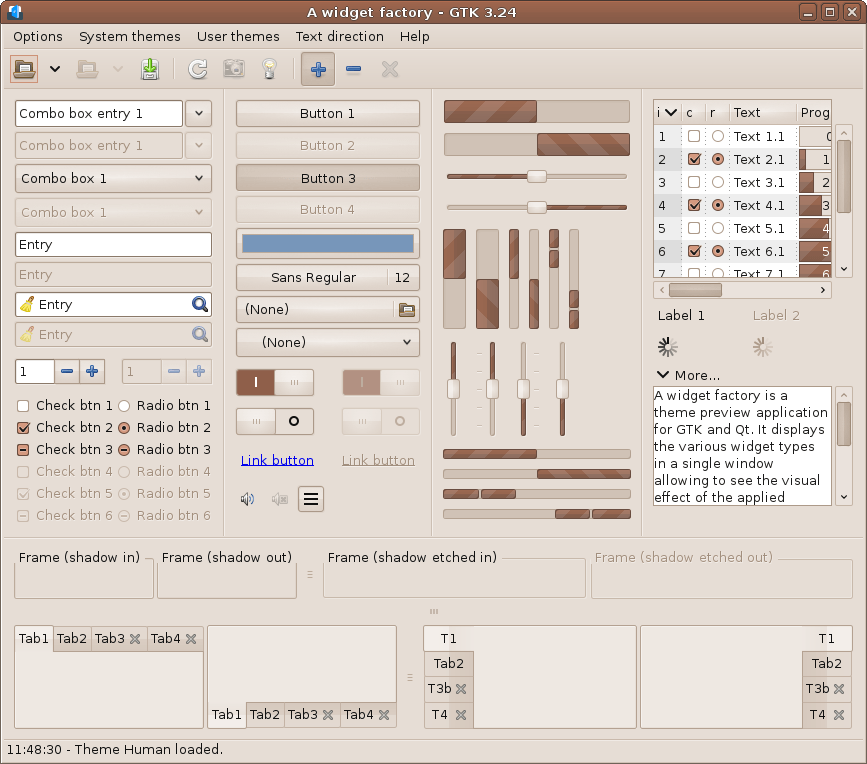
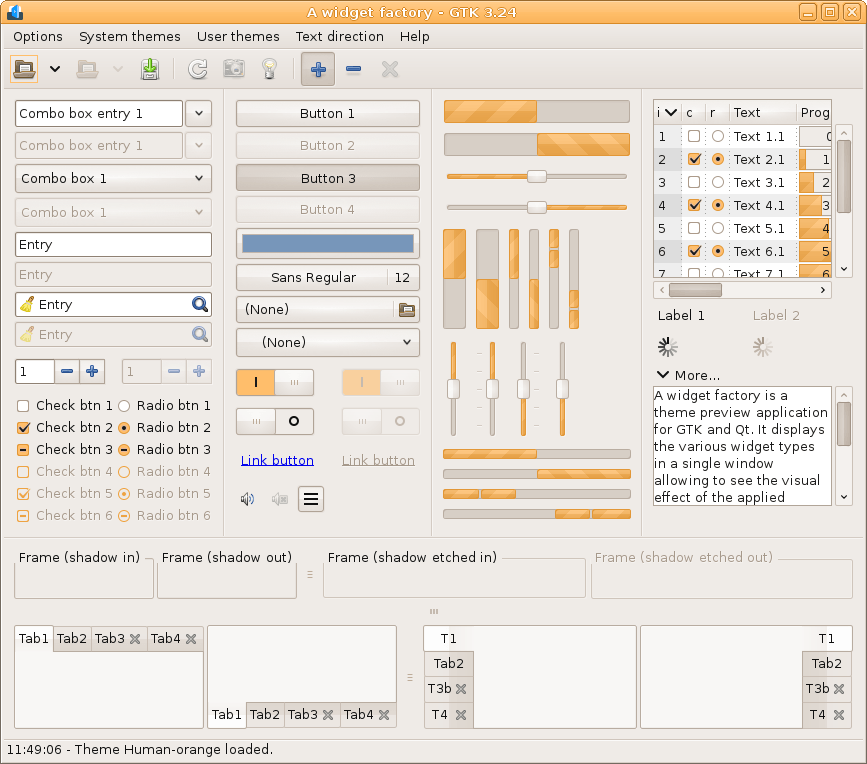
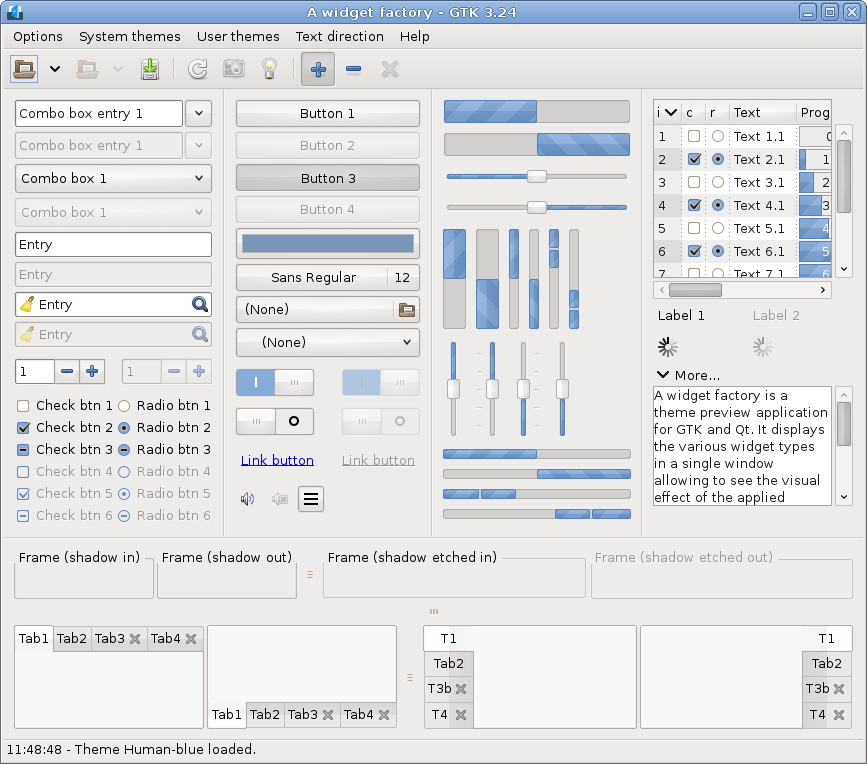
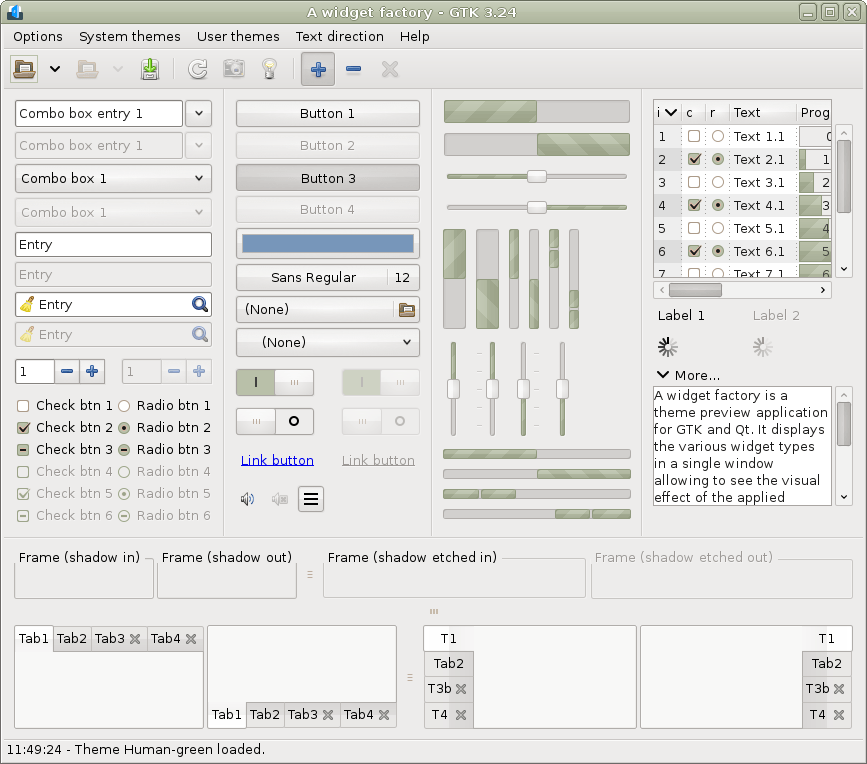
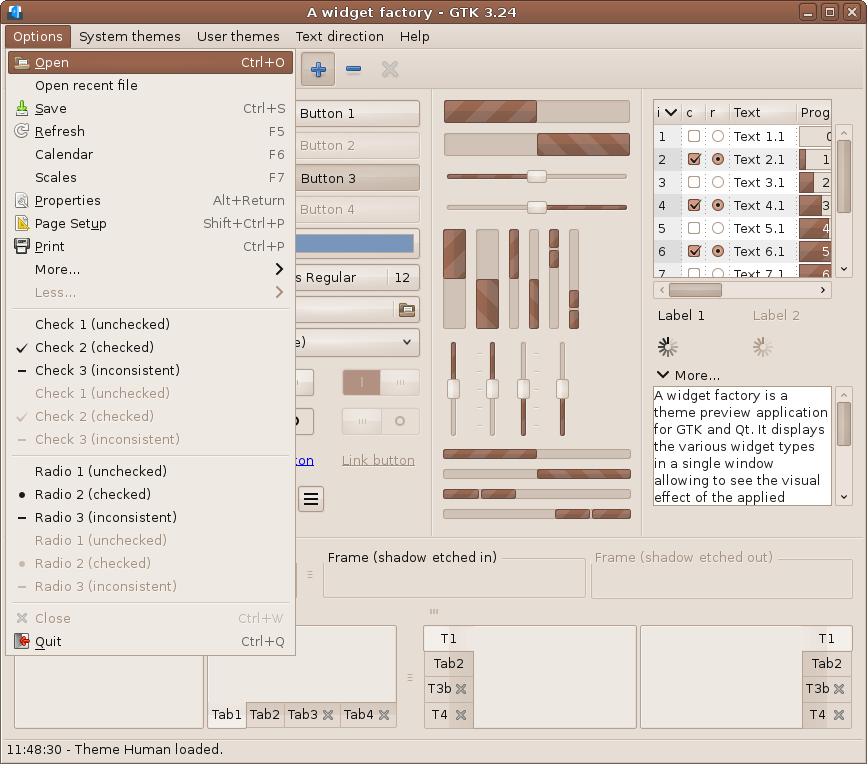
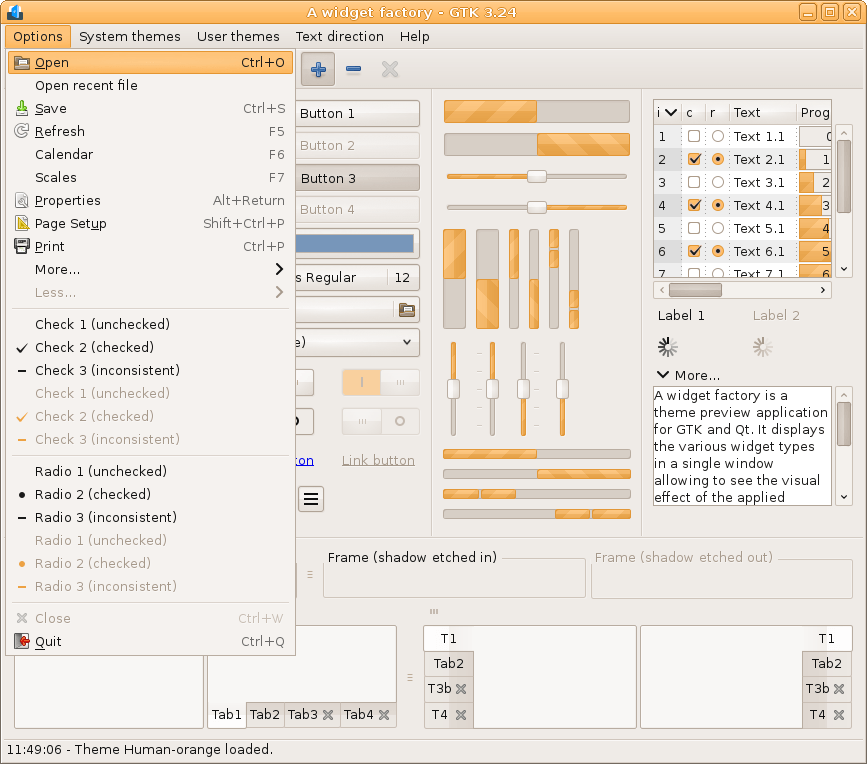
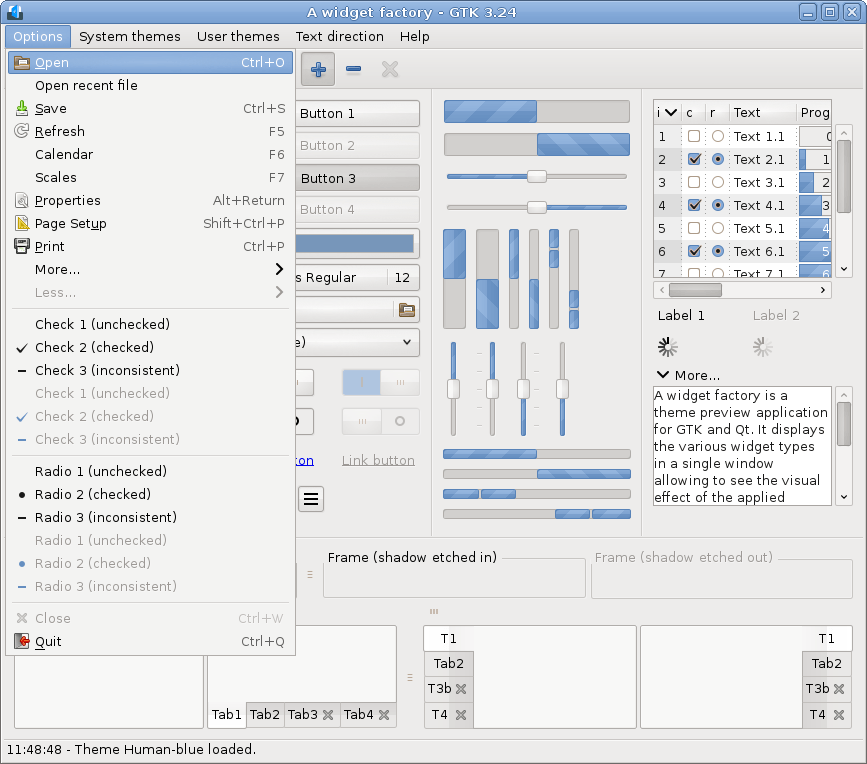
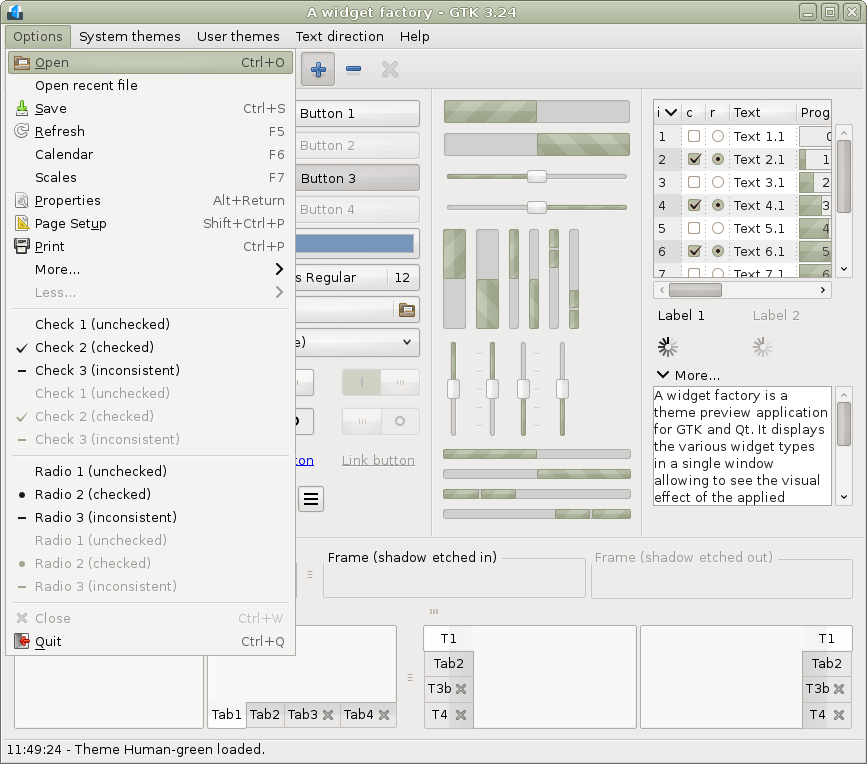
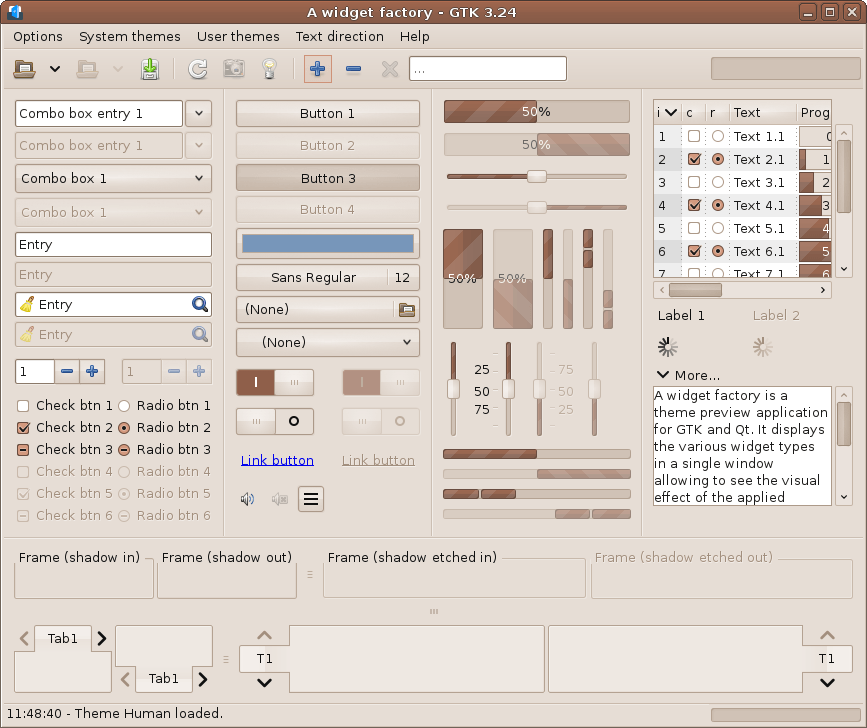
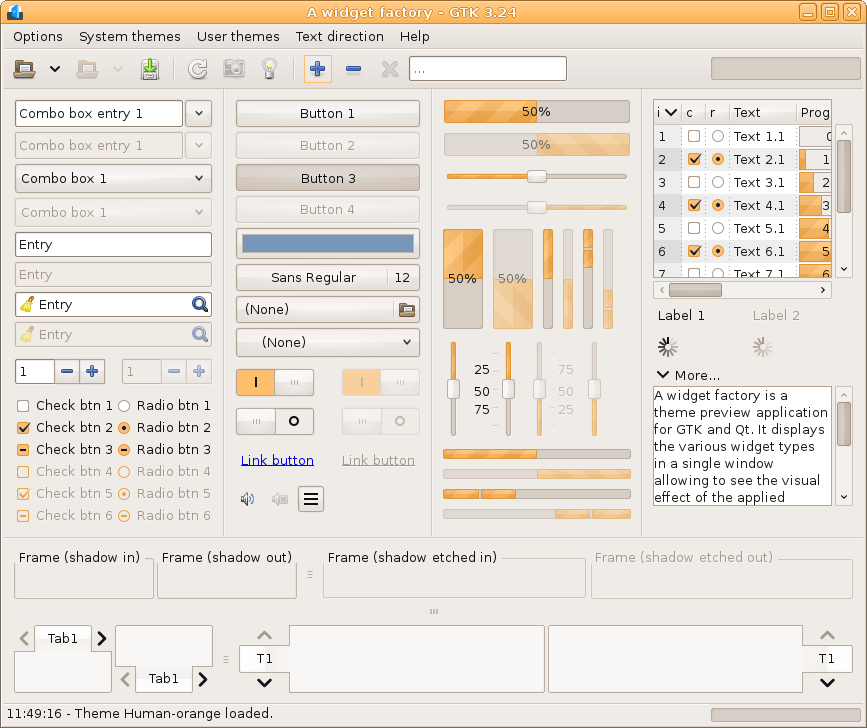
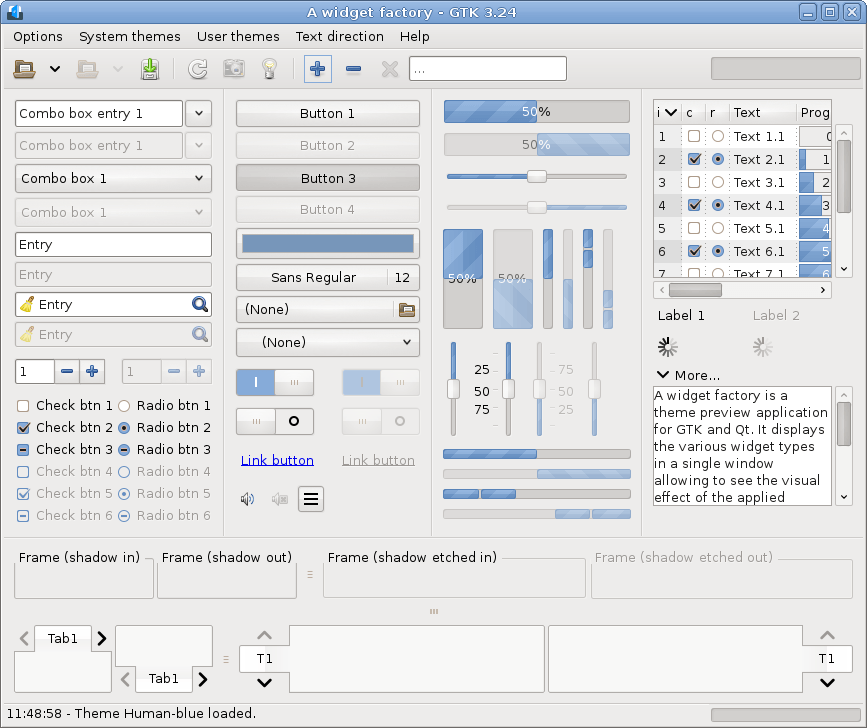
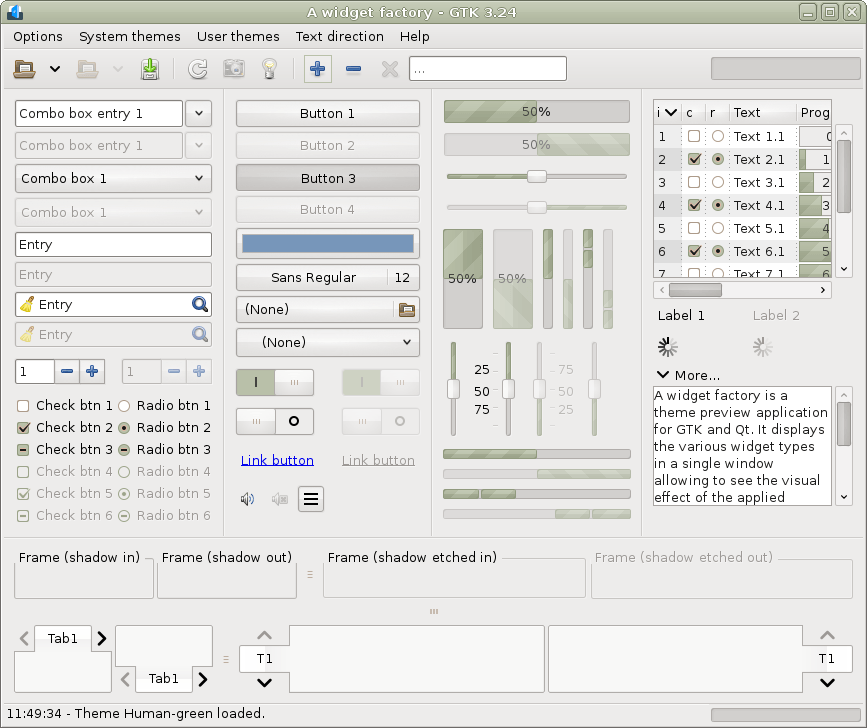
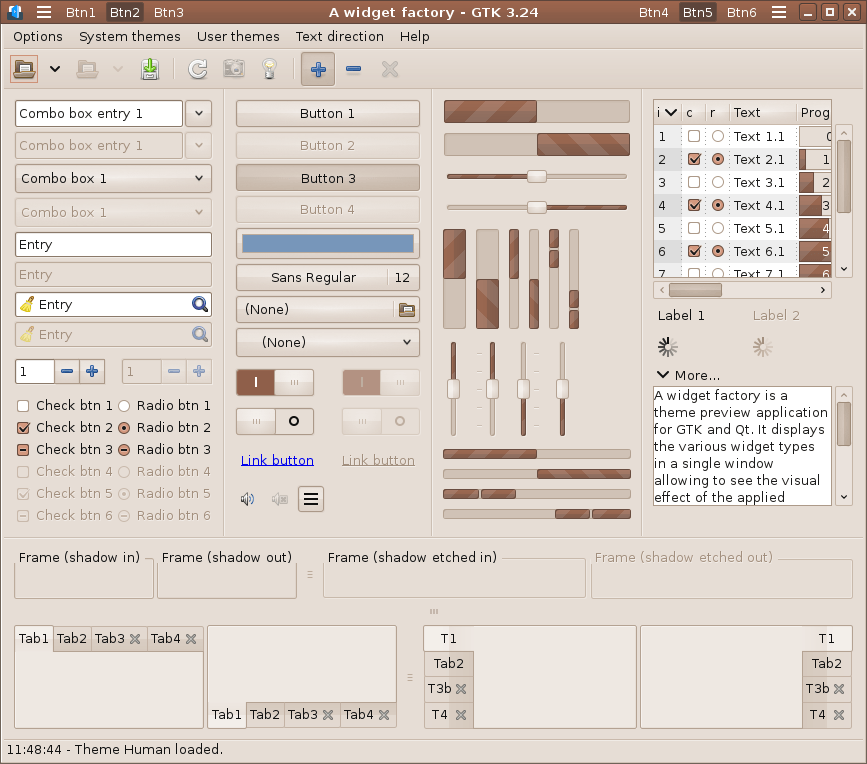
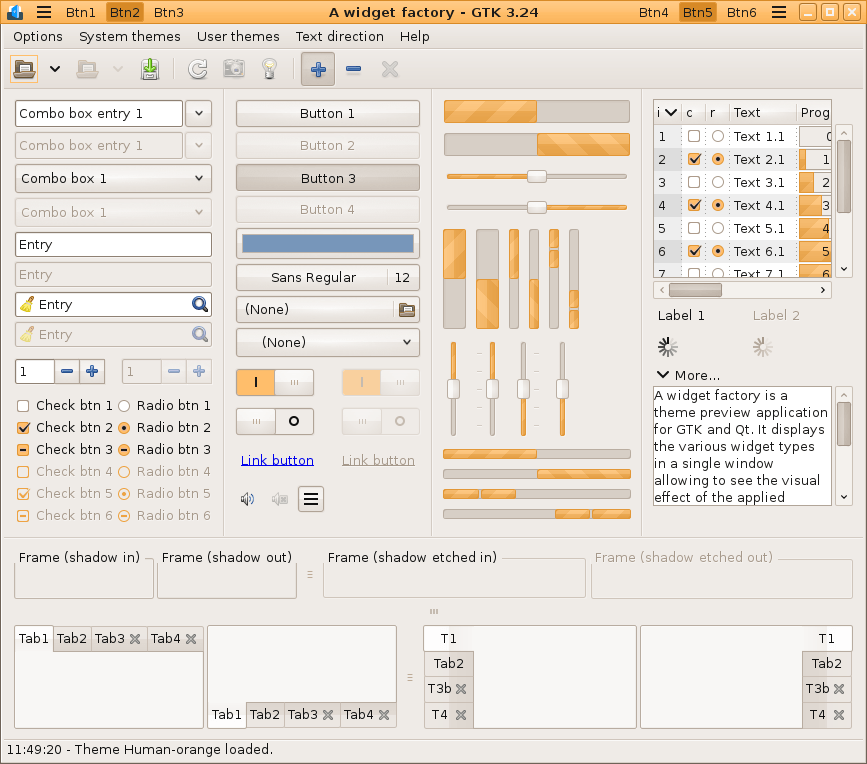
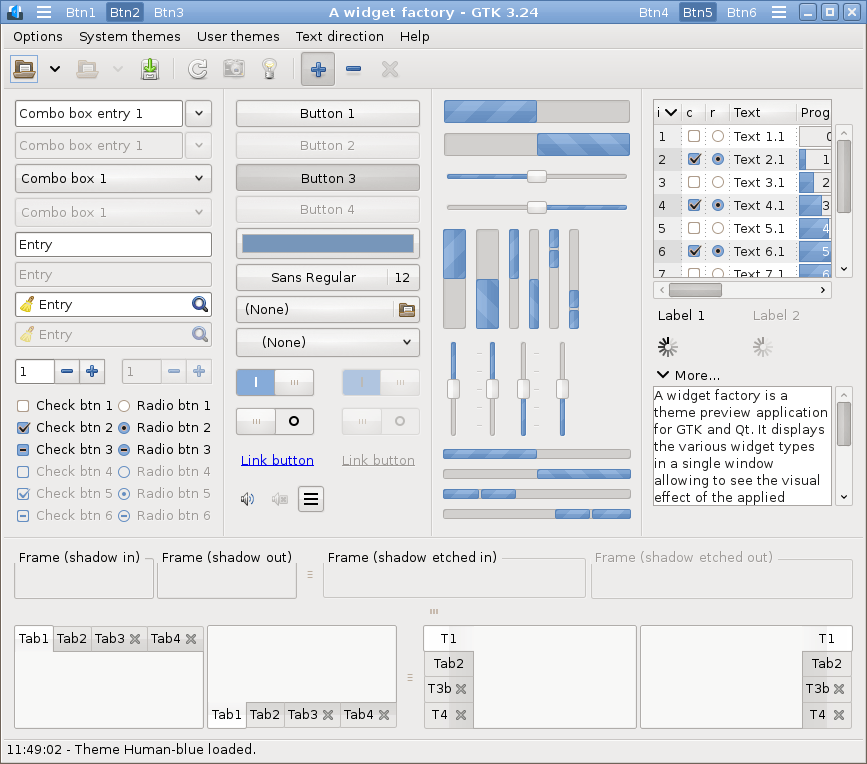
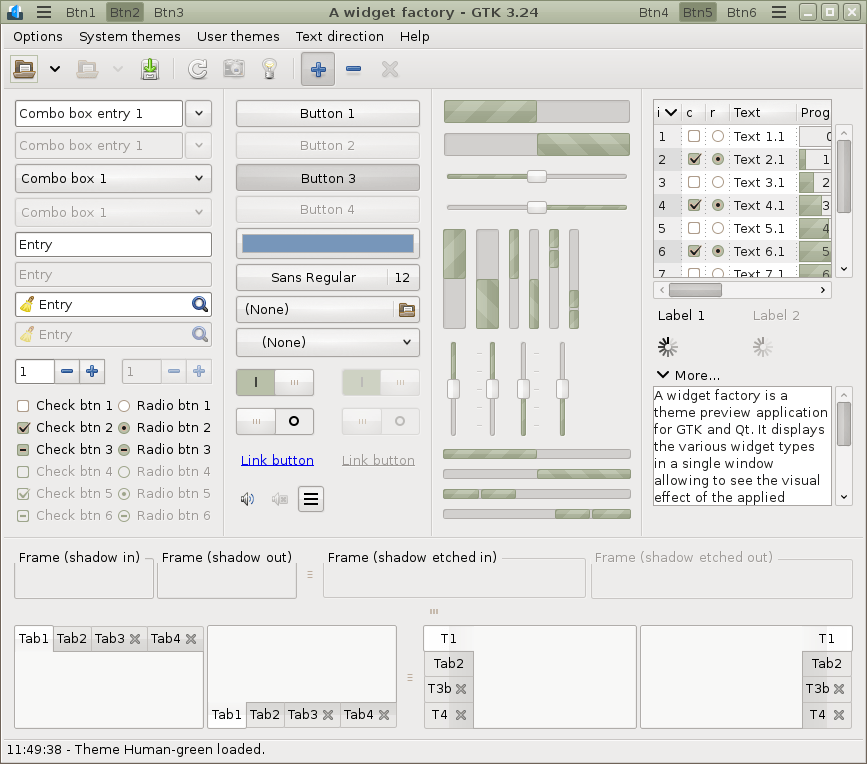
GTK 3.24-classic RTL (Pango 1.58)
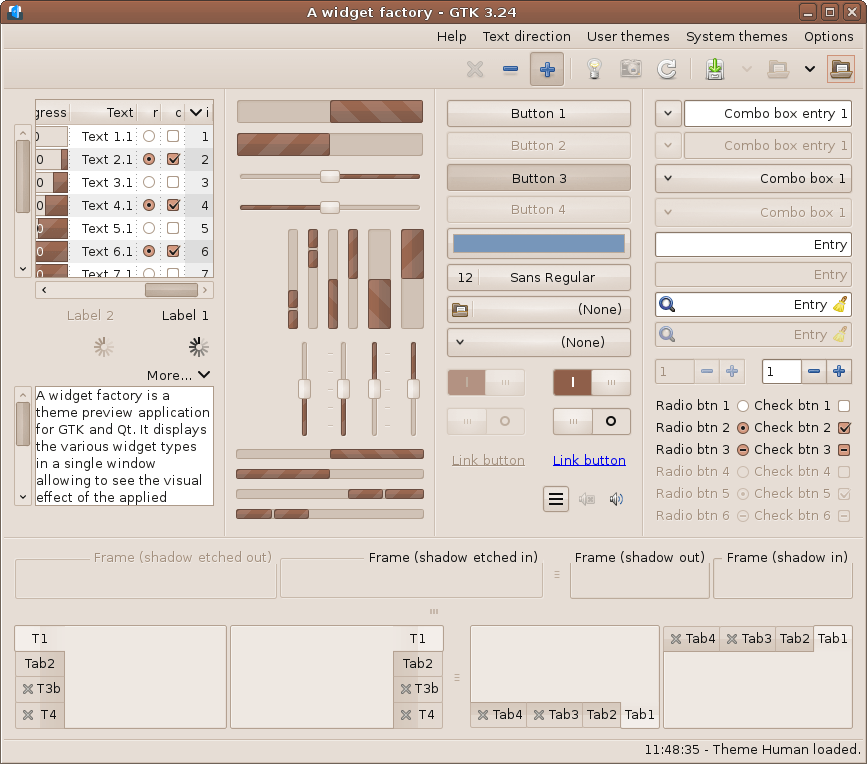
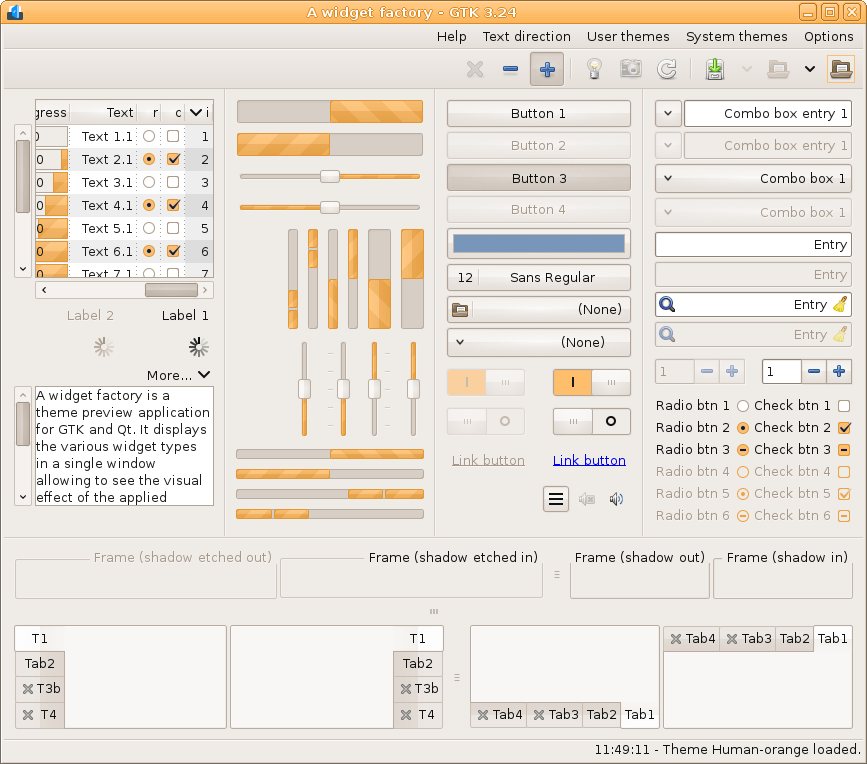
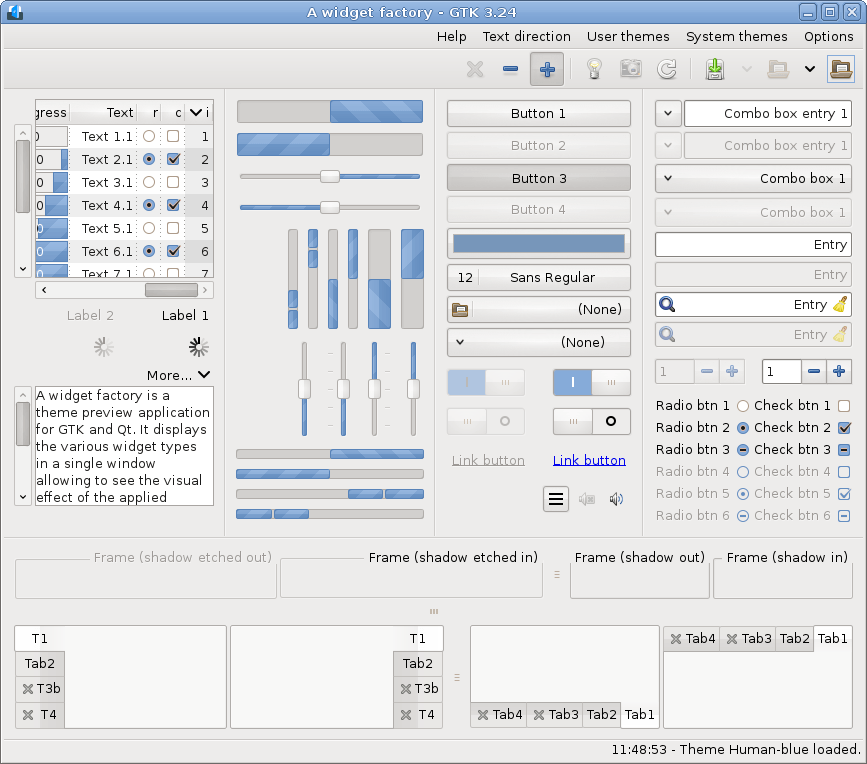
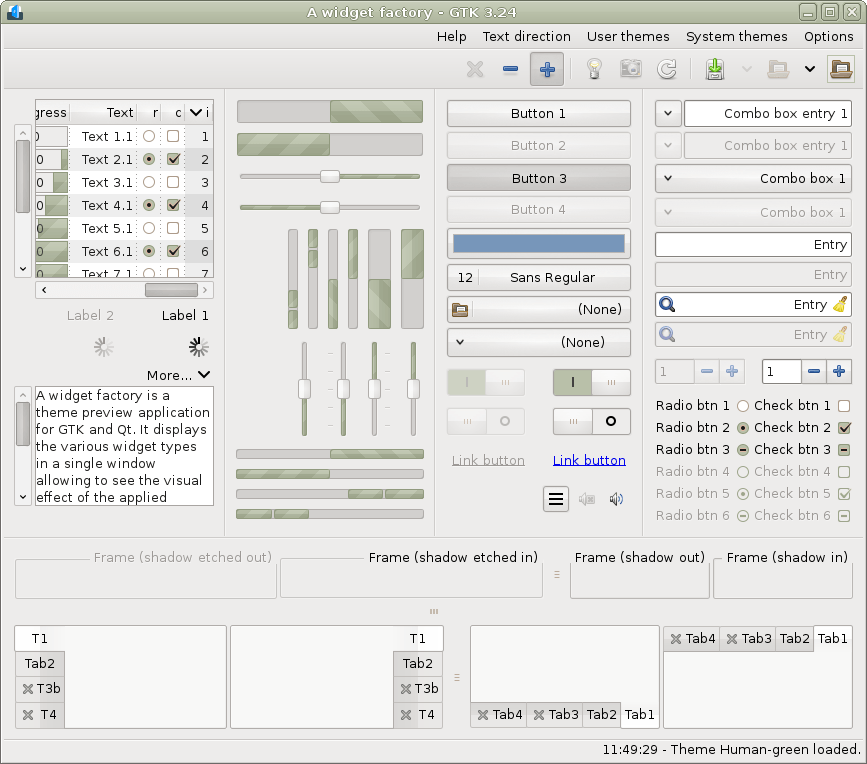
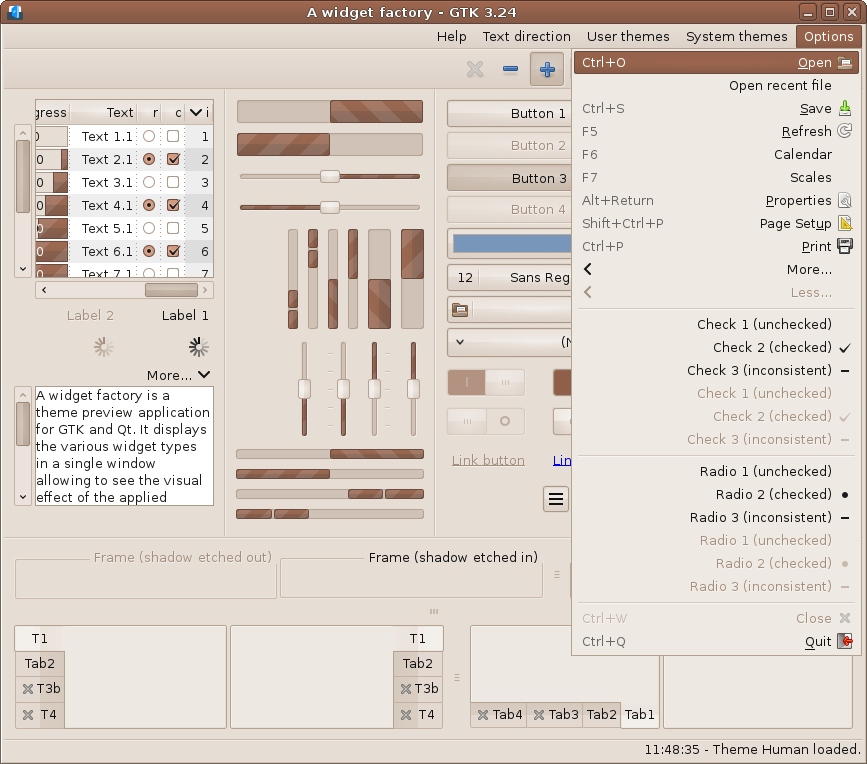
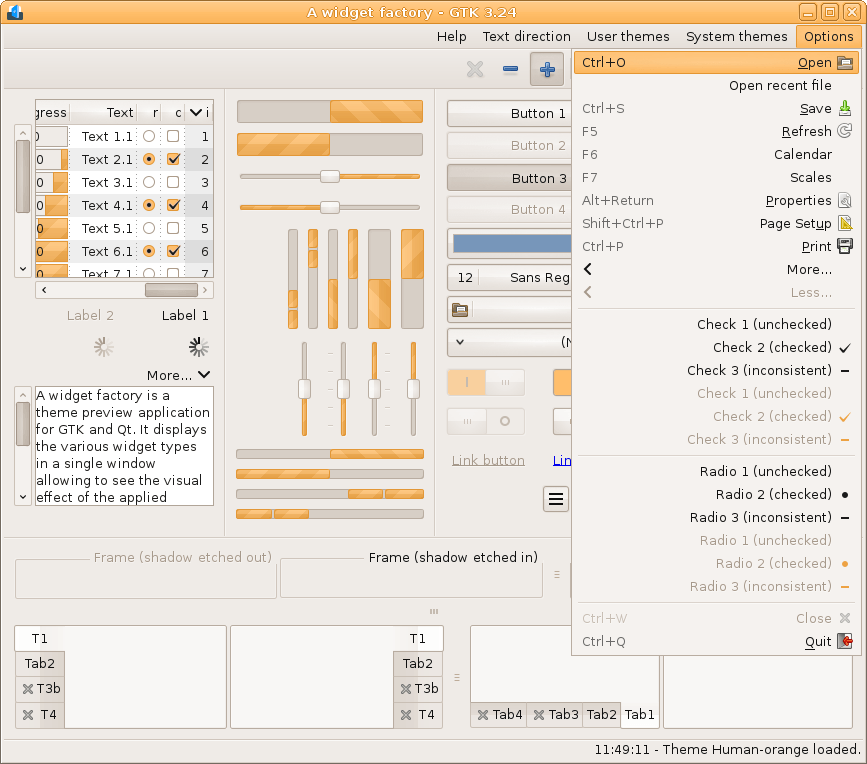
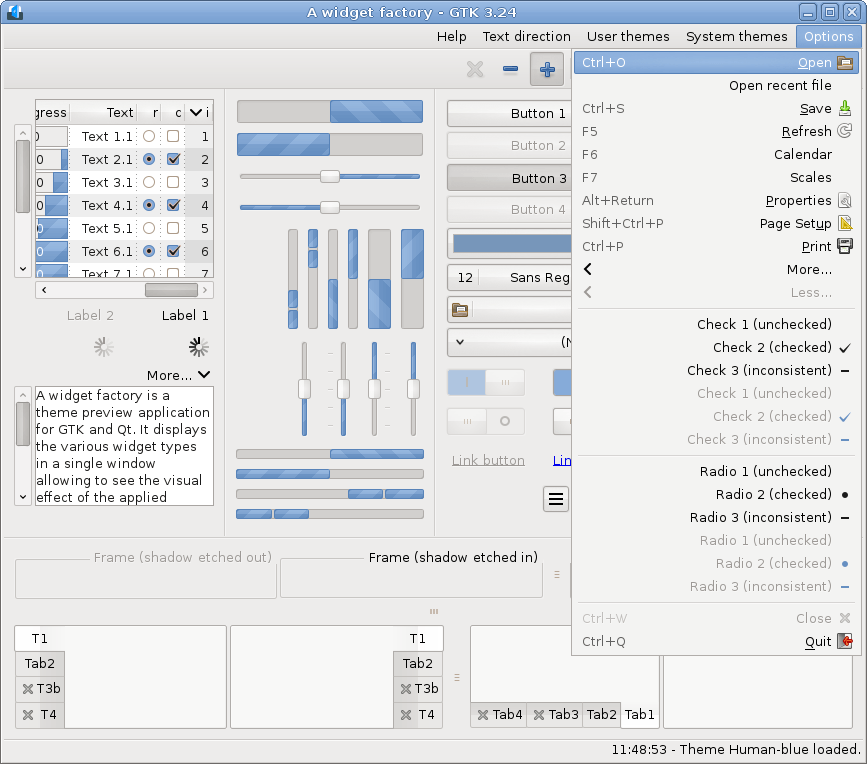
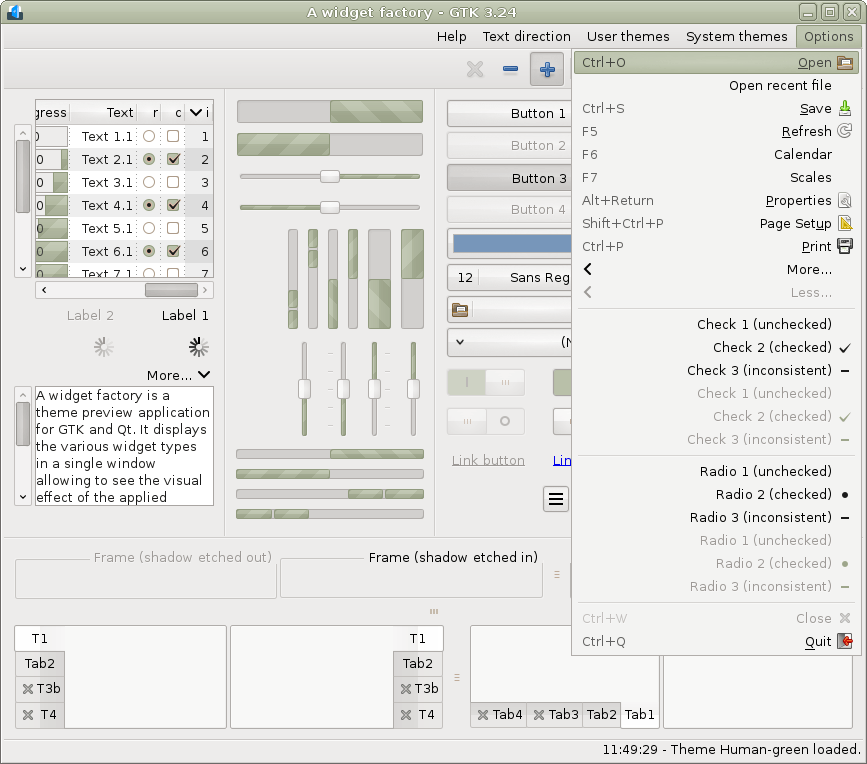
GTK 4.8..4.23-classic (Pango 1.58)
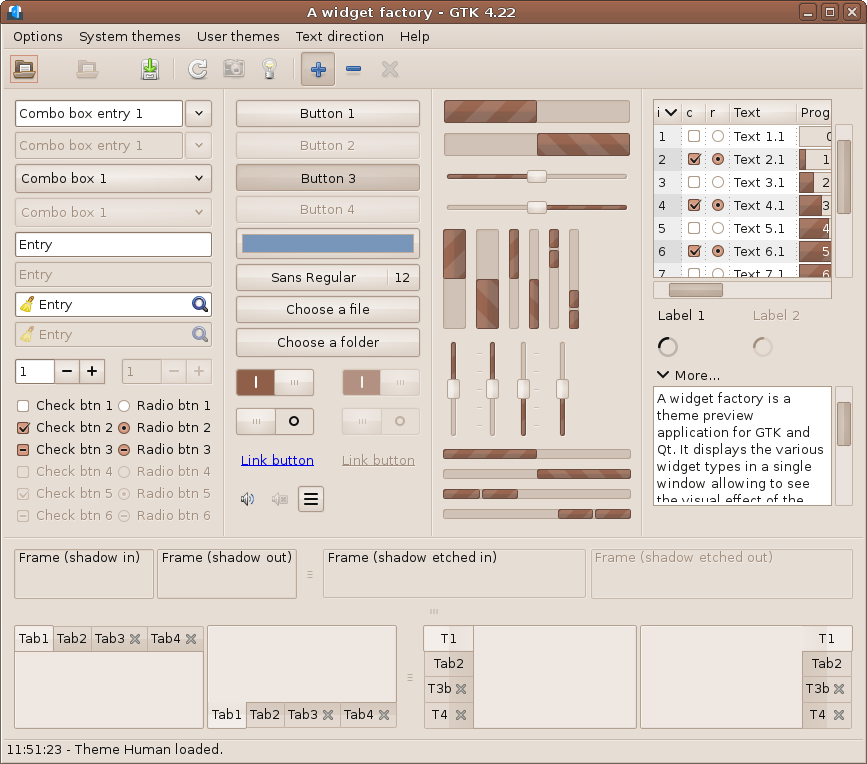
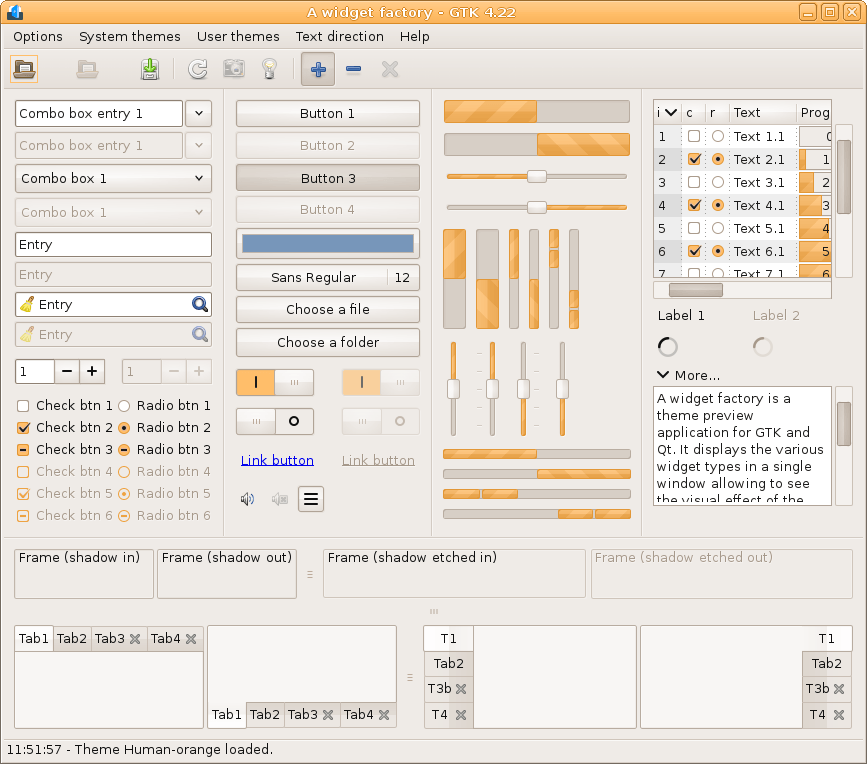
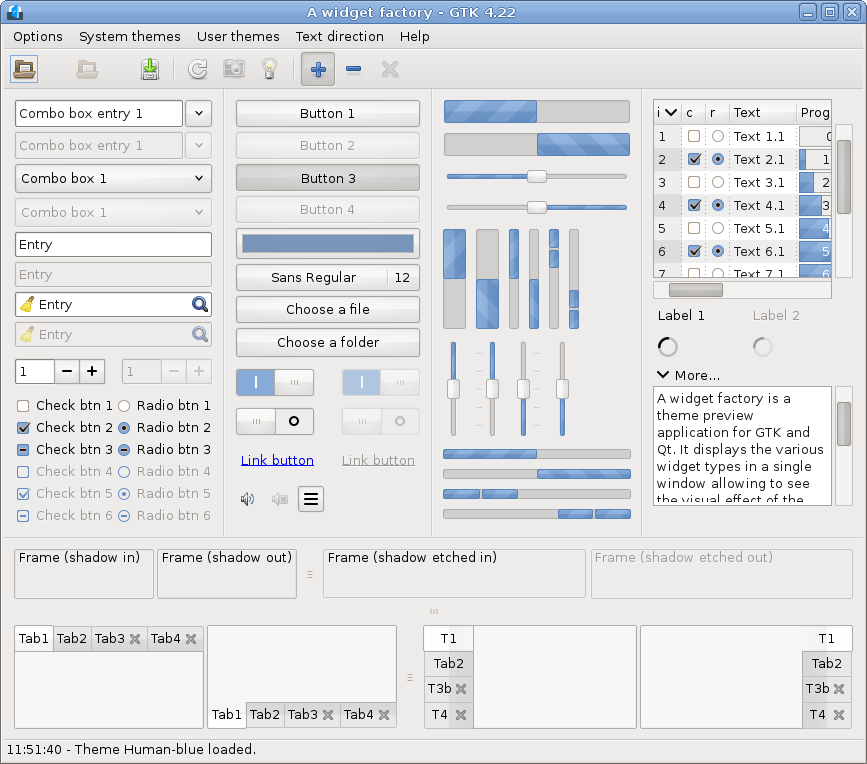
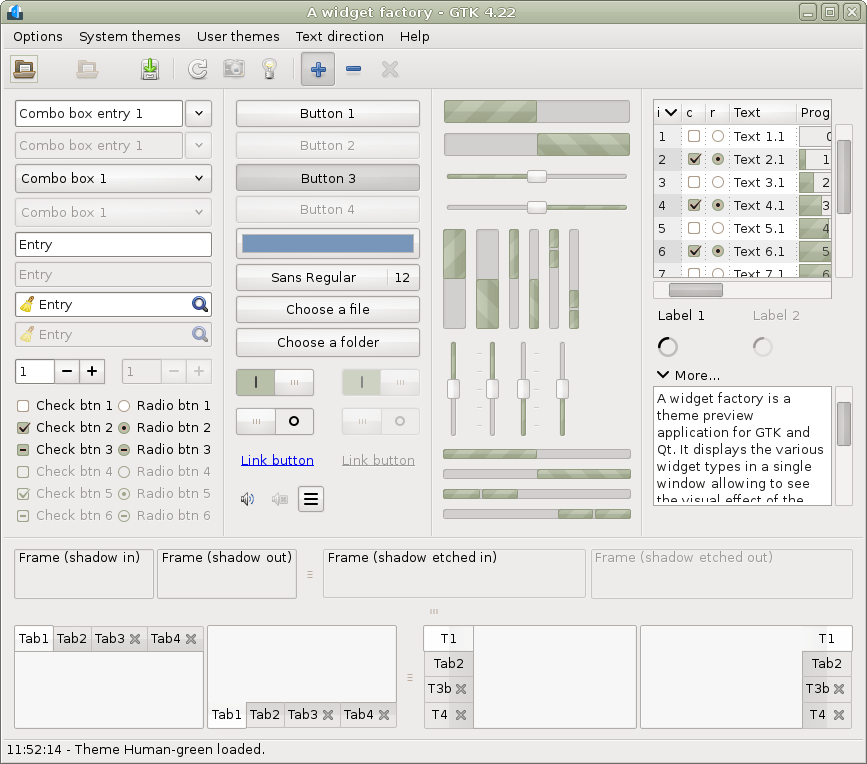
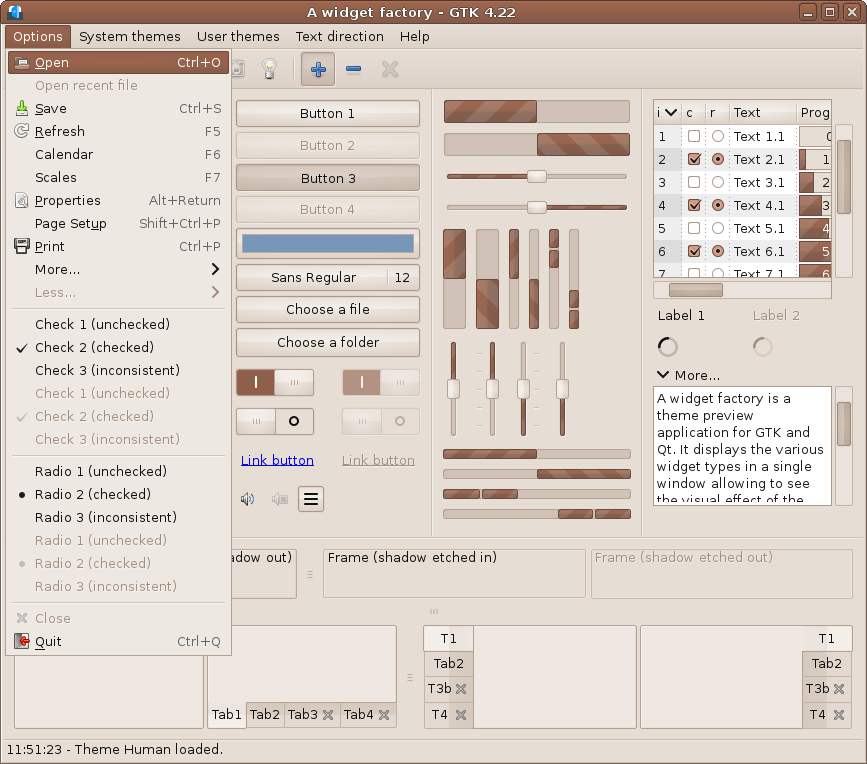
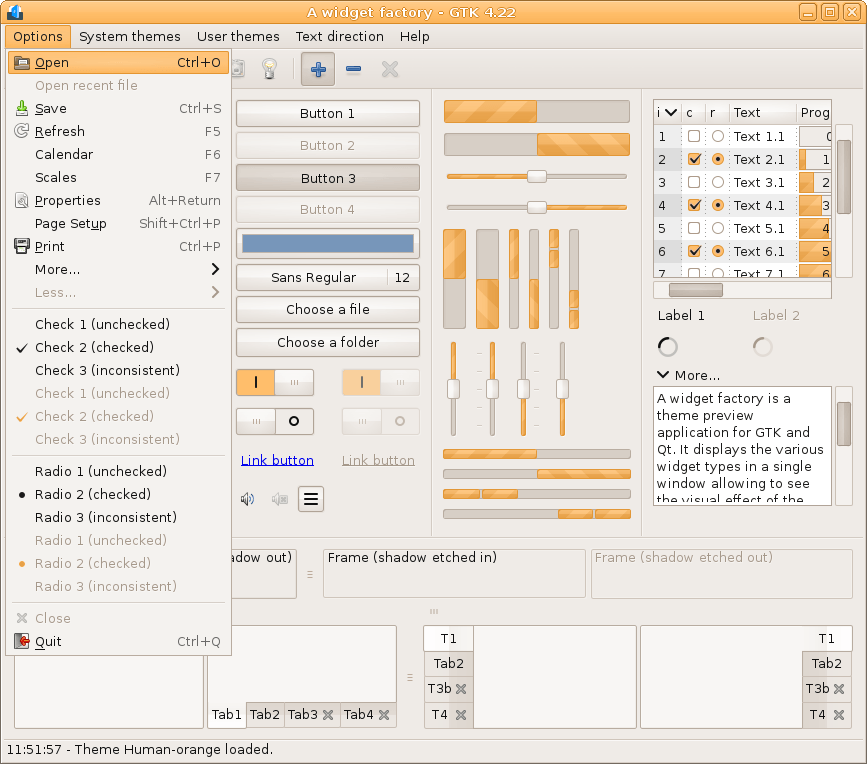
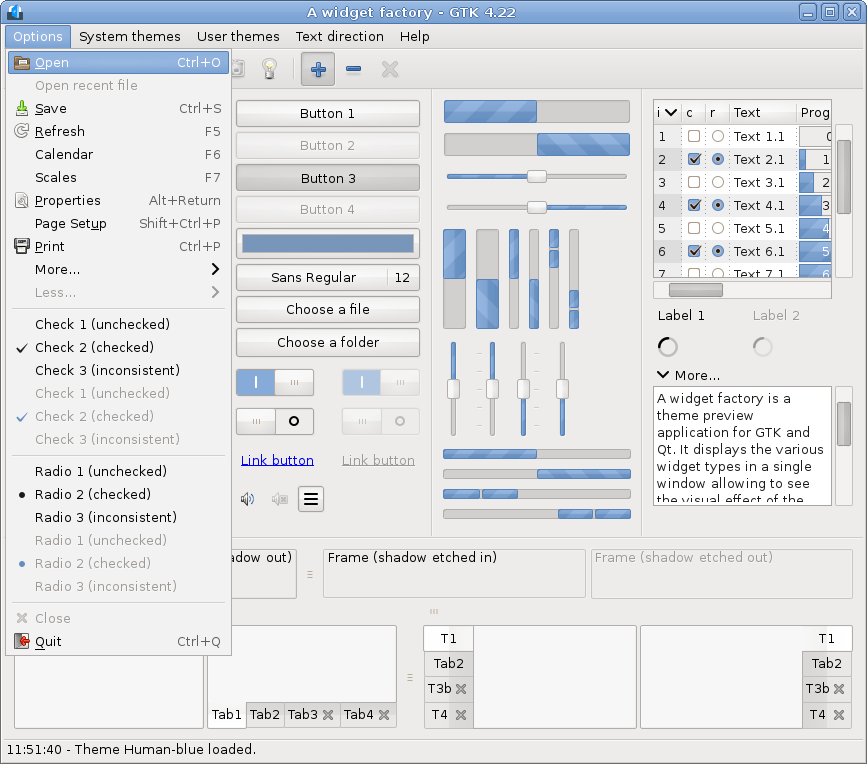
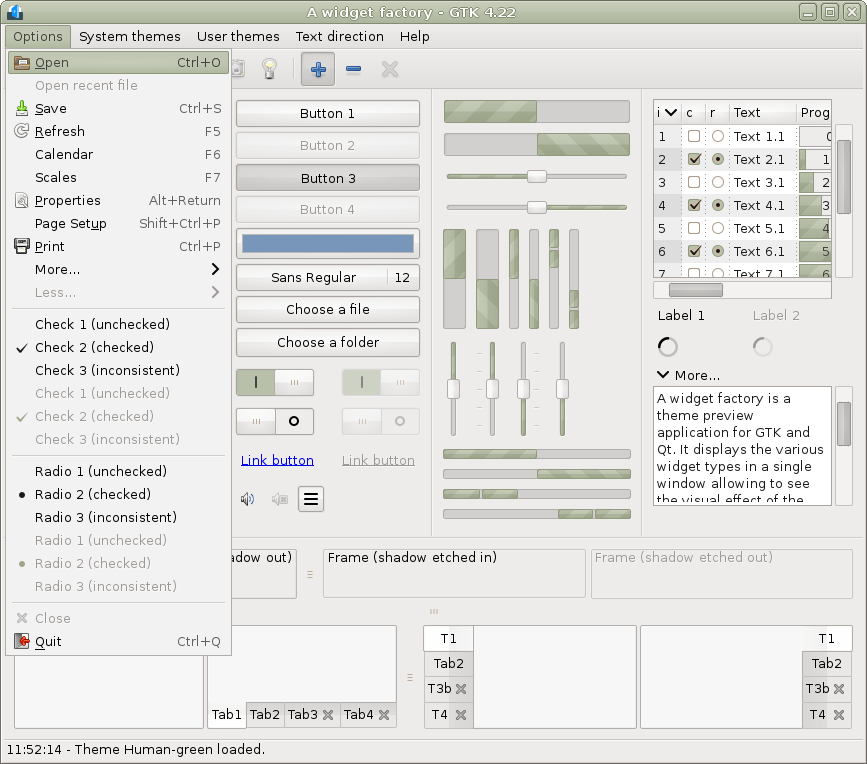
GTK 4.8..4.23-classic RTL (Pango 1.58)
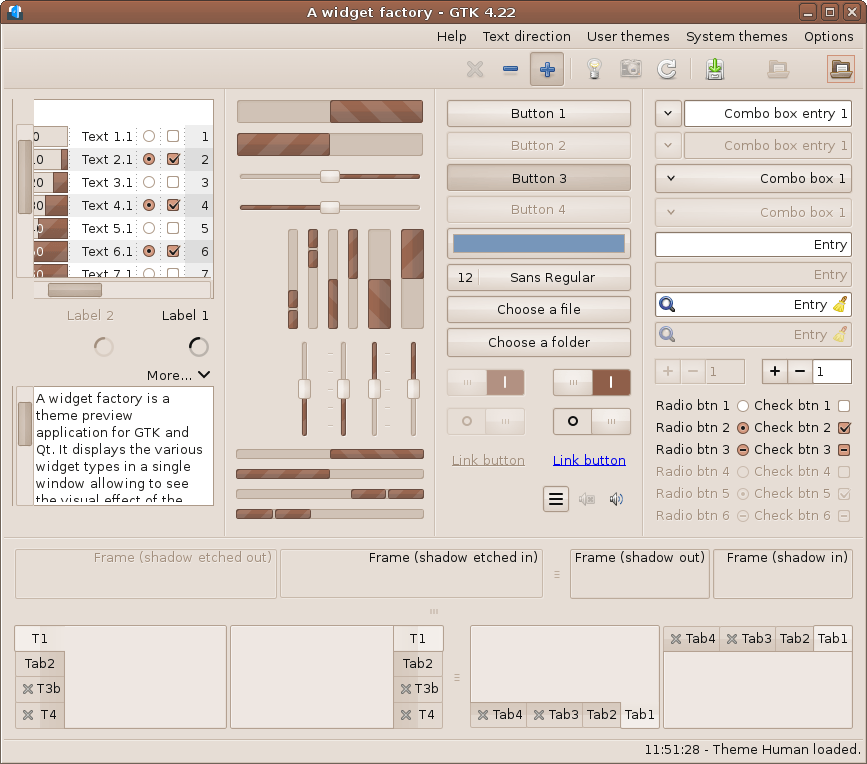
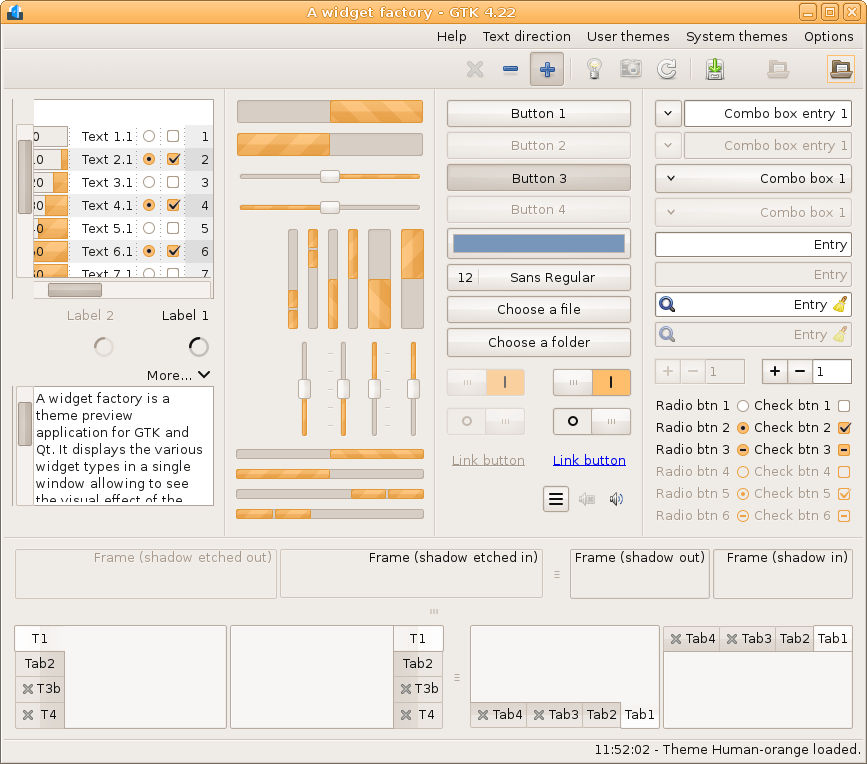
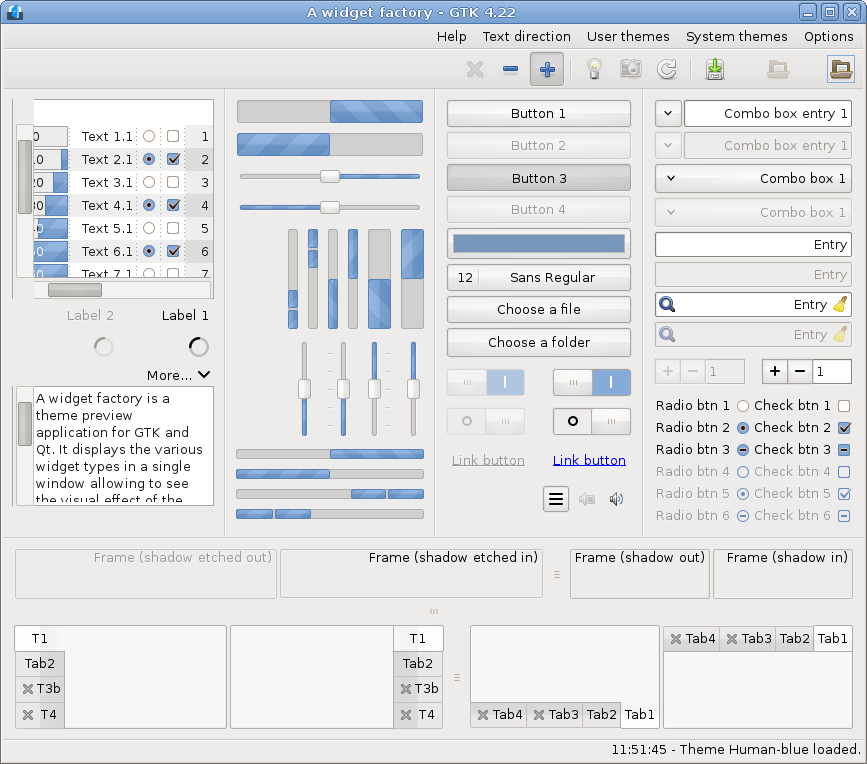
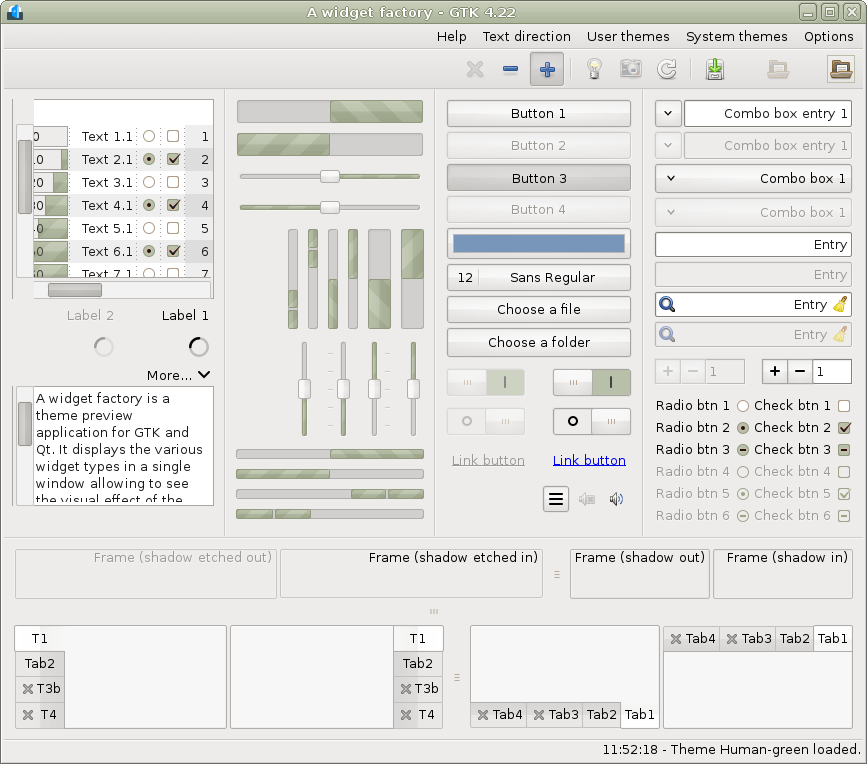
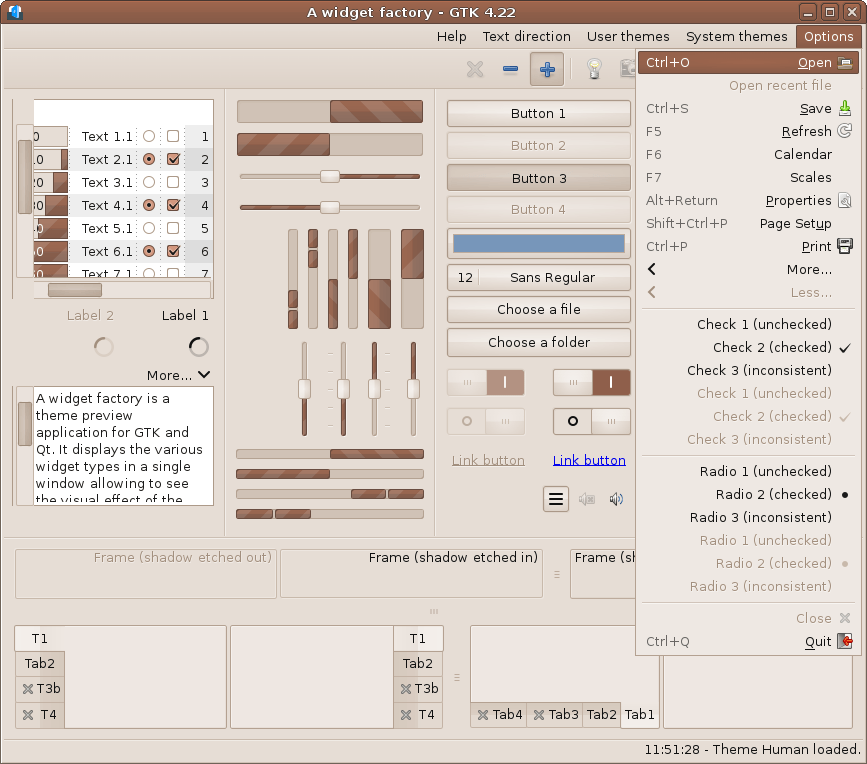
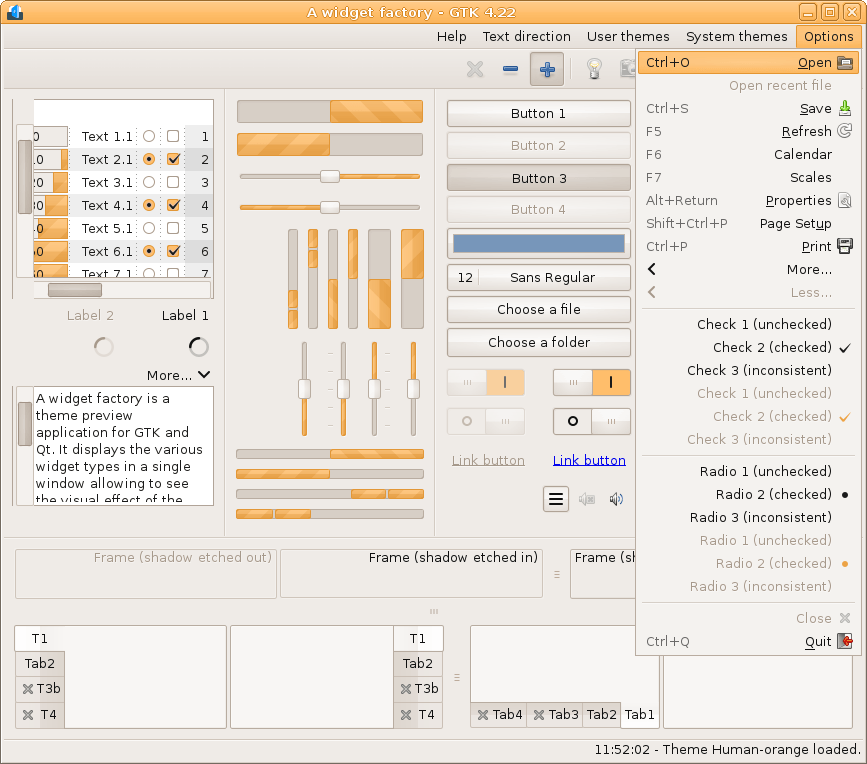
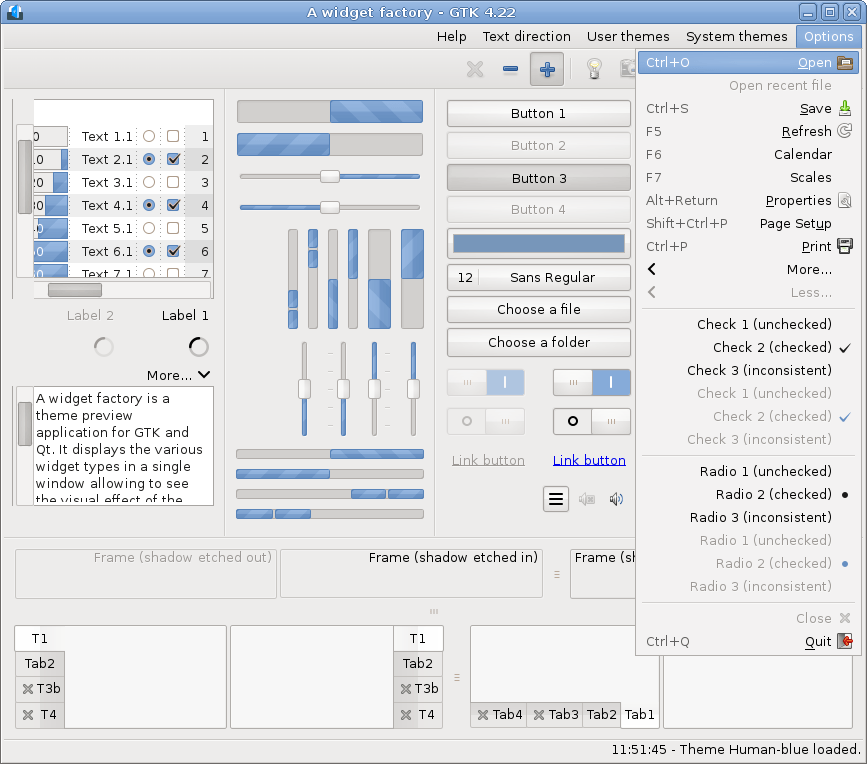
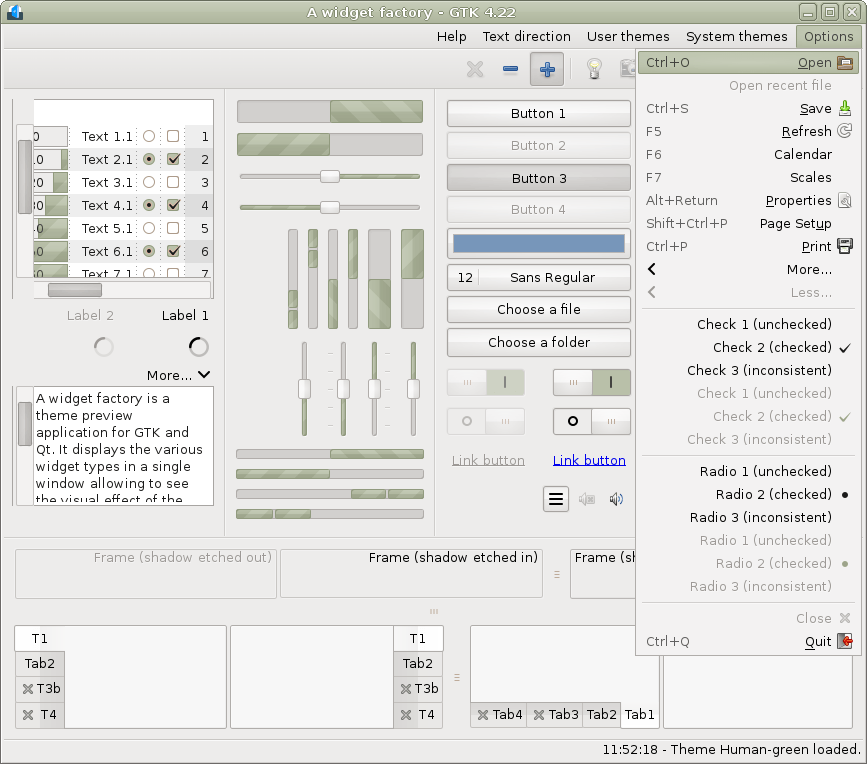
GTK 5.0
GtkWindow will likely be deprecated... lol
Qt 5.15
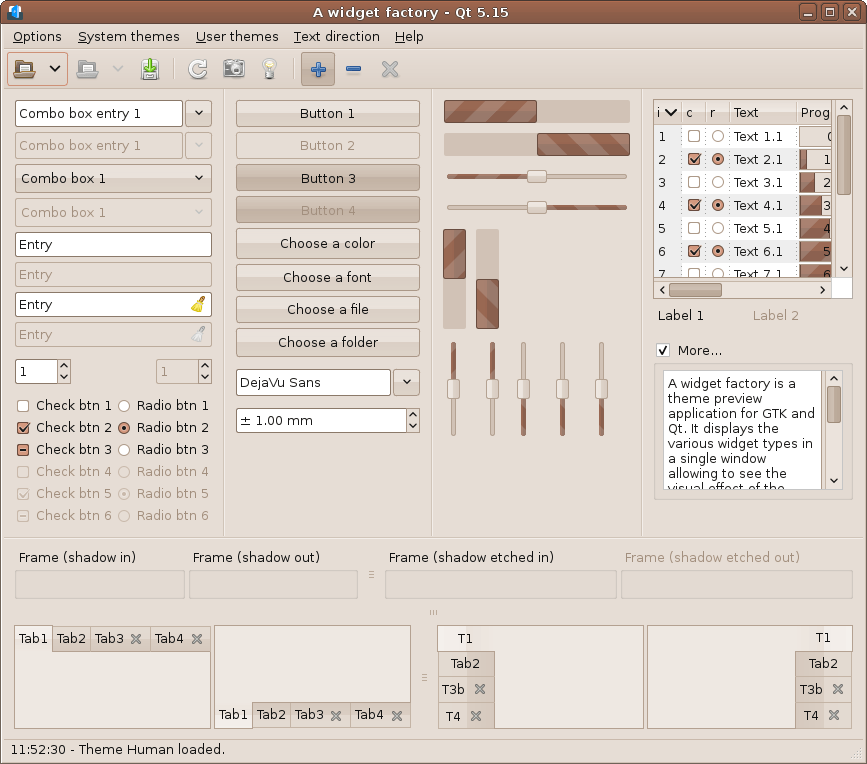
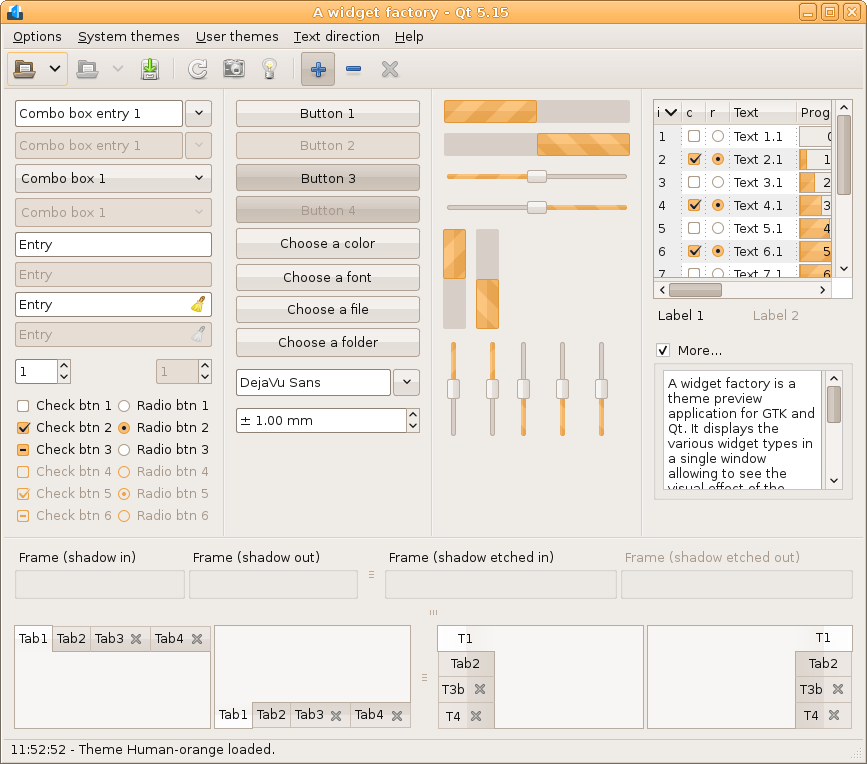
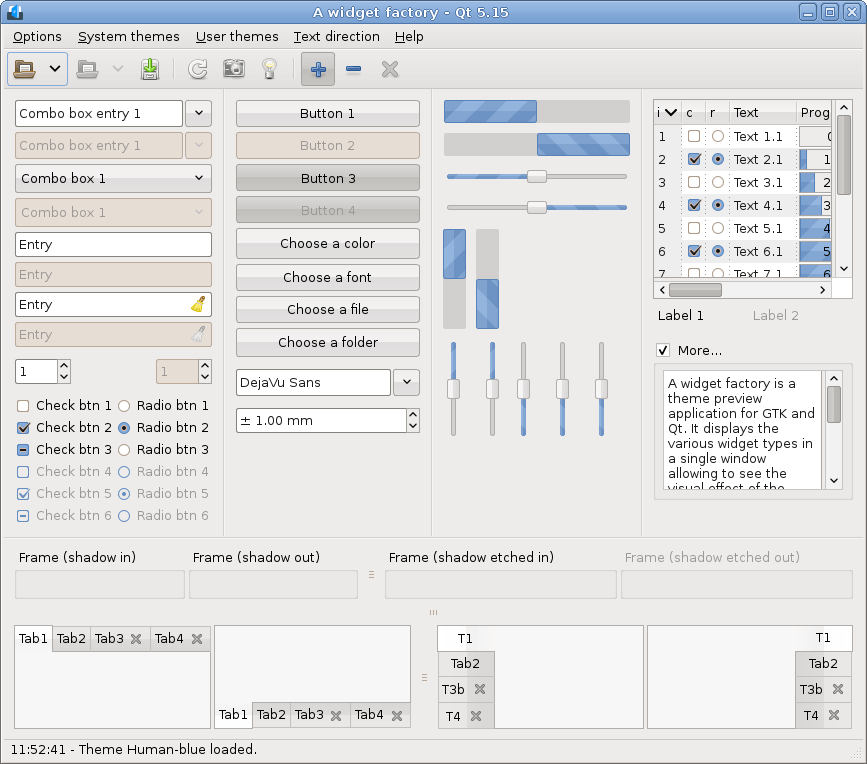
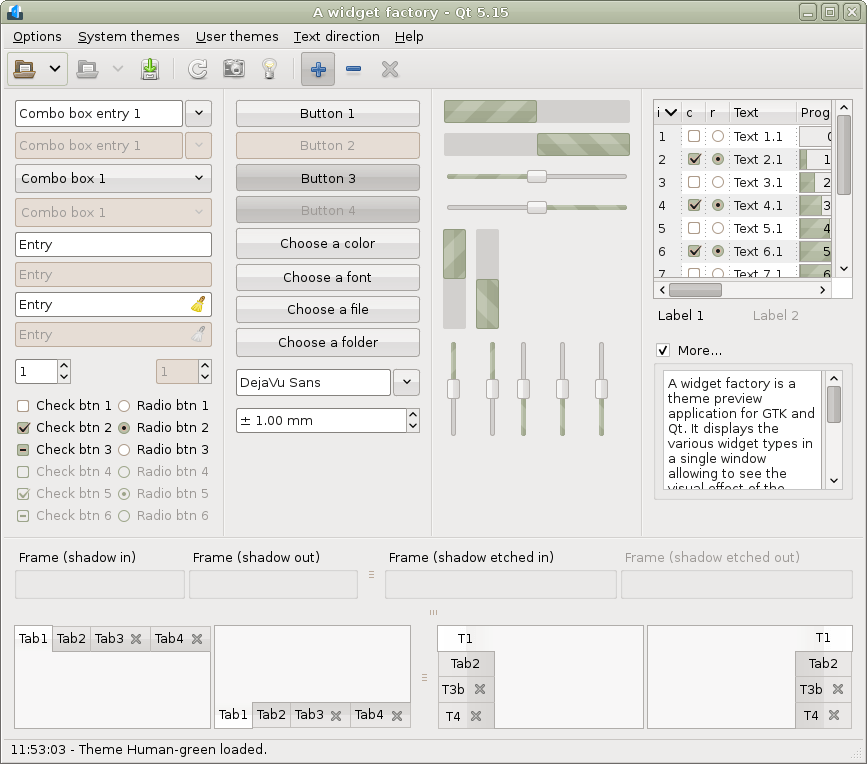
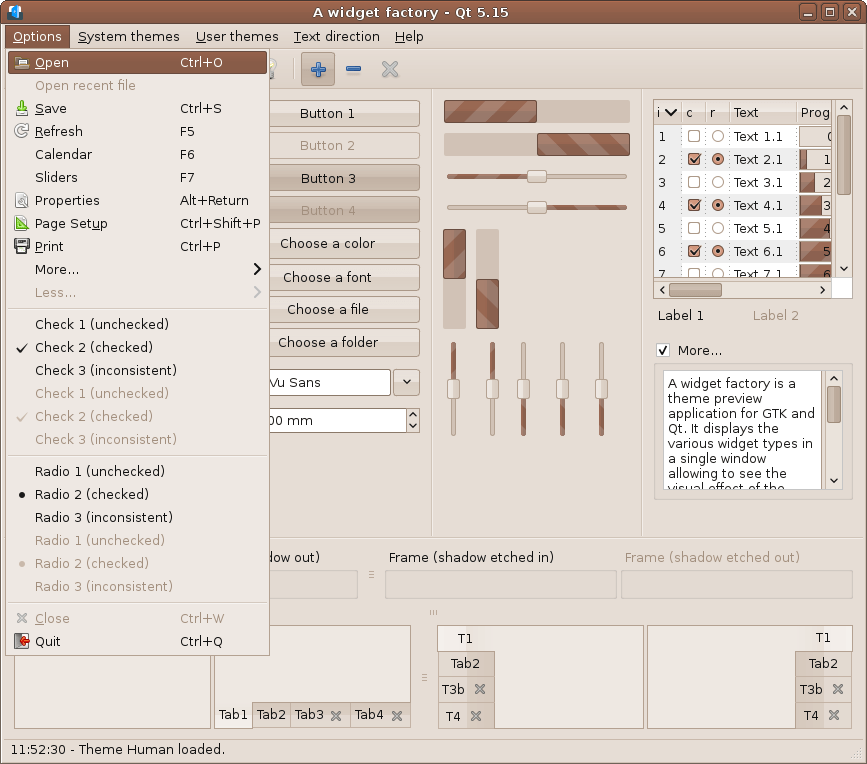
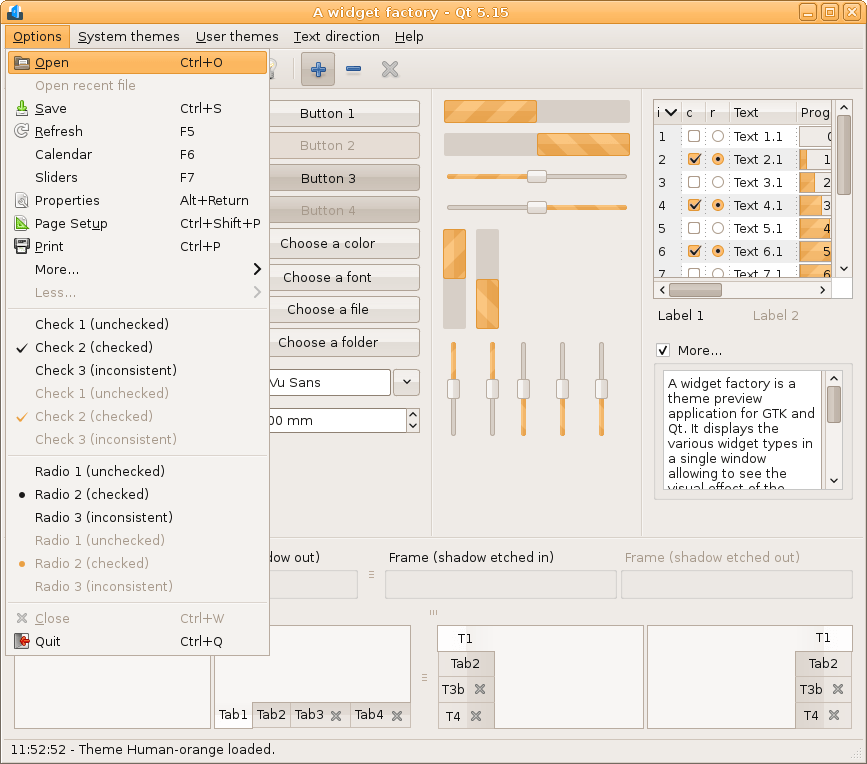
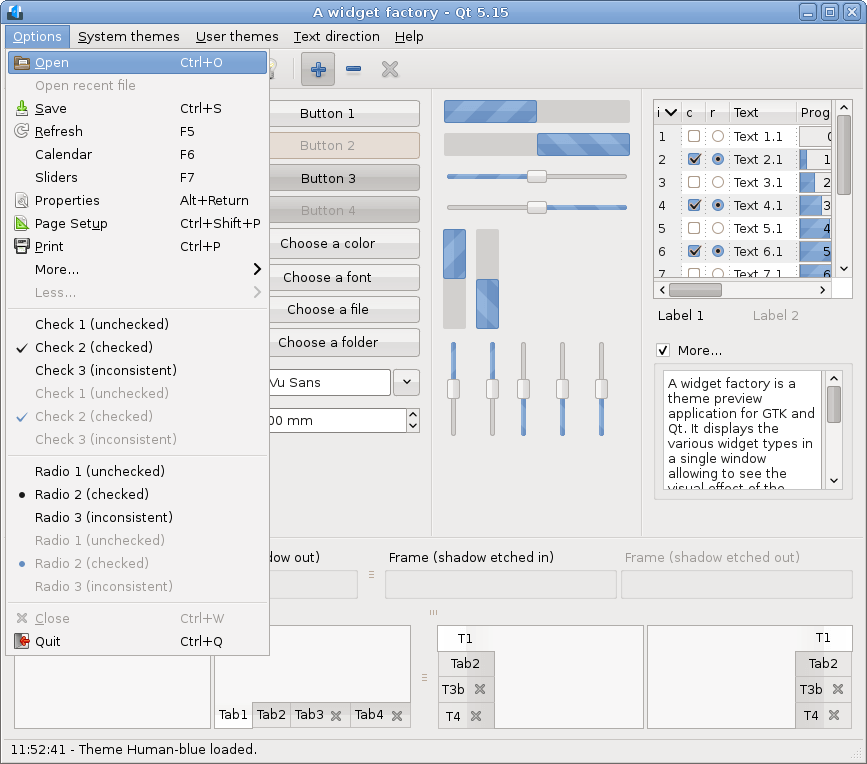
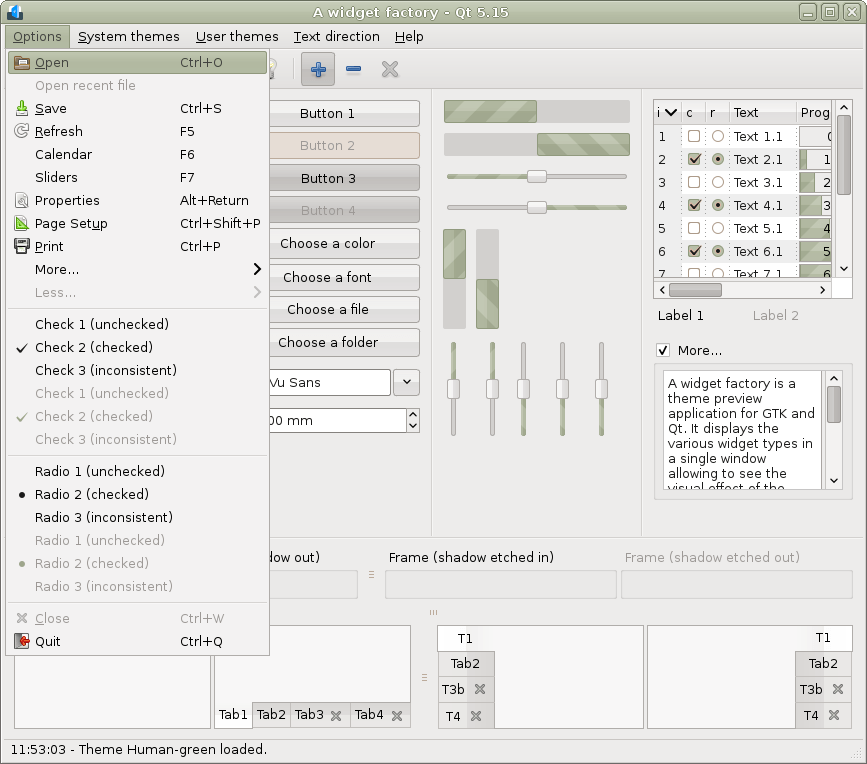
Qt 5.15 RTL
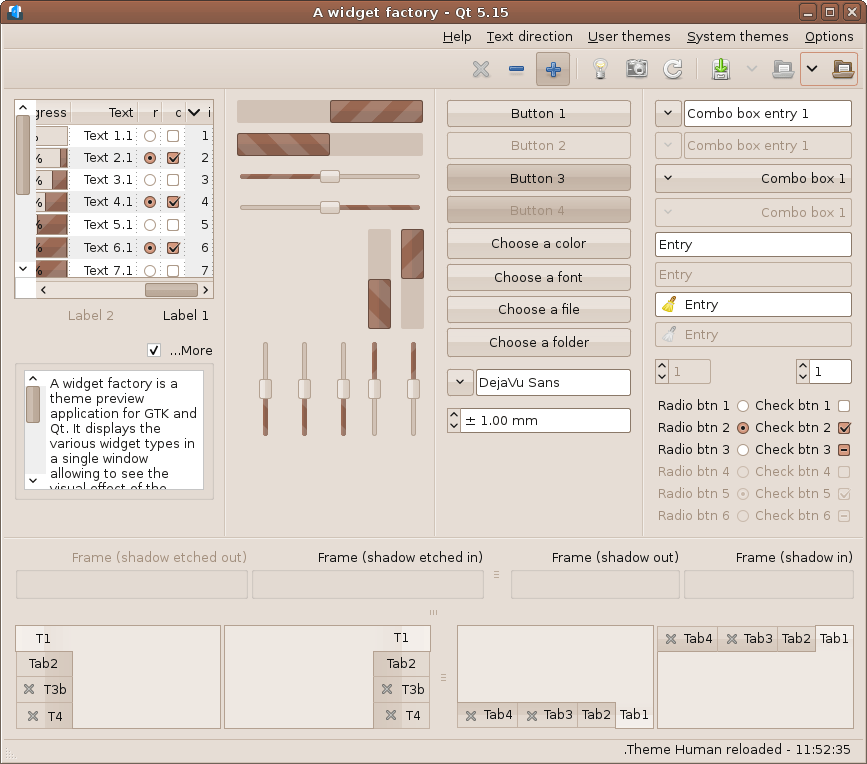
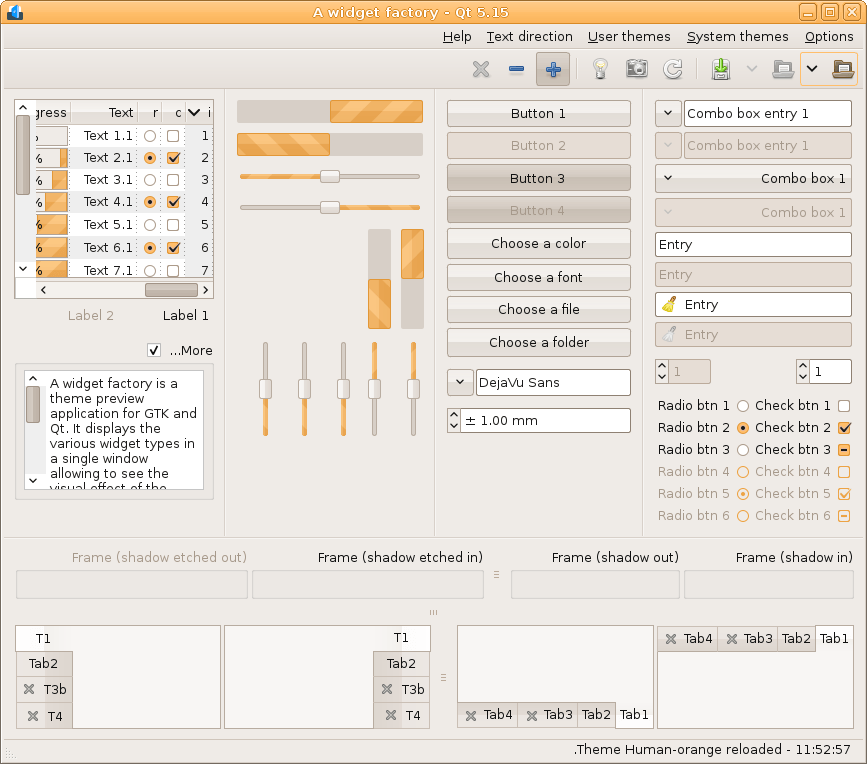
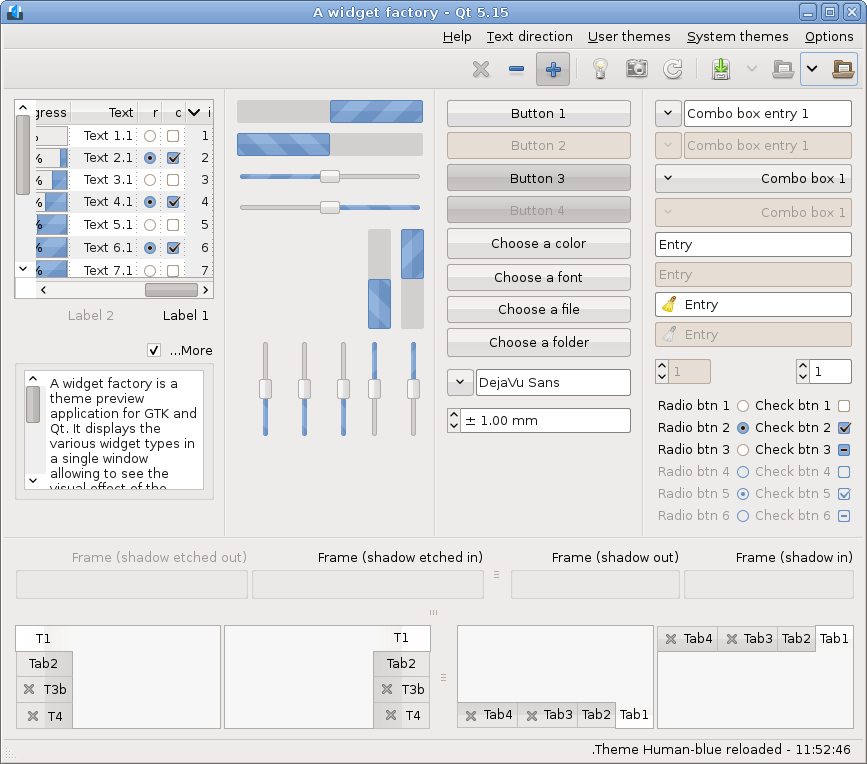
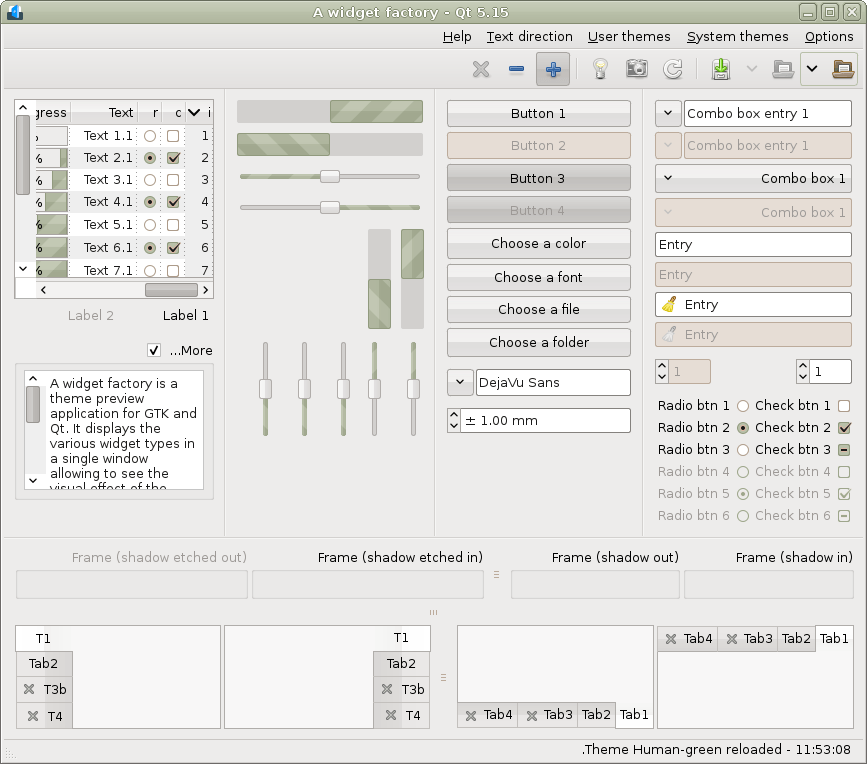
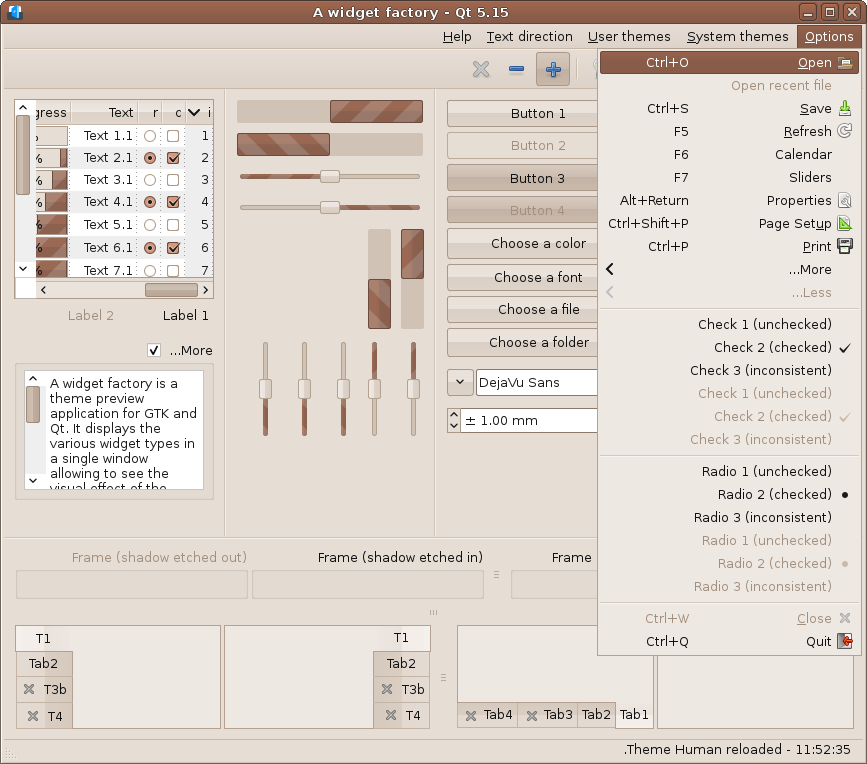
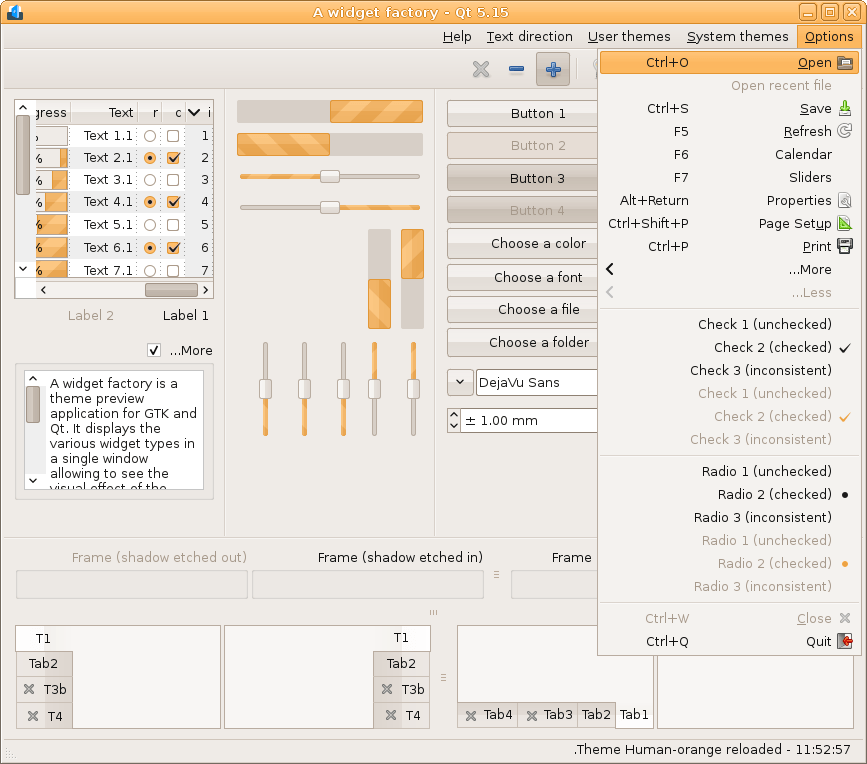
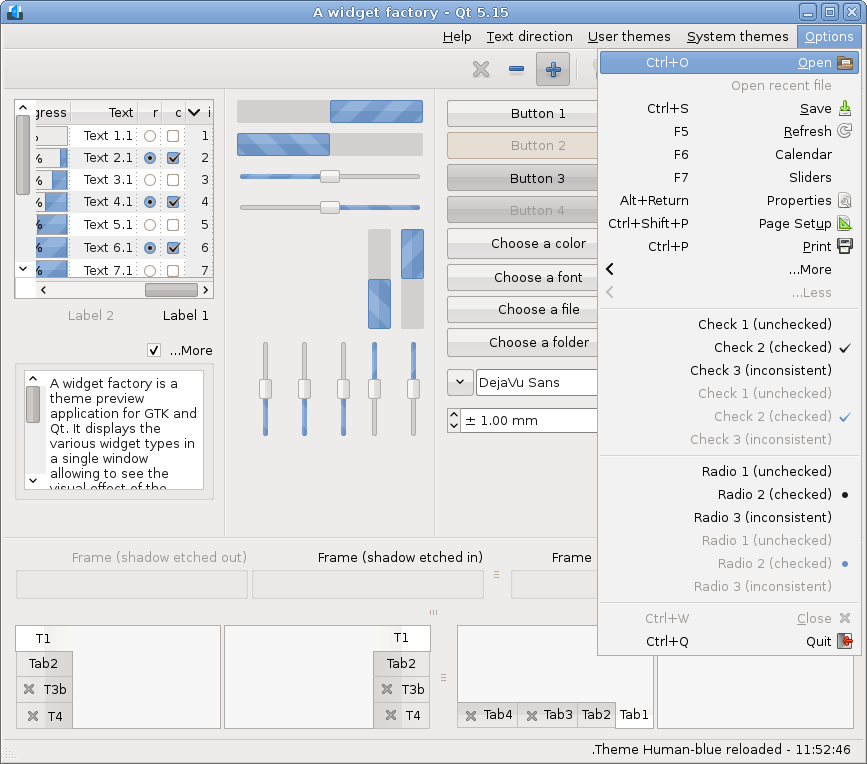
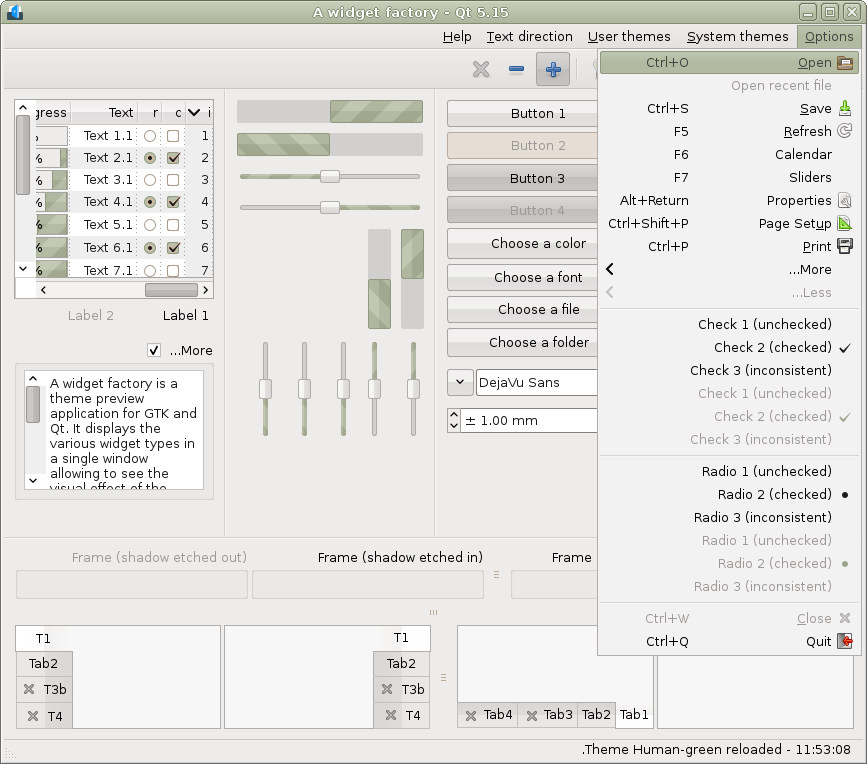
Qt 6.10
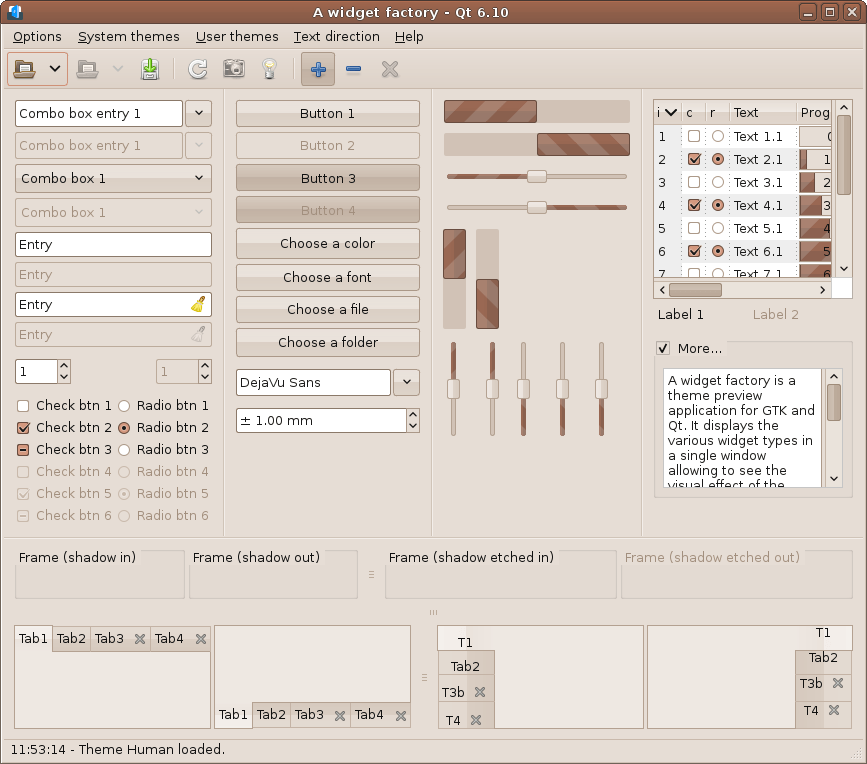
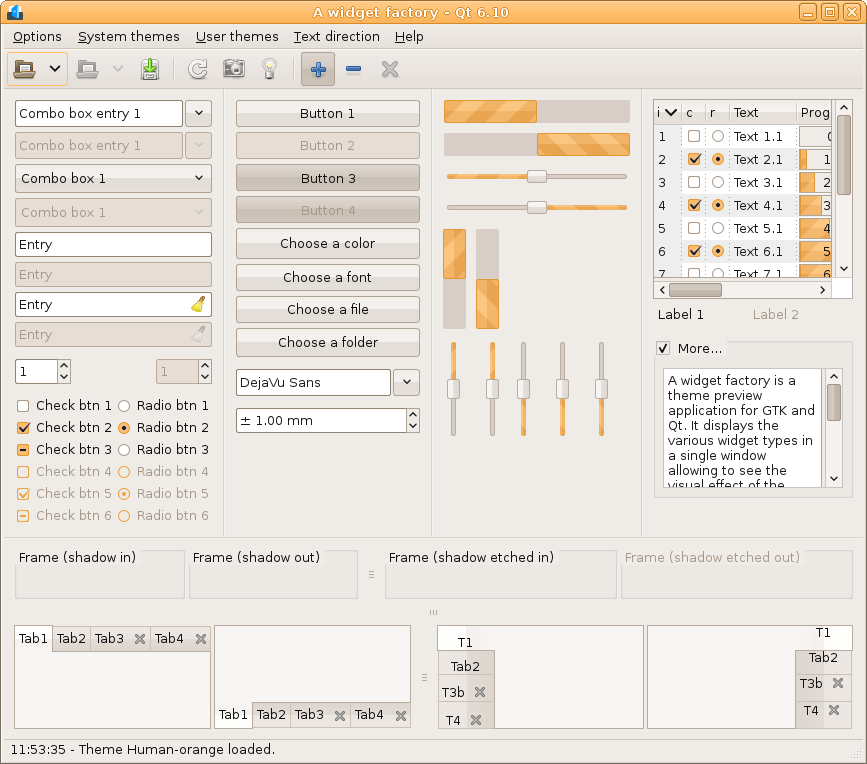
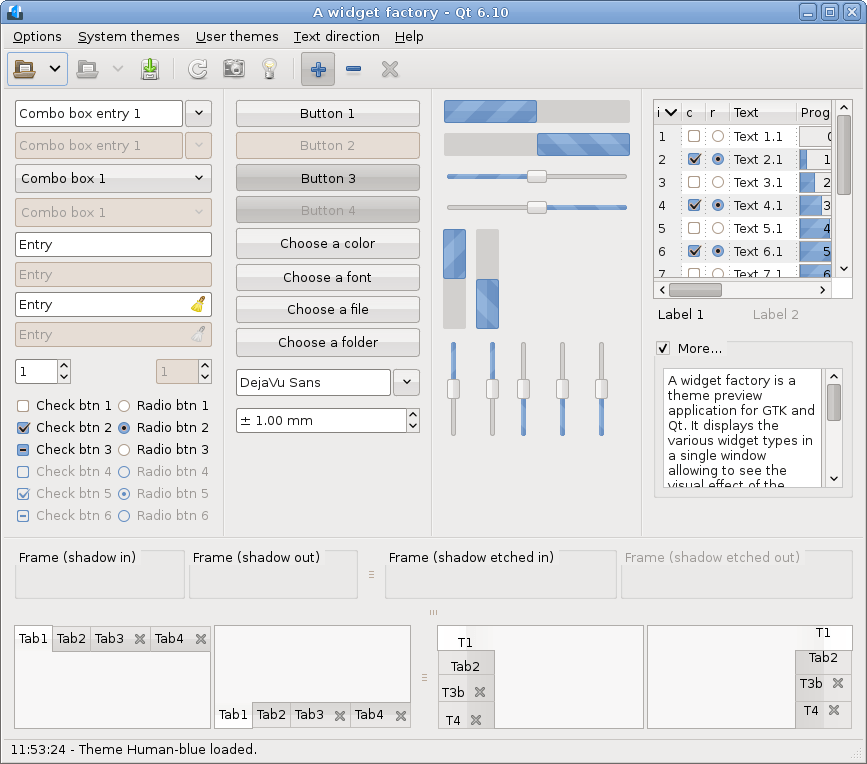
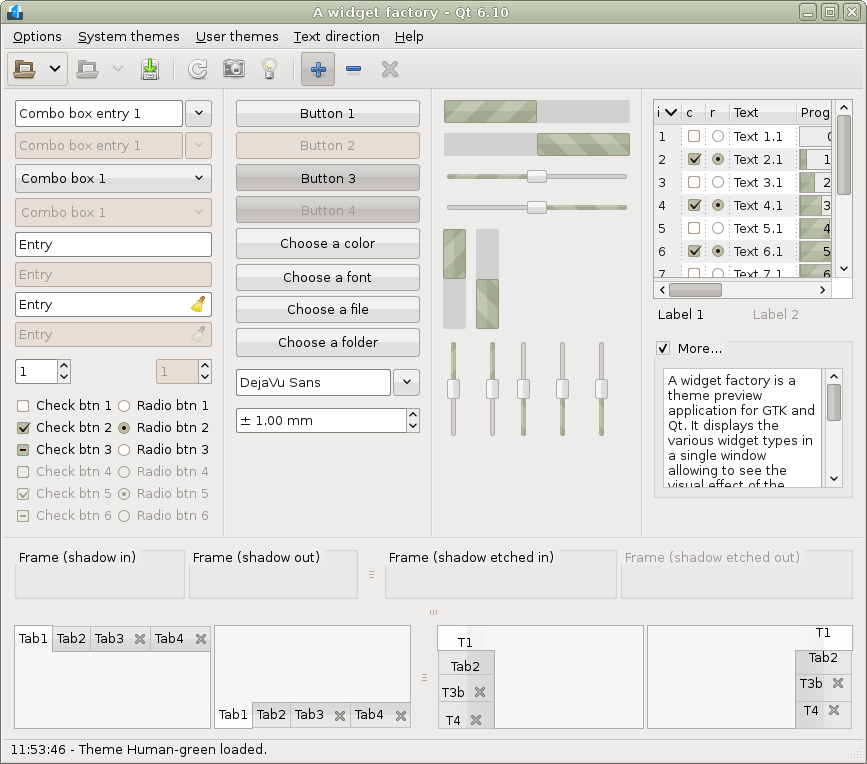
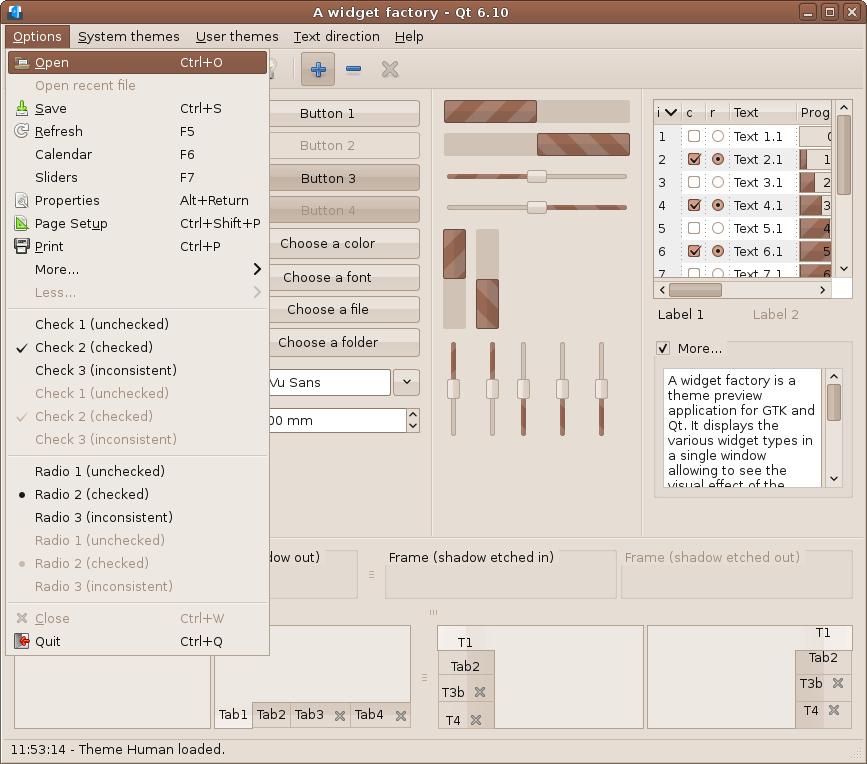
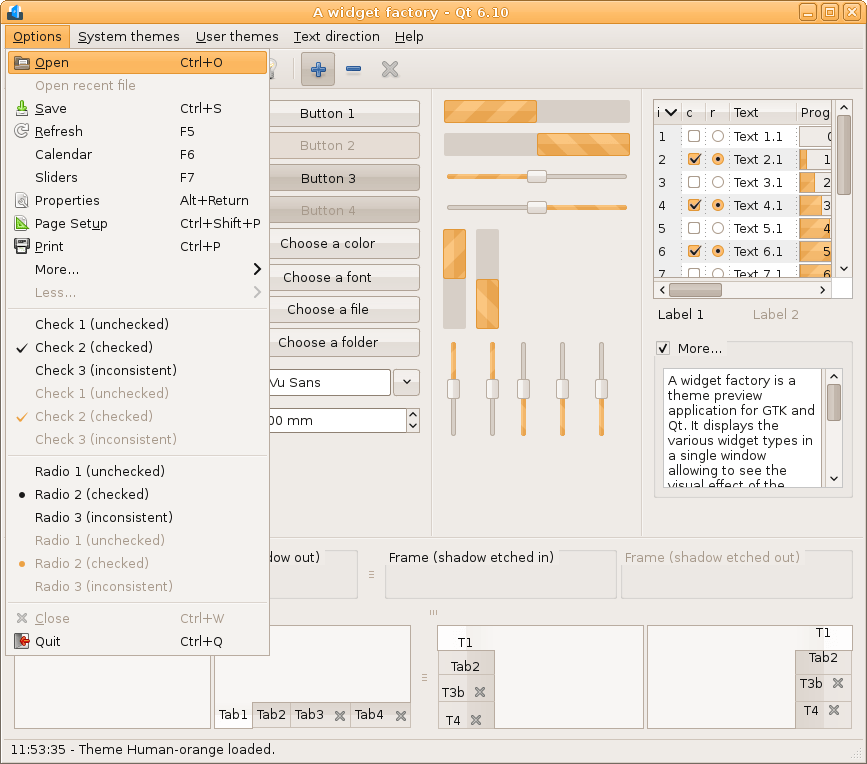
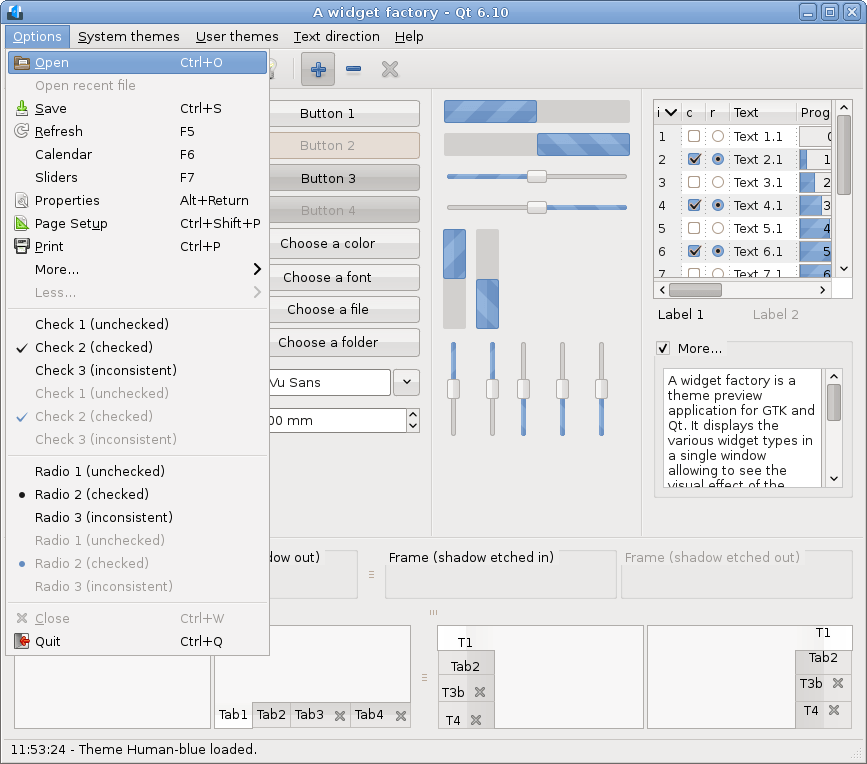
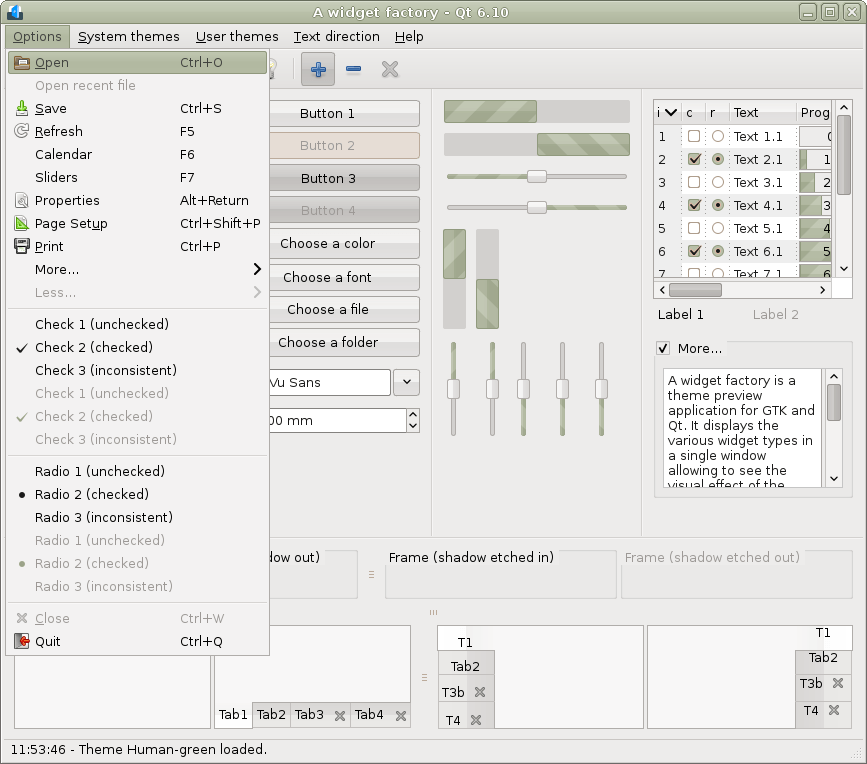
Qt 6.10 RTL
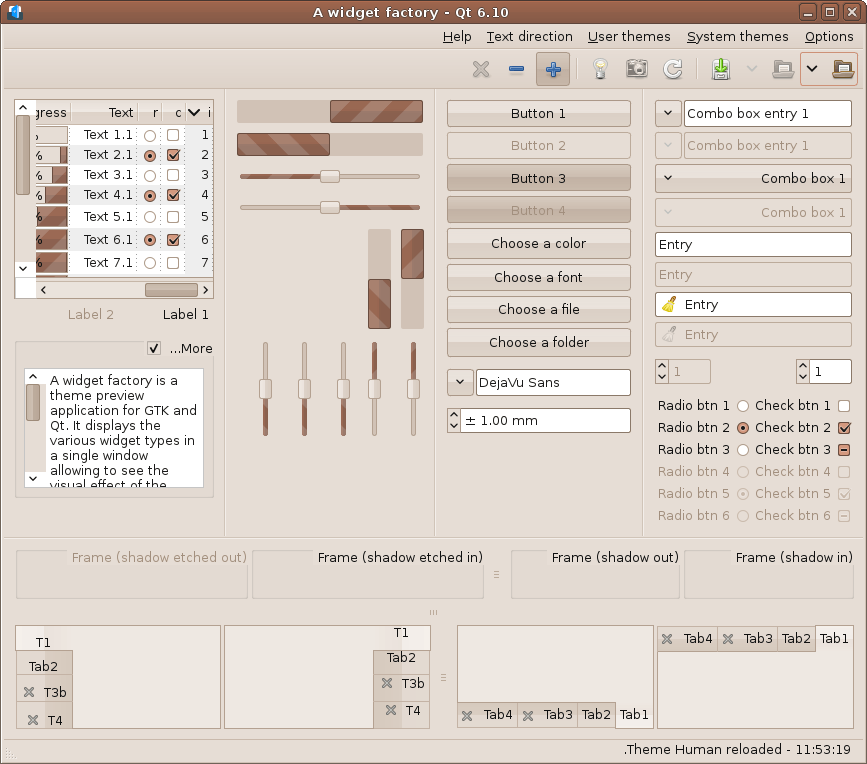
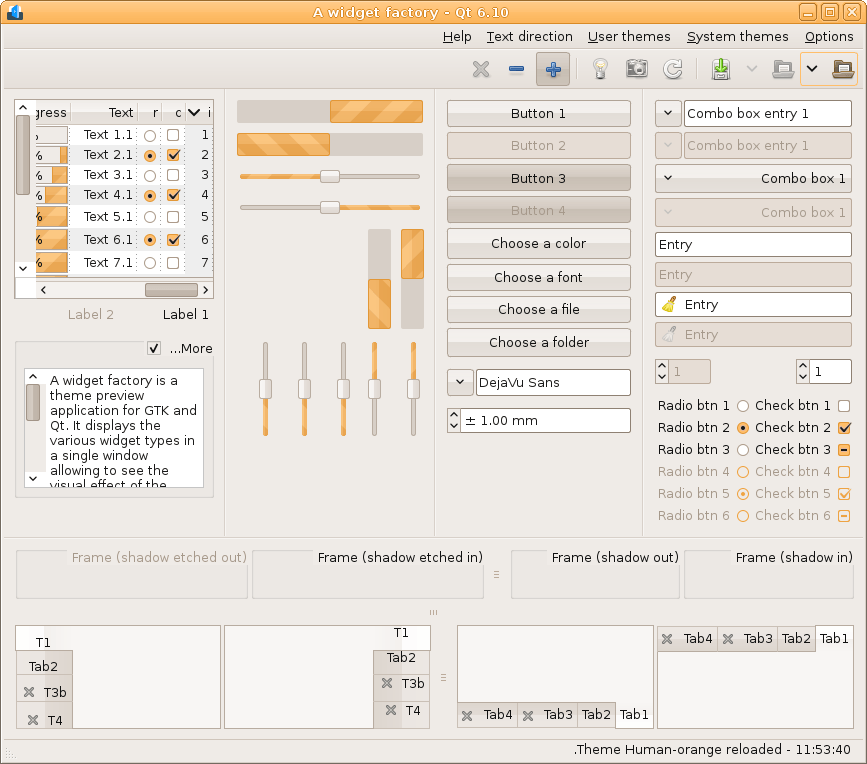
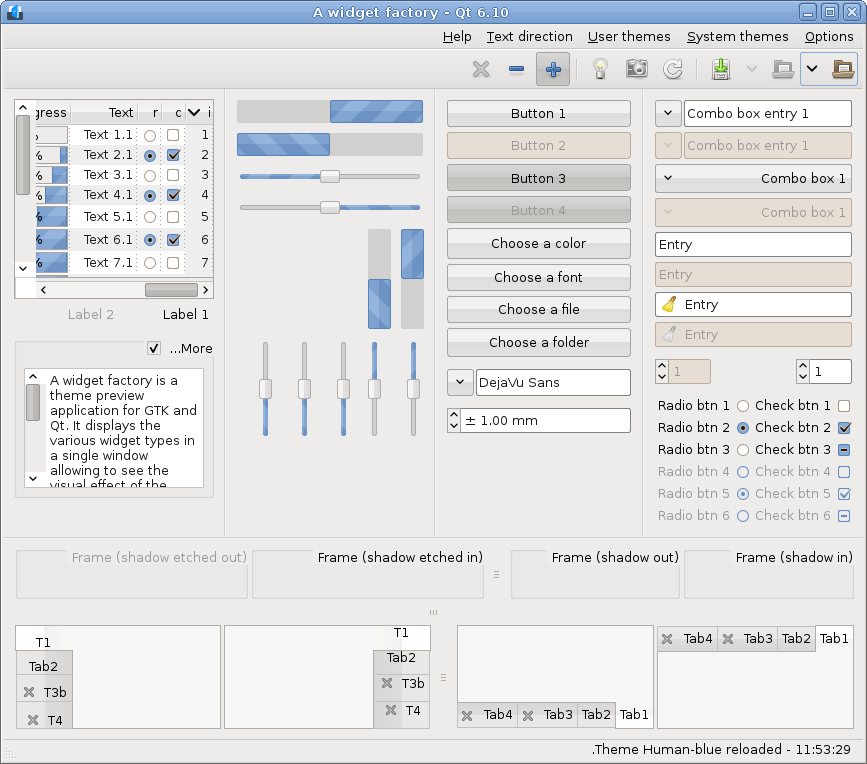
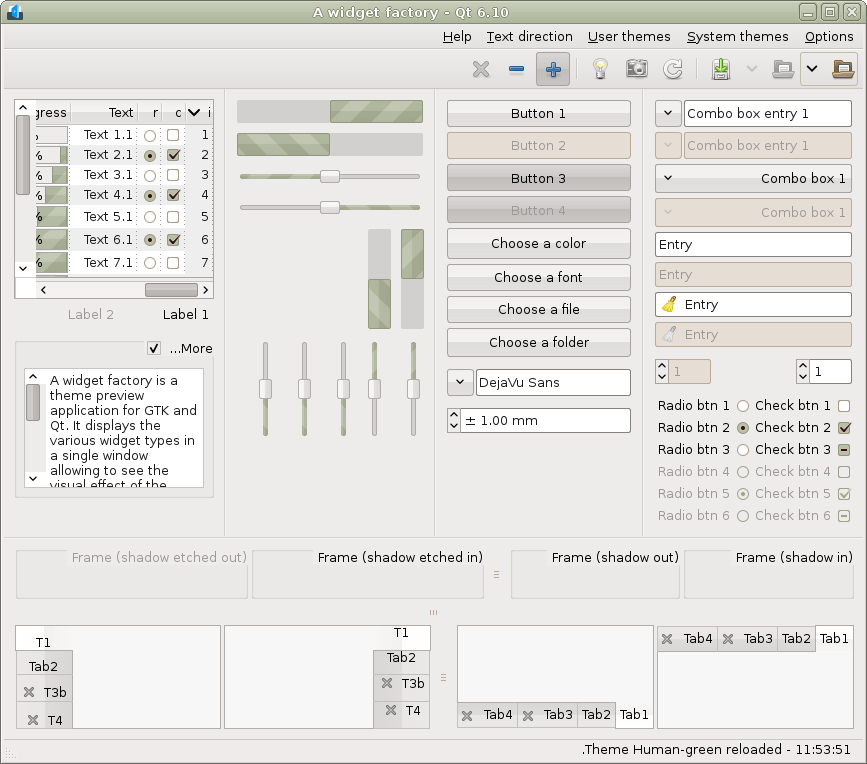
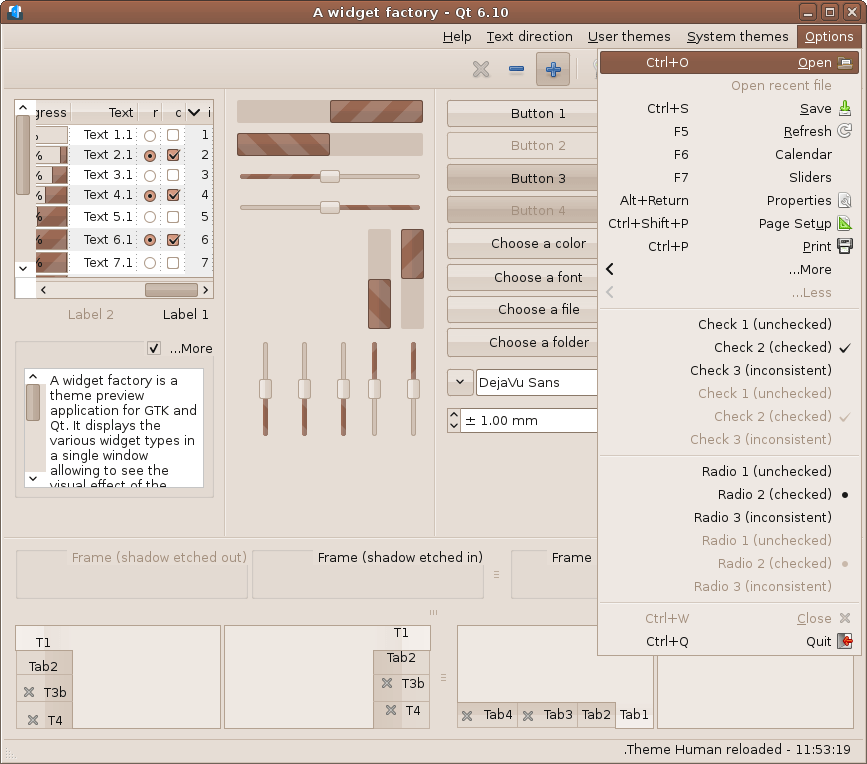
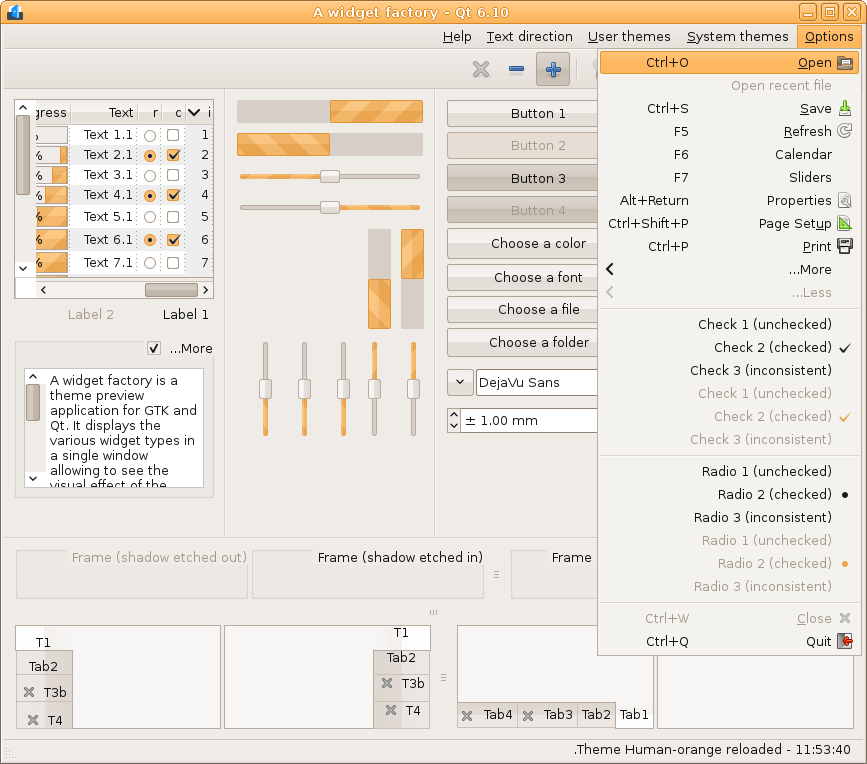
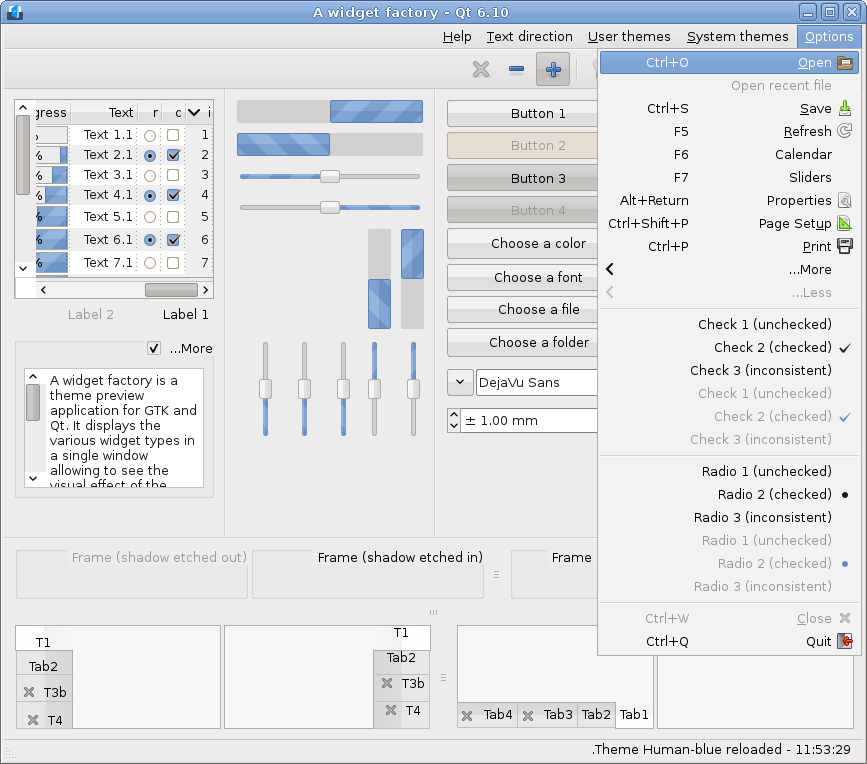
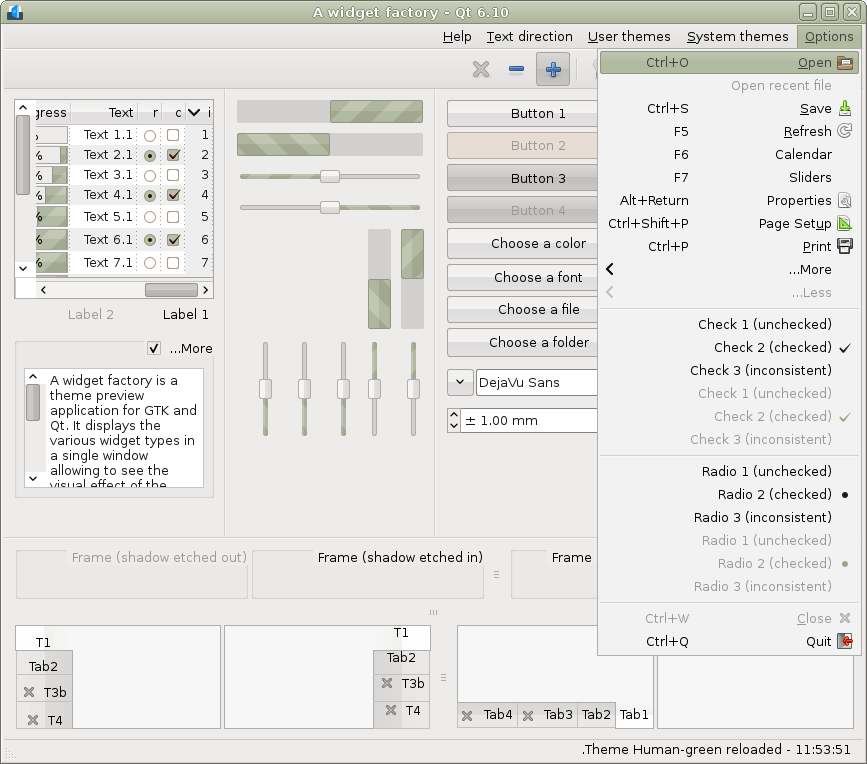
Firefox 152
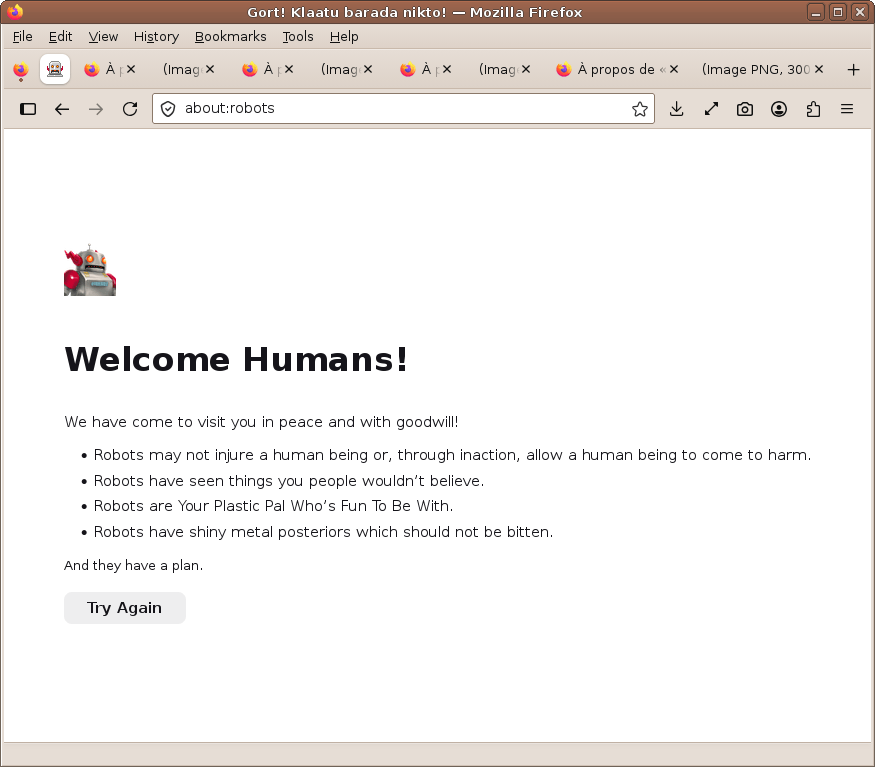
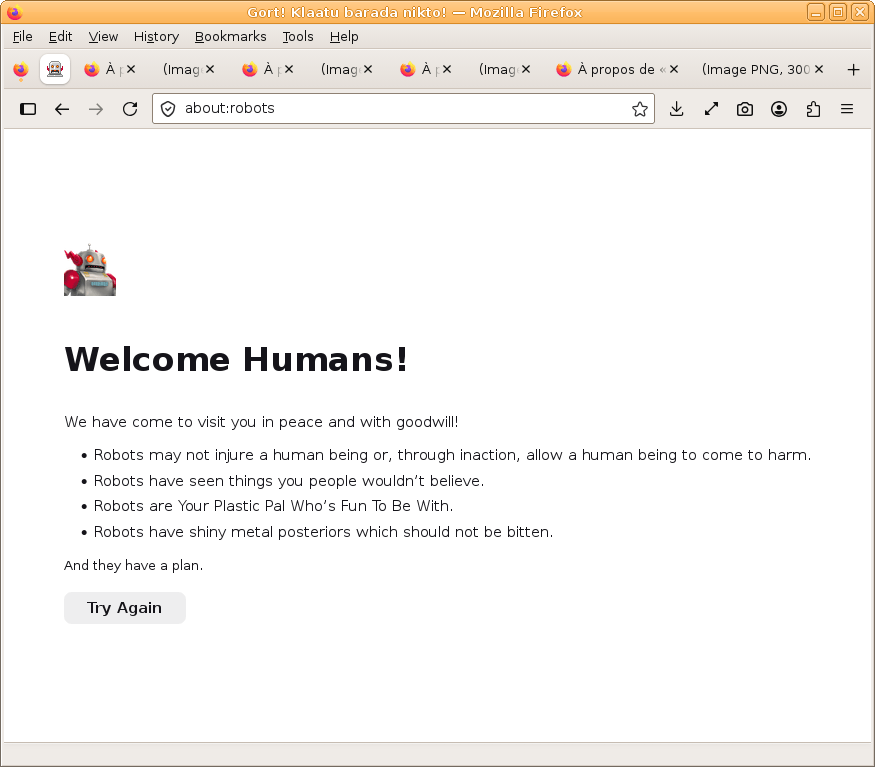
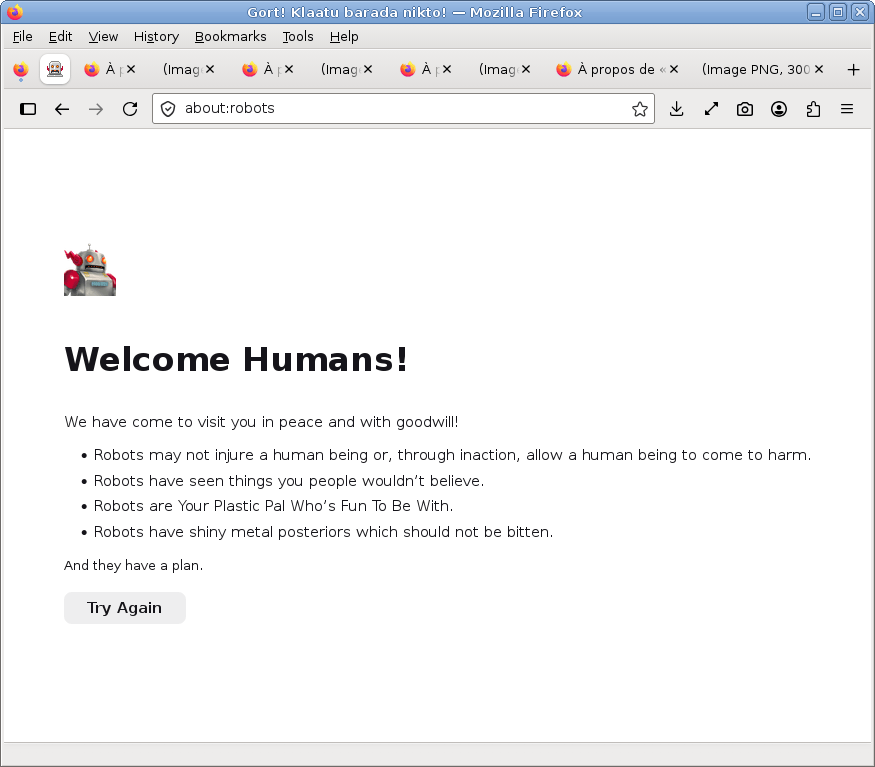
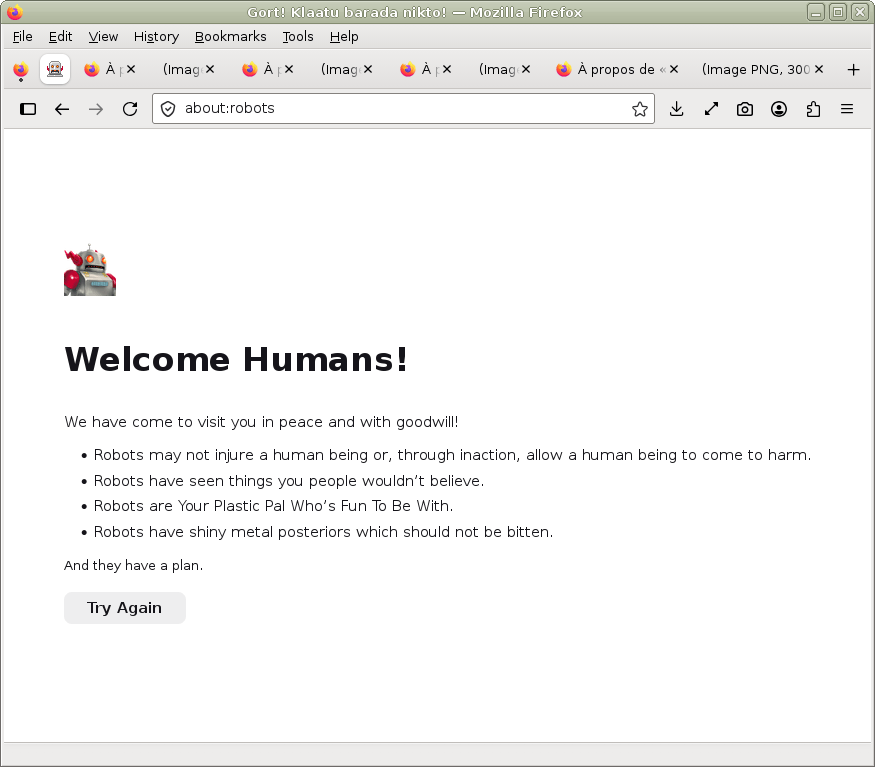
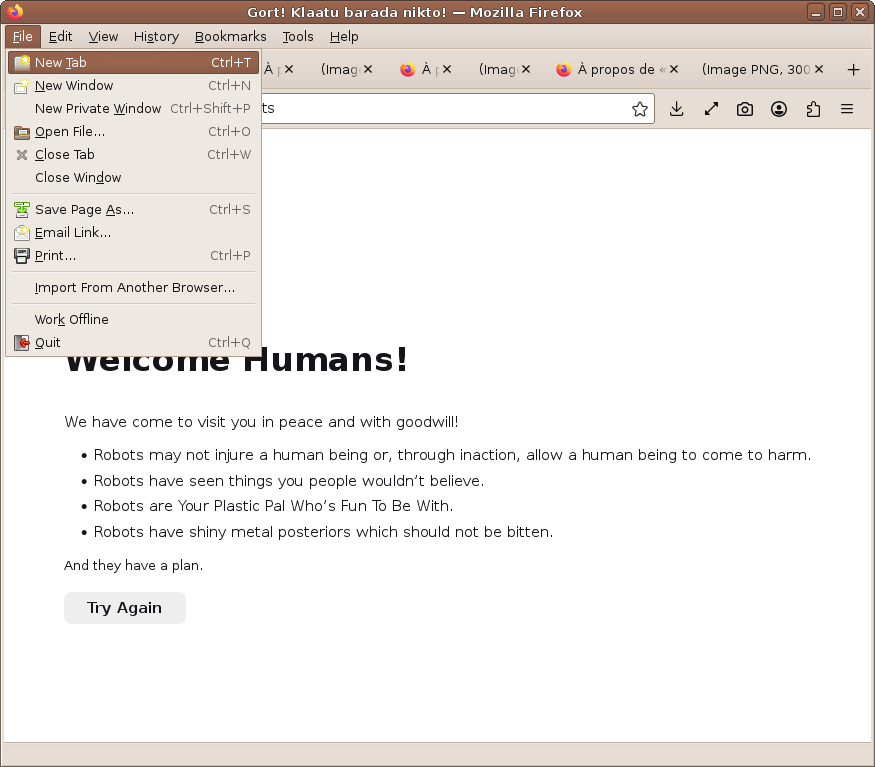
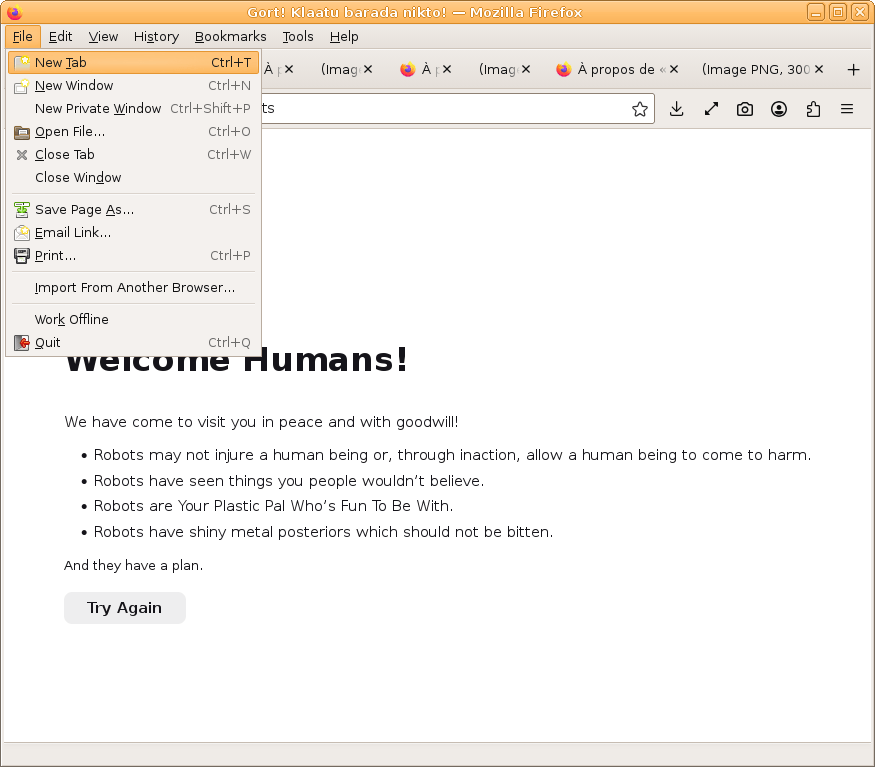
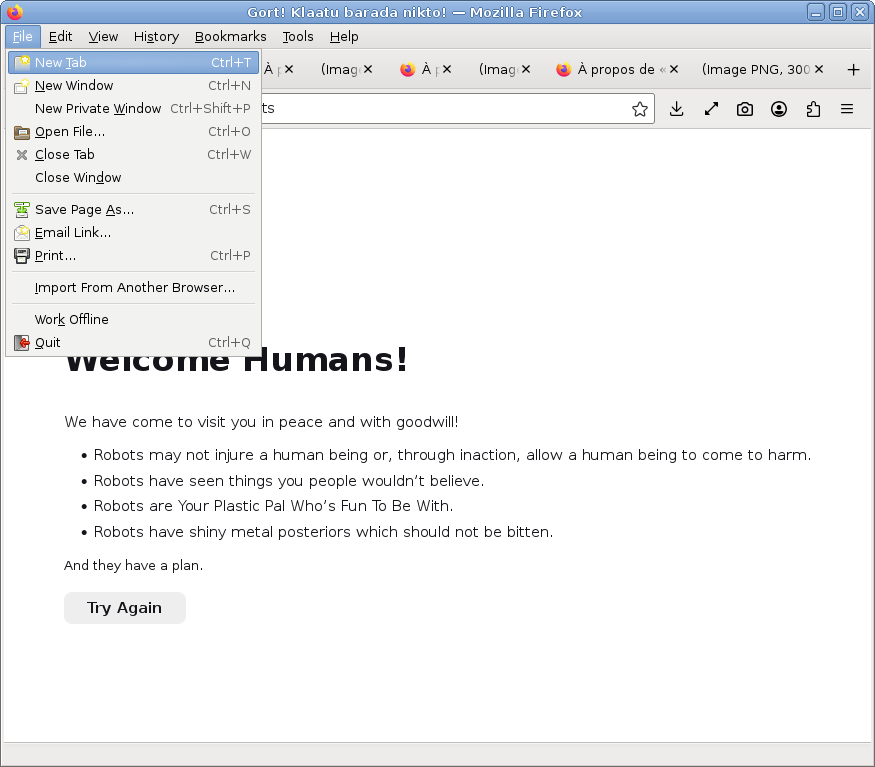
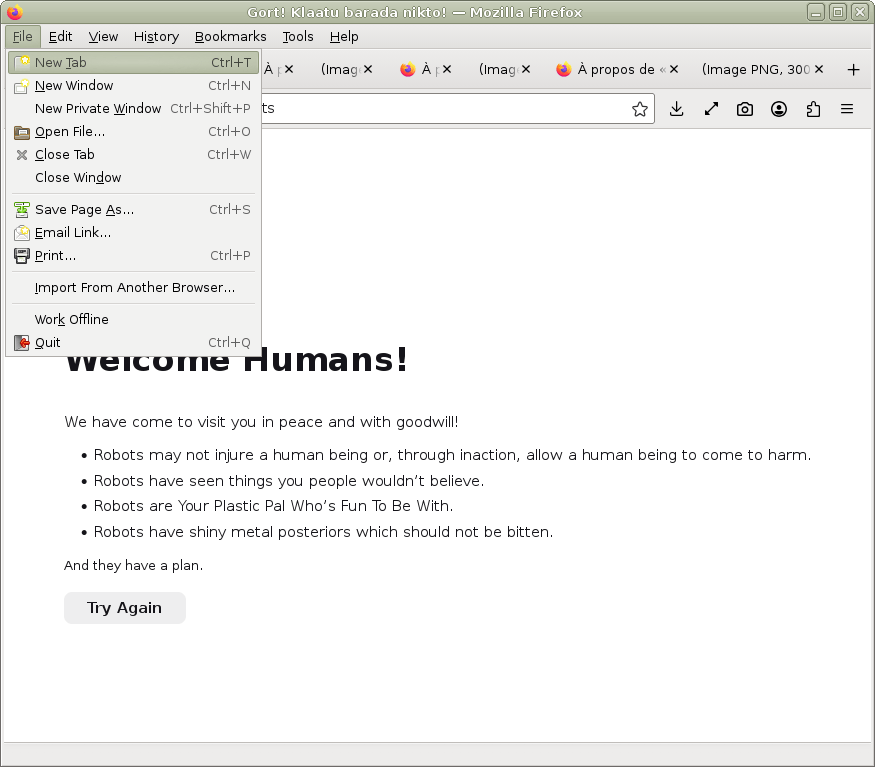
Program used for the screenshots is available here, to see that the classic desktop environment is still alive.
To meet the truth (not required, if you can't/won't, no worries, but the truth will be far):
- remove gtk3-nocsd
- install gtk3-classic & gtk4-classic
- use Pango 1.42- or 1.51+
For Debian Testing, I provide a repository for gtk3-classic and for gtk4-classic, it also includes mate-notification 1.26 with a patch to customize notifications from theme. For Ubuntu, I provide a repository for gtk3-classic & gtk4-classic.
The following packages no longer install the metacity/marco theme (ClearlooksRe), because it is provided by marco package.
The road is long, but the way is free — we always have a choice.
- Run:
sudo apt install human-theme-gtk - Restart your session
Replace apt with your package manager, or use a graphical interface.
- Run:
# PPA: https://launchpad.net/~luigifab/+archive/ubuntu/packages
# from Debian 12 you can use noble/questing (unix.stackexchange.com/a/669008/364800)
#     Debian: focal for 10/buster, jammy for 11/bullseye, noble for 12/bookworm,
#              plucky for 13/trixie, questing for 14/forky and 15/duke
#     Devuan: focal for 3/beowulf, jammy for 4/chimaera, noble for 5/daedalus,
#              plucky for 6/excalibur, questing for 7/freia and 8/gryphon and ceres
# Linux Mint: focal for 20.x and 4/debbie, jammy for 21.x and 5/elsie,
#              noble for 22.x and 6/faye, plucky for 7/gigi
#   MX Linux: focal for 19.x, jammy for 21.x, noble for 23.x, questing for 25.x
#   Trisquel: focal for nabia, jammy for aramo
# Kali Linux: questing

sudo add-apt-repository ppa:luigifab/packages
sudo apt update
sudo apt install human-theme-gtk
# or
sudo apt-key adv --keyserver hkp://keyserver.ubuntu.com:80 --recv-keys FFE5BD439356DF7D
echo "deb http://ppa.launchpad.net/luigifab/packages/ubuntu focal main" | sudo tee -a /etc/apt/sources.list
sudo apt update
sudo apt install human-theme-gtk
# or
sudo wget -O /etc/apt/trusted.gpg.d/luigifab.gpg https://www.luigifab.fr/apt.gpg
echo "deb http://ppa.launchpad.net/luigifab/packages/ubuntu focal main" | sudo tee -a /etc/apt/sources.list
sudo apt update
sudo apt install human-theme-gtk
# or
wget -qO - https://www.luigifab.fr/apt.gpg | sudo gpg --dearmor -o /etc/apt/trusted.gpg.d/luigifab.gpg
echo "deb http://ppa.launchpad.net/luigifab/packages/ubuntu focal main" | sudo tee -a /etc/apt/sources.list
sudo apt update
sudo apt install human-theme-gtk

# ... and for full installation
sudo apt install gnome-icon-theme dmz-cursor-theme gtk2-engines-murrine gtk2-engines-pixbuf qt5-gtk-platformtheme qt5-style-globalqss qt6-gtk-platformtheme qt6-style-globalqss qt6-svg-plugins

# sha256sum /etc/apt/trusted.gpg.d/luigifab.gpg
578c89a677048e38007462d543686b53587efba9f93814601169253c45ff9213
# apt-key list
/etc/apt/trusted.gpg.d/luigifab.gpg
pub   rsa4096 2020-10-31 [SC]
458B 0C46 D024 FD8C B8BC 99CD FFE5 BD43 9356 DF7D- Restart your session
- Download the archive and extract its subdirectories into
~/.themes/ - Configure font rendering and GTK, by adding the following to
/etc/environment(details):
FREETYPE_PROPERTIES="truetype:interpreter-version=35"
GTK_OVERLAY_SCROLLING=0
GTK_BACKDROP=1
GTKM_INSERT_EMOJI=1
GTK_USE_IEC_UNITS=1
GTK_FOCUS_VISIBLE=1
GTK_PROGRESS_TEXT_INSIDE=1
GTK_TREEVIEW_LINES=0
GTK_ENLARGE_SCROLLBAR=1
- For icons and cursors themes install:
gnome-icon-themeormate-icon-theme+dmz-cursor-theme - For GTK 2 programs install:
gtk2-engines-murrineorgtk2-engine-murrineorgtk2-murrine-engineorgtk-murrine-engineorgtk-engine-murrineormurrineor similar +gtk2-engines-pixbuforgtk2-engine-pixbuforgtk2-pixbuf-engineorgtk-pixbuf-engineor similar - For Qt 5 programs install:
qt5-gtk-platformthemeorqt5-qtbase-guior similar +qt5-style-globalqssorqt5-globalqss+qt5-svg-pluginsorqt5-qtsvgor similar - For Qt 6 programs install:
qt6-gtk-platformthemeorqt6-qtbase-guior similar +qt6-style-globalqssorqt6-globalqss+qt6-svg-pluginsorqt6-qtsvgor similar - Restart your session
For MATE desktop:
- Go to: System / Preferences / Appearance, or run:
mate-appearance-properties
Then select the Human theme and update fonts. - Go to: System / Preferences / Windows, or run:
mate-window-properties
Then disable software compositing from last tab (or enable it, as you want). - Go to: System / Preferences / Notifications, or run:
mate-notification-properties
Then select the Coco or Default theme. - Go to: panel preferences
Then set panel height to 25px/23px (top/bottom).
For Xfce desktop:
- Go to: Applications / Settings / Appearance, or run:
xfce4-appearance-settings
Then select the Human theme and update fonts. - Go to: Applications / Settings / Window Manager, or run:
xfwm4-settings
Then select the Human theme and update fonts. - Go to: Applications / Settings / Window Manager Tweaks, or run:
xfwm4-tweaks-settings
Then disable software compositing from last tab (or enable it, as you want). - Go to: Applications / Settings / Mouse and Touchpad, or run:
xfce4-mouse-settings
Then select the DMZ White theme from last tab. - Go to: panel preferences
Then set panel height to 24px/22px (top/bottom), panel icons sizes to 16px or automatic.
For Cinnamon desktop:
- Go to: Menu / Preferences / Themes, or run:
cinnamon-settings themes
Click on Advanced settings,
Then select the Human theme for applications and desktop,
And select the DMZ White theme for mouse. - Go to: Menu / Preferences / Fonts, or run:
cinnamon-settings fonts
Then update fonts. - Go to: main menu preferences and panel preferences
Then set panel height to 25px/23px, panel icons sizes to 16px, menu icons sizes to 22px 22px 32px.
Fonts:
- DejaVu Sans Book, 10
- DejaVu Sans Bold, 10
- DejaVu Sans Mono Book, 10
- Best shapes or Medium hinting for fonts rendering (anti-aliasing)
Icons:
- gnome or mate
Cursors:
- DMZ white, 24
Extra configuration for cursors:
- Run
sudo update-alternatives --config x-cursor-themeand select again DMZ white
If you installed the theme manually, replace /usr/share/themes/ by ~/.themes/.
Configure the Human theme:
cd ~/.mozilla/firefox/[your.profile]/
mkdir -p chrome && cd chrome/
ln -s /usr/share/themes/Human/firefox/firefox.css userChrome.css
 -- or --
 ln -s /usr/share/themes/Human-blue/firefox/firefox.css userChrome.css
 -- or --
 ln -s /usr/share/themes/Human-green/firefox/firefox.css userChrome.css
 -- or --
ln -s /usr/share/themes/Human-orange/firefox/firefox.css userChrome.css- Open about:config and set toolkit.legacyUserProfileCustomizations.stylesheets to true
- Open about:config and set widget.gtk.overlay-scrollbars.enabled to false
- Open about:config and set browser.theme.dark-private-windows to false
- Open about:addons and enable System theme in Themes
- Restart Firefox and enjoy the truth lost from v46
Extra: open about:keyboard and enjoy!
Add the Human theme:
cd ~/.config/GIMP/3.*/themes/
mkdir -p Human && cd Human/
ln -s /usr/share/themes/Human/gimp/gimp.css .
Then set Human theme in Gimp/Edit/Preferences/Interface/Theme.
If some characters are wider than others (for example clock applet versus classic main menu applet), this may be due to the DPI value in mate-appearance-properties (go to the Fonts tab, then Details). If you're using automatic detection, disable it. To solve the problem, press the minus button then the plus button above, see bug 1475.
If font rendering is bad, try this:
cd /etc/fonts/conf.d/
sudo rm 10-hinting-slight.conf # /usr/share/fontconfig/conf.avail/10-hinting-slight.conf
sudo ln -s /usr/share/fontconfig/conf.avail/10-hinting-full.confFor design of menu bar, see bug 157708.
For better results, use gtk3-classic.
For better results, use gtk4-classic.
If font rendering is bad, try to add in ~/.config/gtk-4.0/settings.ini:
[Settings]
gtk-font-rendering=manual
gtk-hint-font-metrics=1
gtk-xft-hintstyle=hintfull
gtk-xft-antialias=0
gtk-xft-hinting=1
From migrating guide: non-standard CSS extensions are going away [...] @define-color should be replaced [...] the color functions can all be replaced by combinations of calc() and color-mix().
I think it would be nice to create a patch to fix this GTK regression.
For Qt, install GTK platform theme and GlobalQSS style plugin. But sadly, box-shadow and multiple background gradients are not supported, border-radius is not fully supported...
On Fedora with Qt 5, the GTK 3 platform theme (qt5-qtbase-gui) works better than on Debian (qt5-gtk-platformtheme), but the fonts remain blurry, see bug 2459509.
Unfortunately, the border cannot be removed, see forum.
When a window is maximized, the window bottom border color is wrong and there is an offset of 1px.
With window compositor, the window/dialog/menu shadow can't be removed or configured.
For GTK, use ~/.config/gtk-3.0/gtk.css and ~/.config/gtk-4.0/gtk.css files.
For Qt, with GlobalQSS, use ~/.config/qt5/qt.qss and ~/.config/qt6/qt.qss files.
To restore notifications from nm-applet, run:
gsettings reset org.gnome.nm-applet disable-connected-notifications
gsettings reset org.gnome.nm-applet disable-disconnected-notifications
gsettings reset org.gnome.nm-applet disable-vpn-notifications
gsettings reset org.gnome.nm-applet disable-wifi-create
gsettings reset org.gnome.nm-applet suppress-wireless-networks-available
gsettings reset org.gnome.nm-applet show-applet
To enable GtkInspector via Ctrl+Shift+I / Ctrl+Shift+D, run:
gsettings set org.gtk.Settings.Debug enable-inspector-keybinding true
gsettings set org.gtk.gtk4.Settings.Debug enable-inspector-keybinding true
Run AWF with screenshot on theme reload:
awf-gtk2 -s ~/2.png
awf-gtk3 -s ~/3.png
awf-gtk4 -s ~/4.png
awf-qt5 -s ~/5.png
awf-qt6 -s ~/6.png
Run Entr to send the SIGHUP signal when files change to reload theme:
ls ~/.themes/Human*/gtk-2*/gtkrc | entr killall -s SIGHUP awf-gtk2
ls ~/.themes/Human*/gtk-3*/*.css | entr killall -s SIGHUP awf-gtk3
ls ~/.themes/Human*/gtk-4*/*.css | entr killall -s SIGHUP awf-gtk4
ls ~/.themes/Human*/qt5/*.qss | entr killall -s SIGHUP awf-qt5
ls ~/.themes/Human*/qt6/*.qss | entr killall -s SIGHUP awf-qt6
Run ImageTragick to create the diff image:
killall -q eom
rm -f dif.png
compare -fuzz 1% -compose src -highlight-color blue -lowlight-color none 2.png 3.png dif.png
composite dif.png 2.png dif.png
eom dif.png &
Run colors.sh to update colors. See also technical information. For any issue and pull request, please add before/after screenshots.
- Current version: 3.2.0 (07/07/2026)
- Compatibility: GTK 2.24 / 3.24 / 4.8..4.23, Qt 5.15 / 6.0..6.11
- Links: luigifab.fr - github.com - mate-look.org - xfce-look.org - ppa/dpa
This theme is provided under the terms of the GNU GPLv3+ license.
If you like, take some of your time to improve the translations, go to https://bit.ly/2HyCCEc.
GTK 2 theme (CC-BY-SA-3.0+)
- Created by Kenneth Wimer and Conn O'Griofa (see human-theme Ubuntu package)
GTK 3 theme (GNU GPLv3+)
- Forked from Clearlooks-Phénix by Mike Kazantsev (mk-fg)
- Forked from Clearlooks-Phénix by Jean-Philippe Fleury (jpfleury) and Andrew Shadura
Metacity theme (Clearlooks, GNU LGPLv2.1+)
- Created by Daniel Borgmann and Andrea Cimitan