


TL;DR — pele-animate turns Mermaid diagrams into step-by-step animated scenes with icons. You write plain Mermaid, pin the reveal order with a
%% pa:comment, and readers click through the steps (or watch them autoplay). Built as a post-processor on Pele (MIT): small (~20 KB core), synchronous rendering, MIT licensed.
Mermaid diagrams that explain themselves one step at a time, with icons. You choose the order things appear in, readers step through it, and nodes can carry icons. A small post-processor for Pele (MIT), which renders the Mermaid; this adds the step order, the playback and the icons. It is not a theme package. Unofficial add-on; not affiliated with or endorsed by the Pele or Obsidian teams.
Website · Docs · npm · Changelog
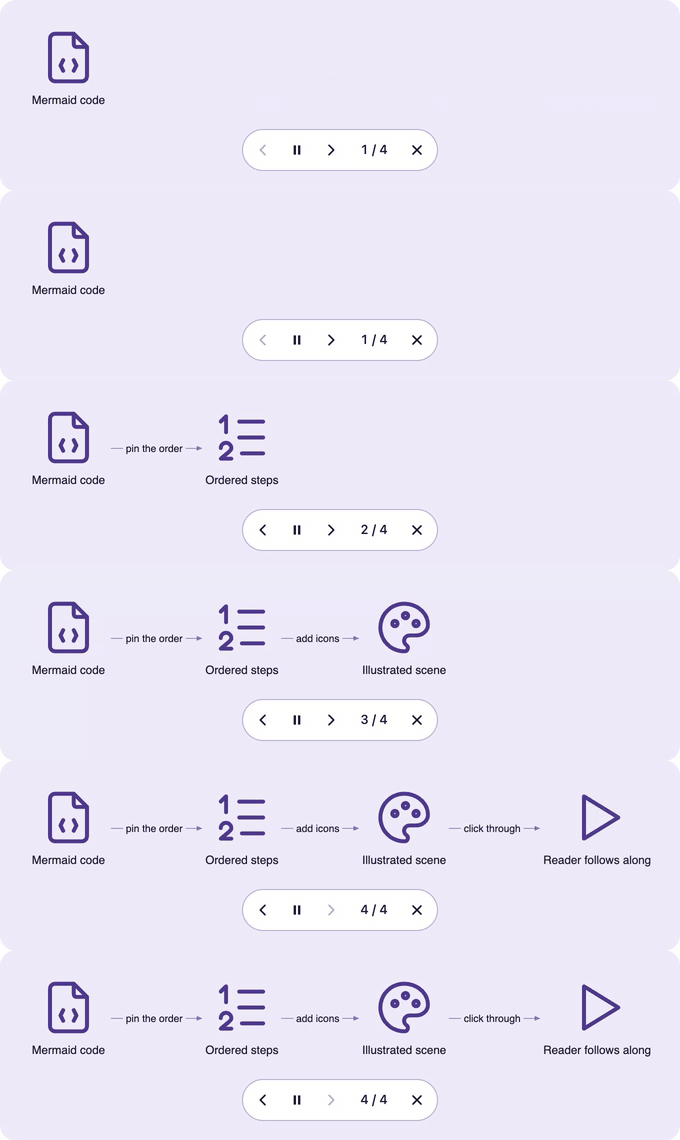
- You set the order. Nodes appear in the order of a
%% pa:comment, or by default along the edges; edges draw in and labels fade in. - Readers step through it. Click (or Enter) starts step mode: previous / play-pause / next buttons, Space, ←/→ and Esc. Hover or focus sends tokens along the edges.
- Icons.
@{ icon: "name" }nodes use any of 4,368 Tabler icons (loaded per category) or your own. Unknown names get a neutral rounded square. - Flowcharts, sequence diagrams, architecture diagrams, state diagrams, C4 context, block, class and ER diagrams, timelines, journeys, git graphs and Gantt charts. The finished picture is the resting state;
prefers-reduced-motionturns the motion off. Light and dark themes. - The source stays valid Mermaid. One catch: GitHub's own Mermaid renderer does not know the icon names and draws "?" boxes, so the icon examples in this repository are shown as source text.
npm i pele-animate pele
# or
pnpm add pele-animate pele
yarn add pele-animate pele
bun add pele-animate pele
pele is a peer dependency (^1.7.0): install it alongside. Both packages run in the browser and need the DOM, so mount them on the client (see recipes). ESM only.
import { mount } from 'pele';
import { watch, prepare } from 'pele-animate';
import { icons } from 'pele-animate/glyphs';
import 'pele-animate/tabler/document'; // one Tabler icon category per import; add as many as you need
import 'pele-animate/tabler/text';
import 'pele-animate/tabler/design';
import 'pele-animate/tabler/media';
import 'pele-animate/style.css';

for (const el of document.querySelectorAll('pre.mermaid')) {
  const src = el.textContent;
  mount(el, prepare(src), { icons });
  watch(el, src); // re-applies after Pele re-lays-out on resize
}
Mermaid source:
flowchart LR
  %% pa: autoplay 1=W 2=W>O 3=O>I 4=I>R
  W@{ icon: "file-code", form: "square", h: 88, label: "Mermaid code" }
  O@{ icon: "list-numbers", form: "square", h: 88, label: "Ordered steps" }
  I@{ icon: "palette", form: "square", h: 88, label: "Illustrated scene" }
  R@{ icon: "player-play", form: "square", h: 88, label: "Reader follows along" }
  W -->|pin the order| O
  O -->|add icons| I
  I -->|click through| R
%% pa: 1=W 2=W>O 3=O>I 4=I>R pins the order: each node, then the edge to the next (optional). autoplay skips the scroll intro and loops step mode once the diagram is on screen. form: "square", h: 88 makes a large frameless icon.
Everything is in docs/, and ships inside the npm package:
| Getting started · How it works · Diagram types | The basics |
| Icons · Custom icons · Step order · Theming · Recipes | Guides (Vite, Astro, SvelteKit, Nuxt, React) |
| API · Compatibility · Accessibility · Security | Reference |
| For coding agents · FAQ · Contributing | Everything else |
Coding agents: the package includes a skill, skills/pele-animate/, that wires the library into a project and checks the
result in a browser. See For coding agents.
Which renderer for which job:
| Mermaid.js | Pele | pele-animate | |
|---|---|---|---|
| Best for | Static diagrams anywhere, including GitHub and chat | Lightweight static SVG on a page | Guided walkthroughs: explain a diagram one step at a time |
| Layout | Fixed; scales down to fit, so text shrinks | Re-lays-out for the width it has | Pele's layout, plus your step order |
| Motion | None | None | Step playback, autoplay, hover tokens along edges |
| Icons | No | No | 4,368 Tabler icons (per-category imports) or your own |
| Footprint | Full Mermaid.js bundle | Small, synchronous | Pele + ~20 KB core (unminified) |
| License | MIT | MIT | MIT |
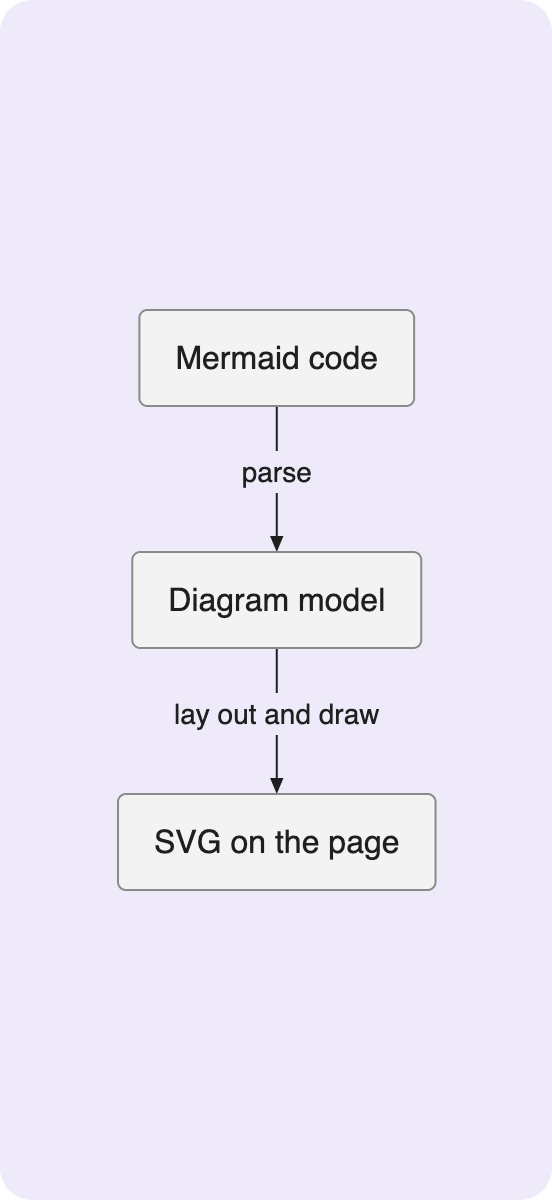
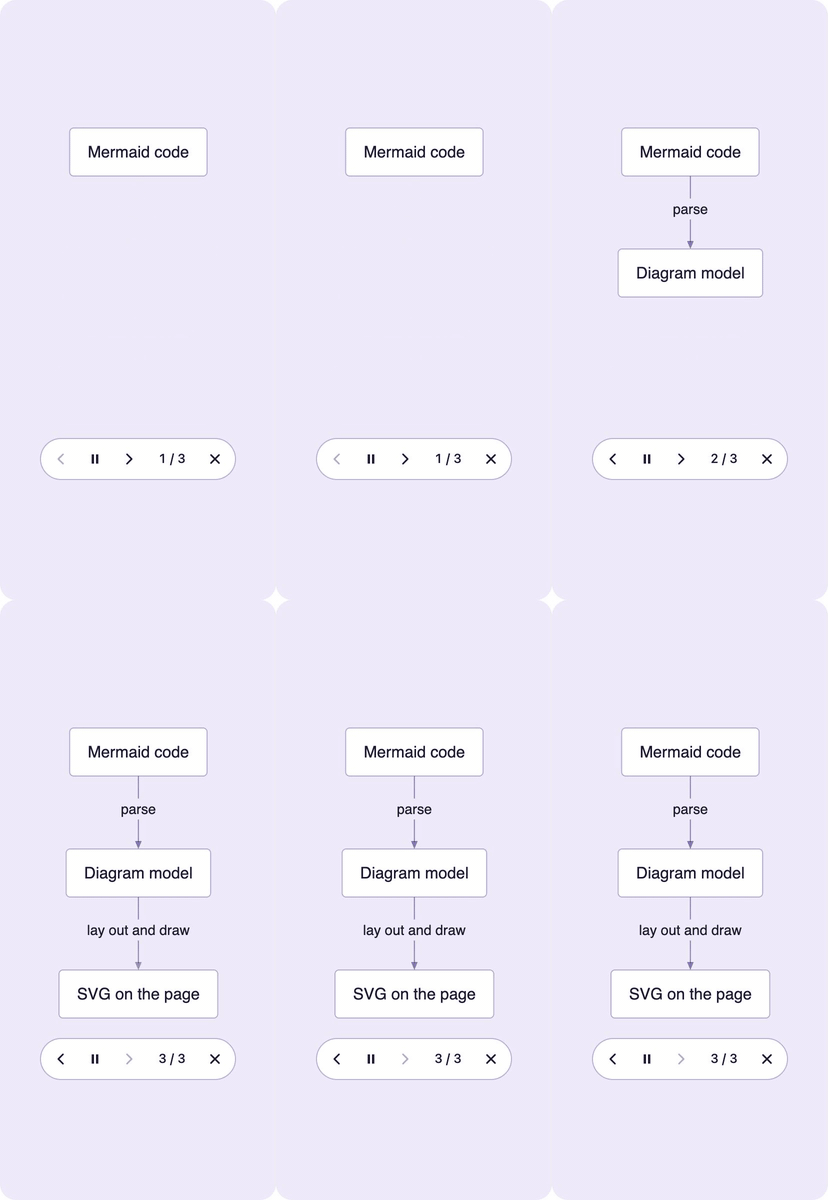
The same three-step flow, written left to right, in panels too narrow for it:
flowchart LR
  A[Mermaid code] -->|parse| B[Diagram model] -->|lay out and draw| C[SVG on the page]
| Mermaid.js | Pele | pele-animate with autoplay | pele-animate with autoplay and icons |
|---|---|---|---|
 |
 |
 |
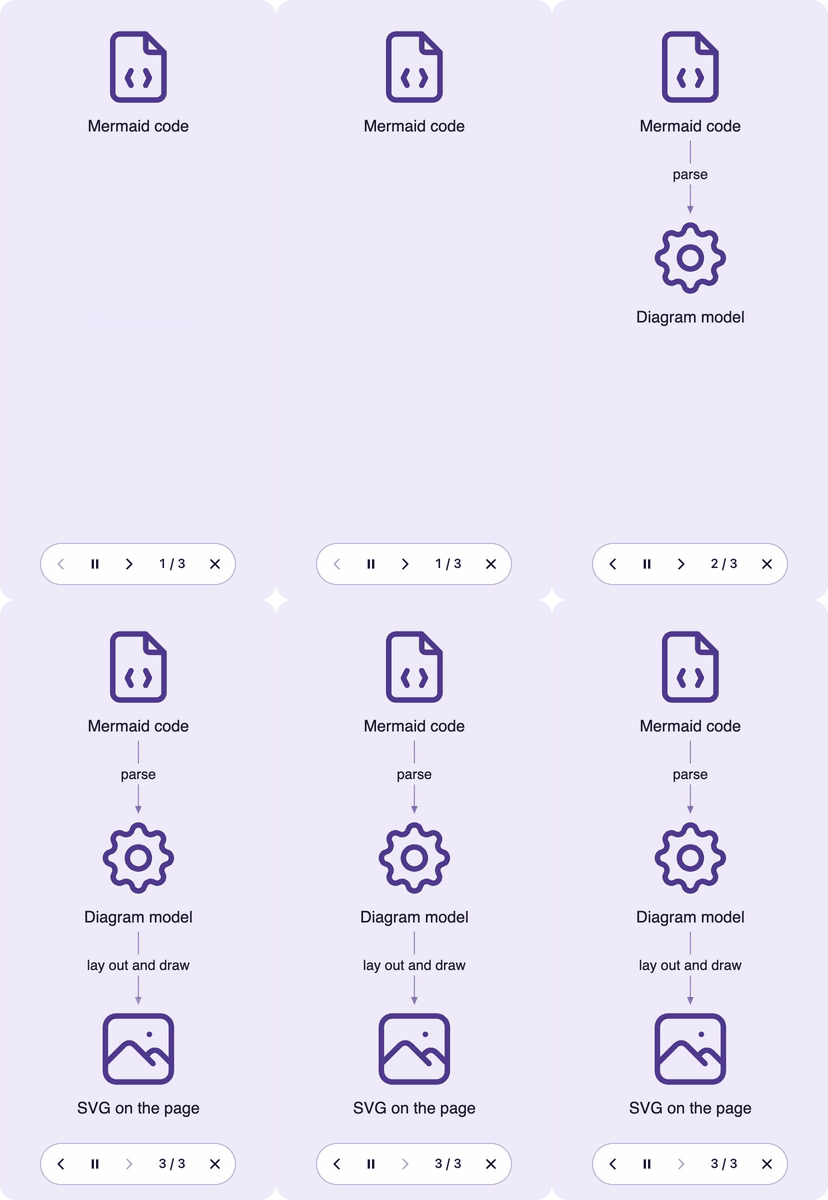 |
Mermaid.js keeps a fixed layout and scales it down to fit, so the text shrinks. Pele lays the diagram out again for the width it has. pele-animate adds the steps (the loops above run on their own; a click steps through them) and, optionally, icons.
The same Mermaid source, three renderers, for a sequence diagram. The pele-animate image loops: the intro draws in, then tokens
travel the edges (as on hover). Regenerate all images with examples/capture.sh.
sequenceDiagram
  Client->>API: sign in
  API-->>Client: token
  Client->>Data: query with token
  Data-->>Client: result
| Renderer | Result |
|---|---|
| Mermaid | 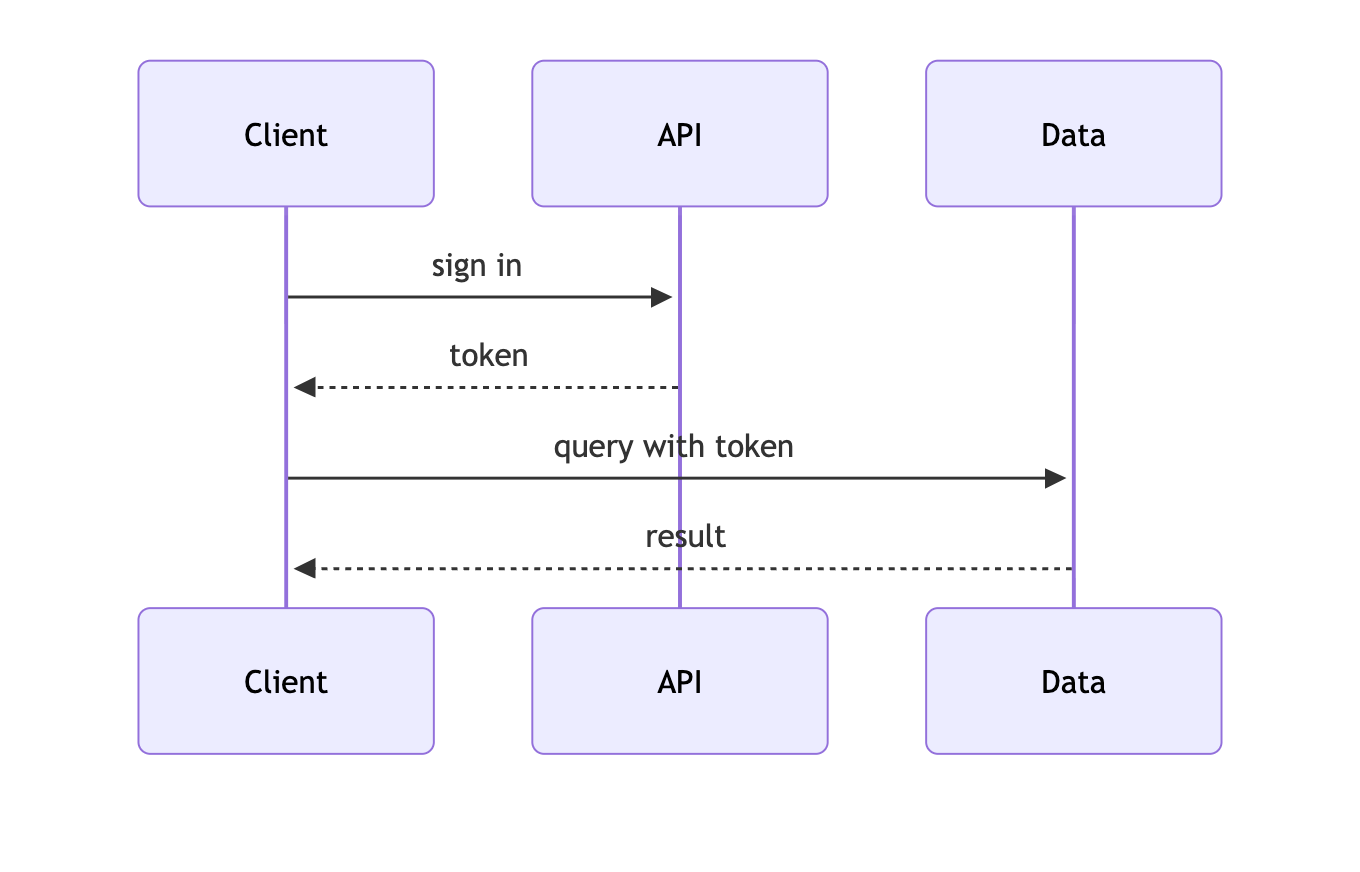 |
| Pele | 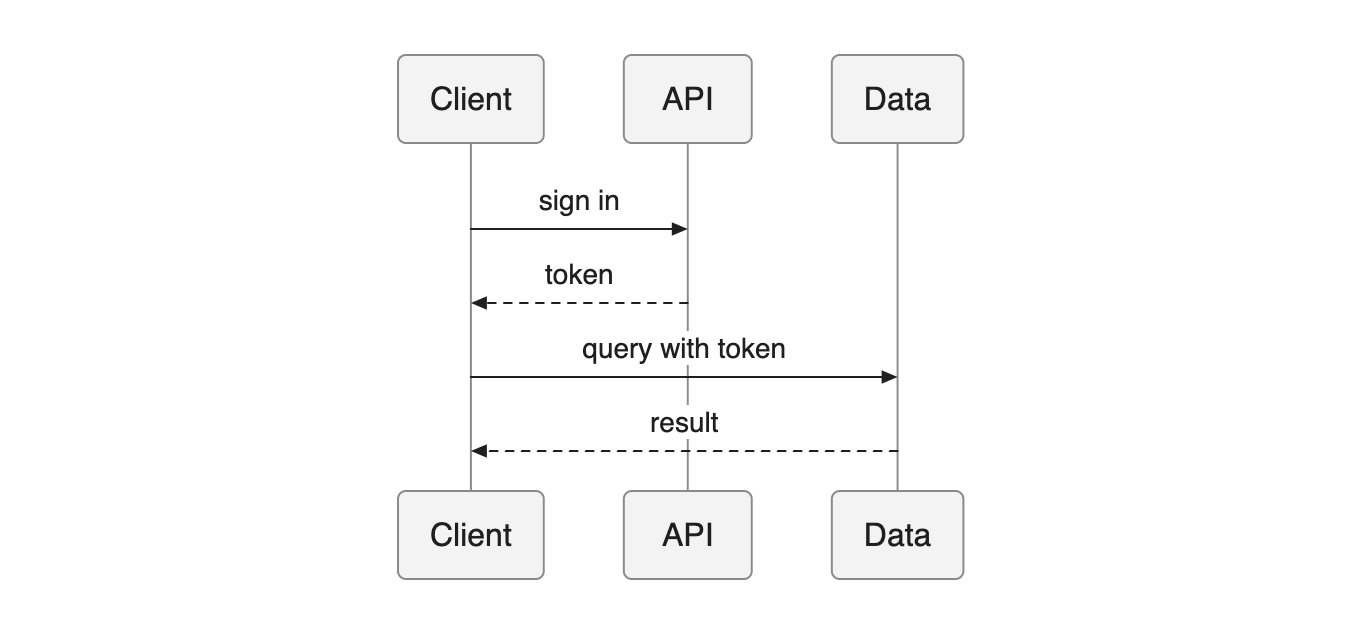 |
| pele-animate |  |
What is pele-animate? A small JavaScript post-processor that turns Mermaid diagrams into step-by-step animated scenes with icons. You write plain Mermaid; it adds step order, playback controls, and icons on top of Pele's rendering.
How do I make a diagram play automatically? Add autoplay to the %% pa: comment
(e.g. %% pa: autoplay 1=A 2=A>B). The intro draws in once the diagram is on screen, then step mode loops.
Does it work with my framework? Yes. It runs in the browser and mounts on the client; there are recipes for Vite, Astro, SvelteKit, Nuxt, and React (recipes).
Is it free for commercial use? Yes. pele-animate is MIT, Pele is MIT, and the Tabler icon packs are MIT (see THIRD-PARTY-NOTICES.md).
Full list: docs/faq.md.
MIT. Built on Pele by kepano (MIT); this is an unofficial add-on, not affiliated with or endorsed by the Pele or Obsidian teams. The Tabler icon packs come from Tabler Icons (MIT, Paweł Kuna); see THIRD-PARTY-NOTICES.md. See also CHANGELOG.md.