
RenderScale allows you to change Minecraft's resolution without affecting the UI. You can increase scale for antialiasing, or lower to improve performance. This is heavily recommended for laptops with retina displays!
This is a fork of ResolutionControl++, with added support for NeoForge.
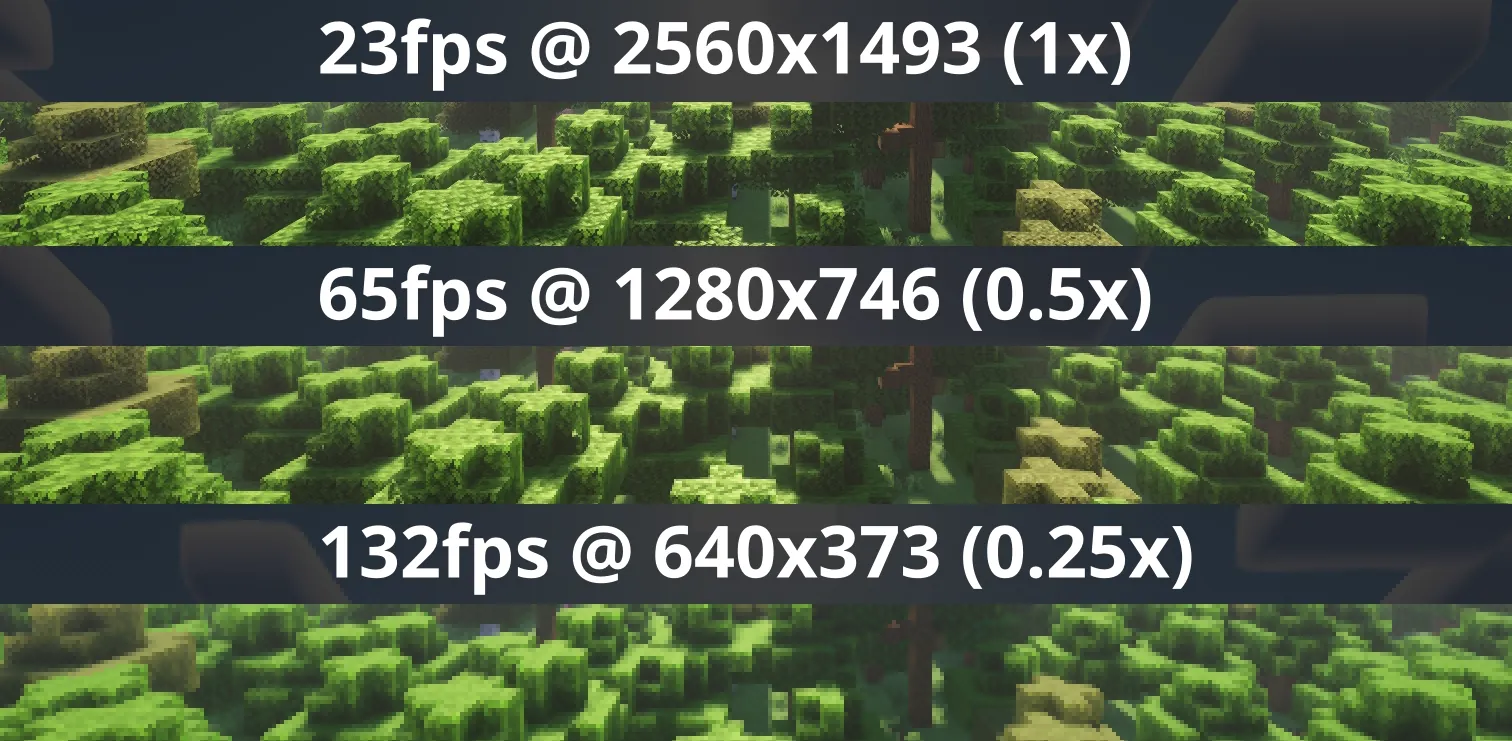
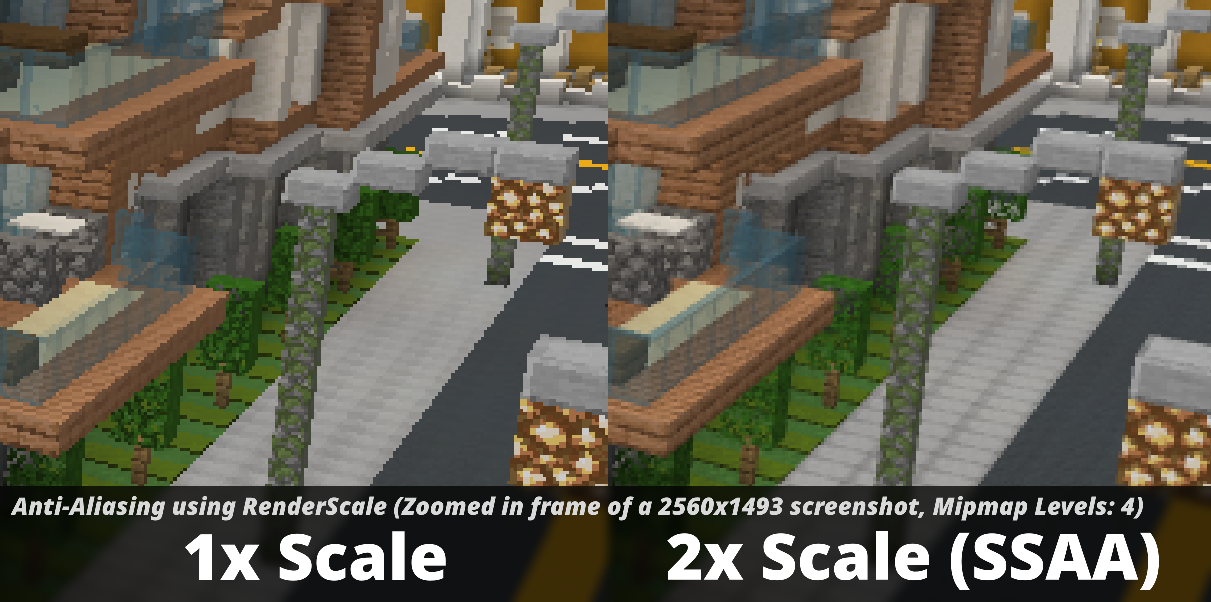


Check out Fabrishot if you also want the large screenshot feature that was in ResolutionControl.
Press U (sometimes O) or, use the mod menu config to control the render scale multiplier.
- FSR 1 upscaling! Currently only available on 1.20.1, 1.21.1, and 1.21.11+. There are no plans to support DLSS or FSR 2+.
- Dynamic Scaling, tries to keep the game at your targeted FPS by continuously changing the scale while you play.
- Optional sharpening post-processing.
Aims to be compatible with any mod, including Sodium, Iris, etc. However, there can be mods that break RenderScale. Please report any issues here, or on my discord. Make sure to include your latest MC logs!
(26.2+) Works with Vulkan, including Iris Vulkan.
Dynamic scaling is unavailable while shaders are enabled due to issues with stuttering.
| Minecraft | Fabric | NeoForge | Forge |
|---|---|---|---|
| 1.21.2 and above | ✅ | ✅ | 🚫 |
| 1.21.1 | ✅ 1 | ✅ 1 | 🚫 |
| 1.20.1 | ✅ 1 | 🚫 | ✅ 1 |
Check out the previous forks, ResolutionControl++, ResolutionControl+, ResolutionControl for older versions