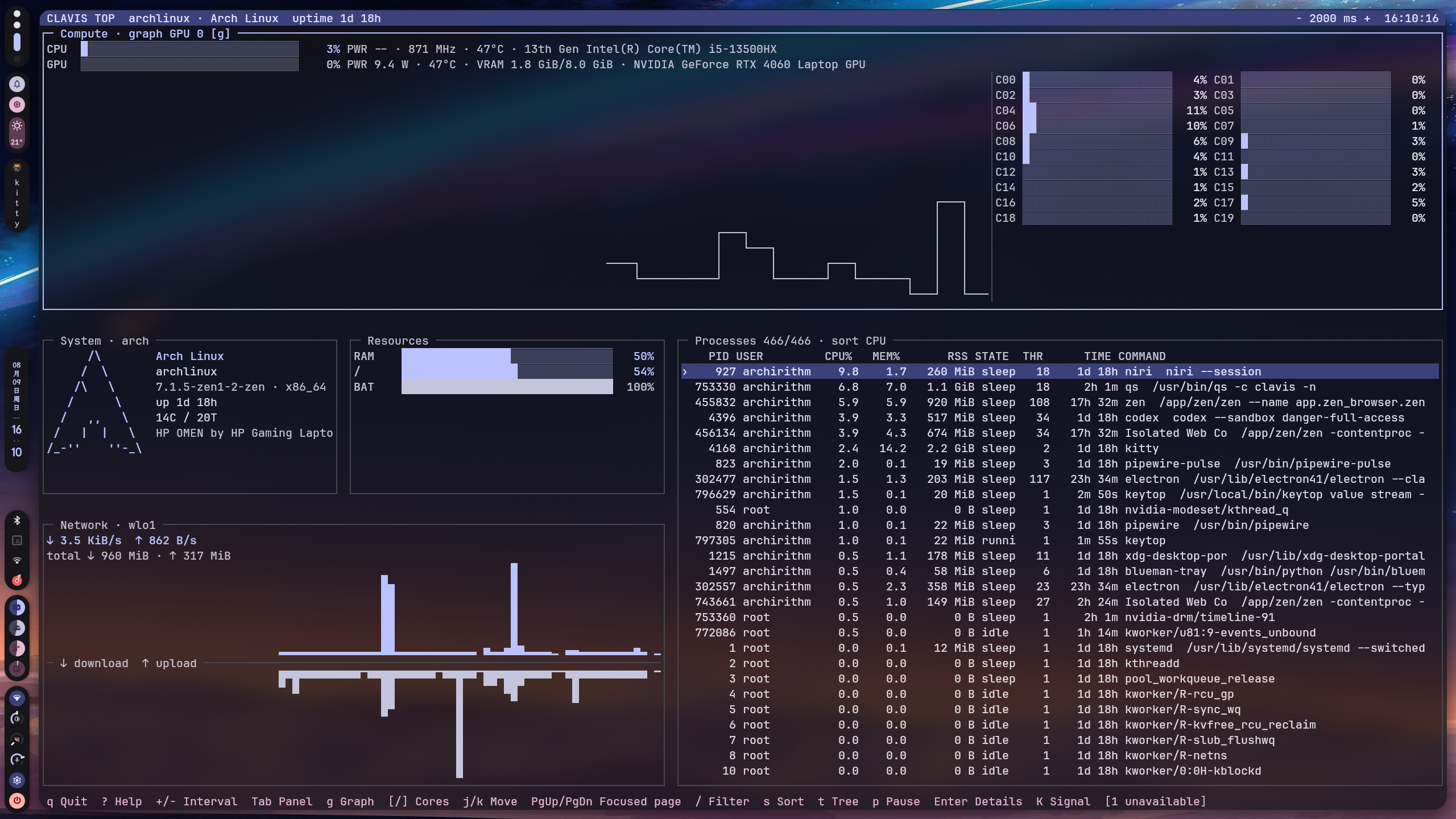
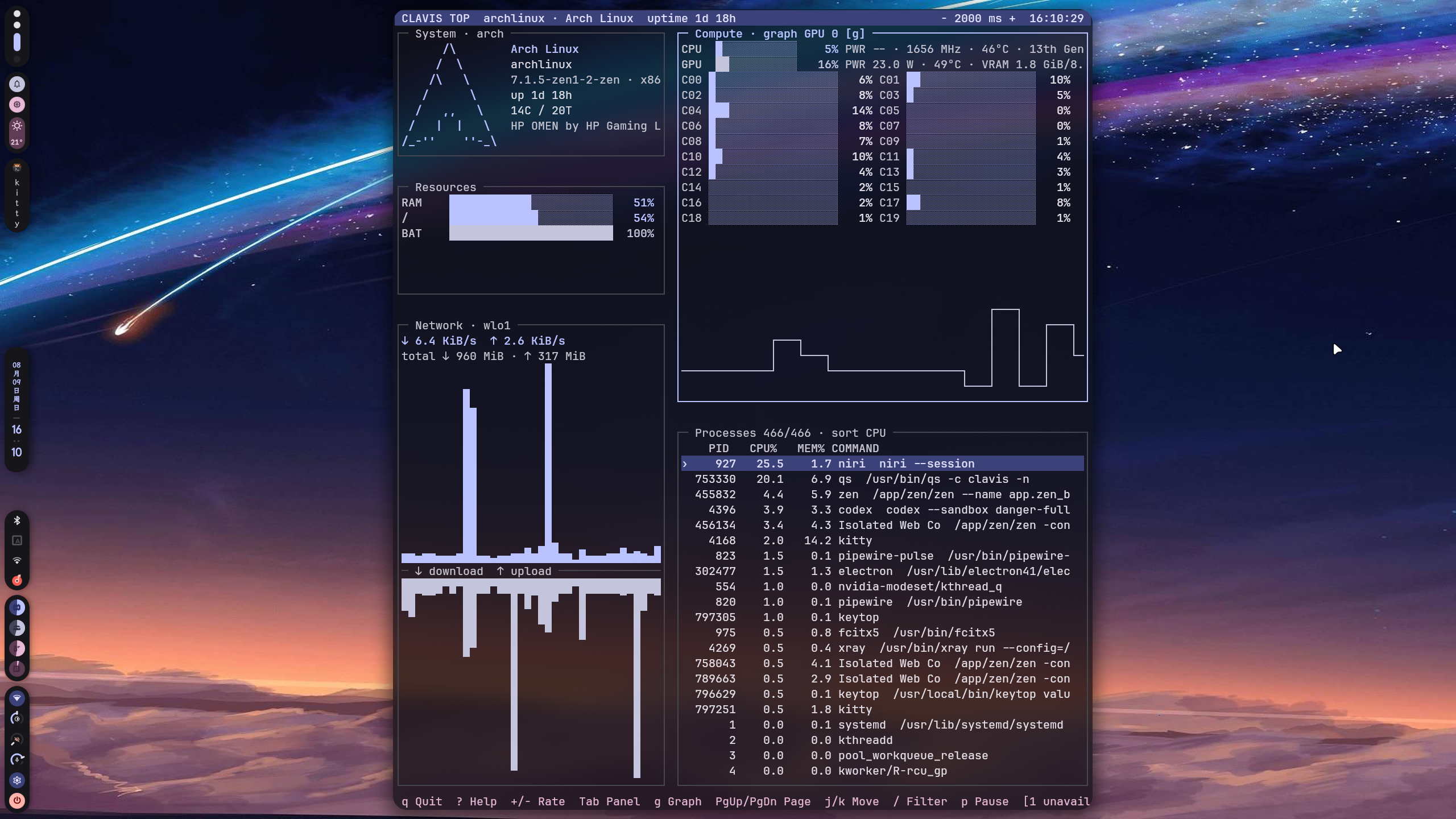
A standalone system monitor for Linux with an interactive terminal UI and machine-readable JSON/JSONL output.
keytop provides system metrics for both terminal users and Clavis Shell.
- CPU usage, frequency and load
- Memory and swap
- Network throughput
- Disk usage and I/O
- Process monitoring
- Temperatures
- GPU metrics
- Battery information
- Optional Intel RAPL power metrics
- Interactive ncurses TUI
- JSON and JSONL output for integrations
- Matugen-compatible colors
| Project | Role |
|---|---|
| Clavis Shell | Quickshell UI and desktop shell |
| key-cli | key command and discrete system tasks |
| keytop | System monitoring, TUI and machine-readable metrics |
keytop can be used completely on its own.
Launch the interactive monitor:
keytopMachine-readable output:
keytop value snapshot --format json
keytop value stream --format jsonl --interval 1000
keytop value cpu --format json
keytop value memory --format json
keytop value processes --format json
The shorter aliases are also available:
keytop snapshot
keytop stream --format jsonl
keytop cpu
keytop processes
Reload colors in a running TUI:
keytop reloadSee the machine-output schema in docs/protocol.md.
Requirements:
- CMake
- C++17 compiler
- Qt 6 Core
- pkg-config
- ncursesw
The build directory is tied to the CMake generator used to create it. The
commands below use Ninja; if build/ was previously configured with another
generator, use a fresh build directory or remove the old generated build
directory before configuring it again.
cmake -S . -B build \
  -G Ninja \
  -DCMAKE_BUILD_TYPE=Release \
  -DBUILD_TESTING=ON

cmake --build build
ctest --test-dir build --output-on-failure
Developer quality checks:
make format
make format-check
make test
make check
make check runs the C++ format check, compiler build, CTest, ShellCheck and
git diff --check. It does not install system files or change user configuration.
Install to a user-local prefix without changing system files:
cmake --install build --prefix "$HOME/.local"Make sure $HOME/.local/bin is in PATH. To install to the configured
system-wide prefix instead:
sudo cmake --install buildConfiguration is stored in:
${XDG_CONFIG_HOME:-$HOME/.config}/keytop/
Main files:
config.conf    General settings
colors.conf    Active color scheme
matugen.conf   Matugen template
Example:
[general]
update_interval_ms=1000
temperature_unit=celsius
Command-line options such as --interval override the configuration file.
When the optional RAPL helper is installed, keytop can expose CPU package power data to regular users through the packaged systemd socket.
Enable it with:
sudo systemctl enable --now keytop-rapl.socketSystems without RAPL support continue to expose the remaining metrics normally.
matugen.conf can be used to generate colors.conf from a Material color scheme. Clavis can manage this integration automatically from its settings center.
See LICENSE.