
Read, write, plot, and process physiologic waveforms and annotations with Python. WFDB works with local files and records hosted on PhysioNet, so you can move from a published dataset to NumPy arrays in a few lines of code.


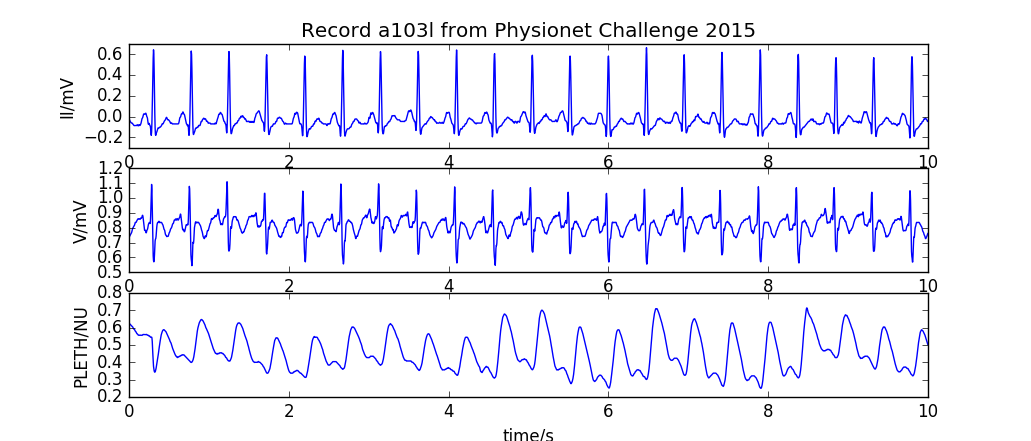
WFDB requires Python 3.11 or newer. Install it from PyPI:
pip install wfdbIf you use uv, run uv add wfdb instead. On
some systems, the soundfile dependency also needs a separate installation
of libsndfile; see the
soundfile installation notes.
Read ten seconds of ECG and its beat annotations from the MIT-BIH Arrhythmia Database:
import wfdb

record = wfdb.rdrecord("100", pn_dir="mitdb", sampto=3600)
annotation = wfdb.rdann("100", "atr", pn_dir="mitdb", sampto=3600)

print(record.fs)  # Sampling frequency: 360 Hz
print(record.sig_name)  # ['MLII', 'V5']
print(record.p_signal.shape)  # (3600, 2): samples x channels
print(annotation.sample[:5])  # Sample positions of the first five annotations

wfdb.plot_wfdb(record=record, annotation=annotation, title="Record 100")
The pn_dir argument downloads data from PhysioNet. For files already on
your computer, pass the path without its .hea or .dat extension instead:
record = wfdb.rdrecord("path/to/record")
annotation = wfdb.rdann("path/to/record", "atr")
record.p_signal is a NumPy array of signals in physical units. Use
physical=False with rdrecord to read digital values in record.d_signal.
Annotations provide sample positions, symbols, and other label information.
Create a WFDB header and signal file from a NumPy array:
import numpy as np
import wfdb

signal = np.array([0.0, 0.2, 0.0, -0.2])[:, None]
wfdb.wrsamp(
    "example",
    fs=250,
    units=["mV"],
    sig_name=["ECG"],
    p_signal=signal,
    fmt=["16"],
)
This writes example.hea and example.dat in the current directory. See
wrann
to write annotations.
- Work with remote data: Read PhysioNet records with
pn_diror aphysionet://URI. Supported cloud URIs includes3://andgs://when the correspondingfsspecbackend is installed. - Use WFDB archives: Read local
.wfdbarchives containing a record and its annotations. See the archive documentation. - Analyze signals: Use the processing tools for tasks such as resampling and QRS detection.
- Convert formats: See the conversion guide for supported waveform formats.
WFDB-Python follows the open WFDB specifications. It is inspired by the original WFDB Software Package, but its Python API is documented separately. The WFDB project website introduces the format and the other WFDB implementations.
The documentation covers the full I/O API, plotting, and processing. The demo notebook shows more examples. Report bugs or request features in the issue tracker.
See DEVELOPING.md for setup, testing, and contribution guidance. If you use WFDB-Python in research, please cite its PhysioNet publication.