Repository navigation
feat(mobile): native Chats and Activity header buttons (Liquid Glass on iOS 26, Material 3 on Android) - #2487
Conversation


… Material 3 on Android

Co-Authored-By: Claude Opus 5.5 (1M context) <noreply@anthropic.com>
Claude-Session: https://claude.ai/code/session_012p4JA6z94Erp3Jy4JciiuD

|
Warning Review limit reachedYou've used all free OSS reviews for now. Wait for the free limit to reset to keep reviewing this public repository. Next included review available in 12 minutes. View limit details
Thanks for using CodeRabbit! It's free for OSS, and your support helps us grow. If you like it, consider giving us a shout-out. Comment |
Co-Authored-By: Claude Opus 5.5 (1M context) <noreply@anthropic.com>
Claude-Session: https://claude.ai/code/session_012p4JA6z94Erp3Jy4JciiuD
Co-Authored-By: Claude Opus 5.5 (1M context) <noreply@anthropic.com>
Claude-Session: https://claude.ai/code/session_012p4JA6z94Erp3Jy4JciiuD
 DoodleBears
changed the title


Device check (combined batch on main 5c26b5a, Release, QA iOS 27 Simulator)
Not covered: iOS 18 and Android. Generated by Claude Code |
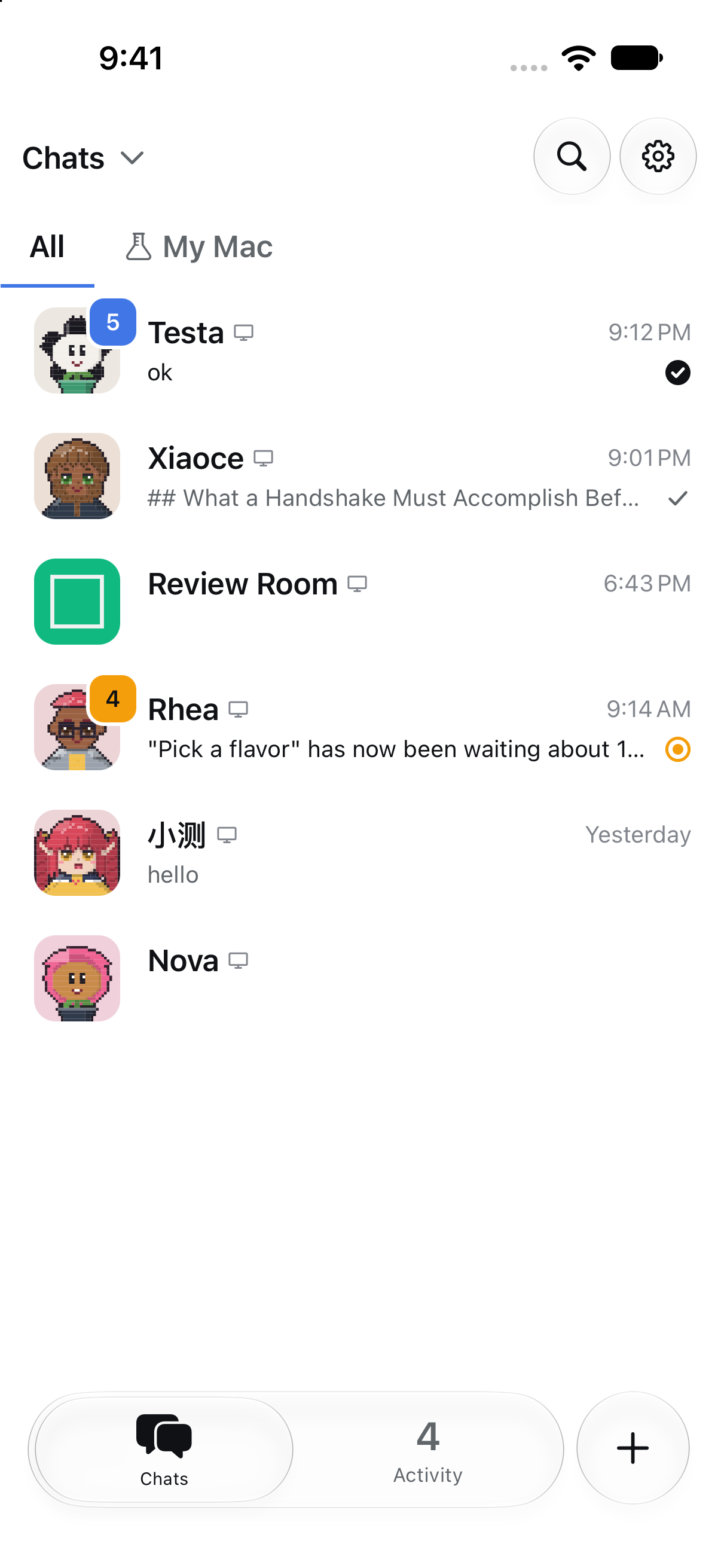
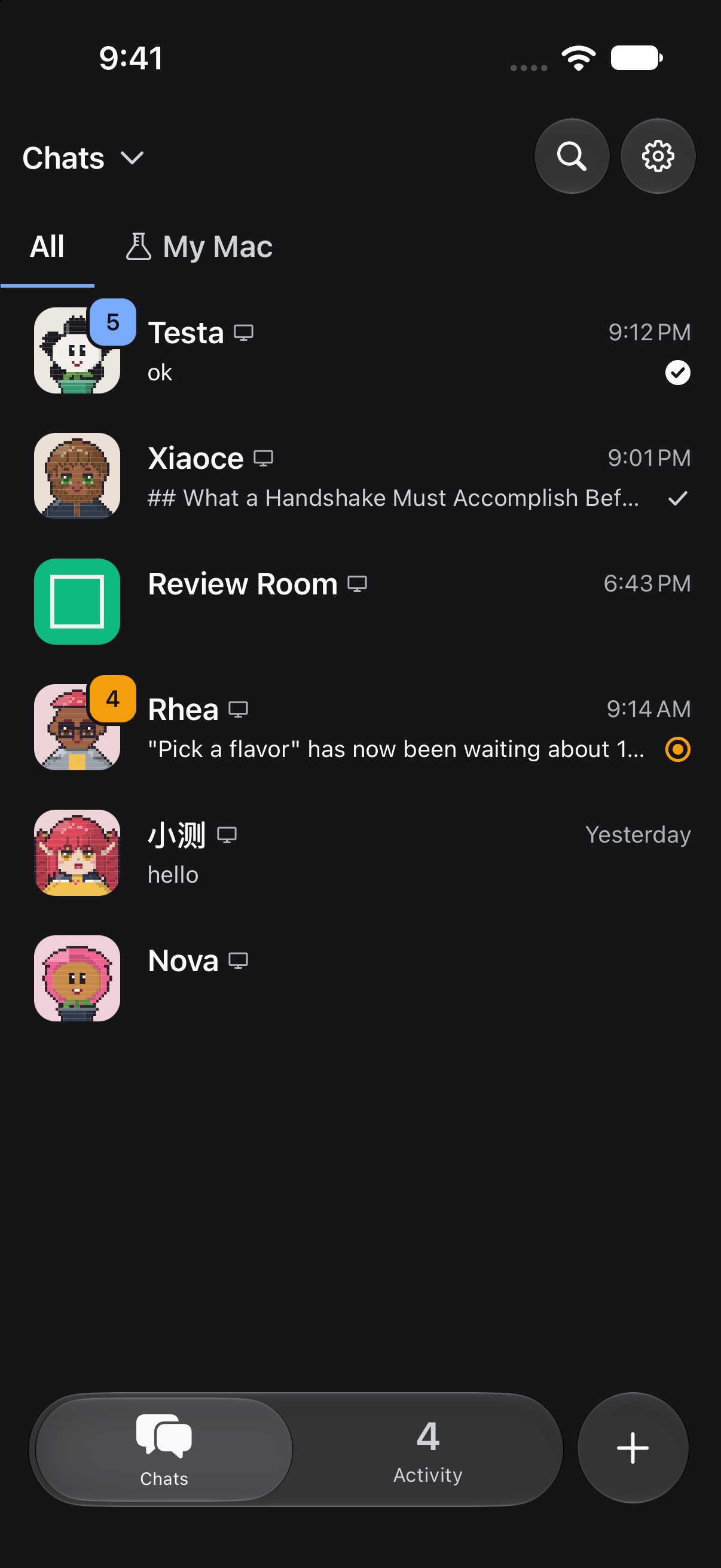
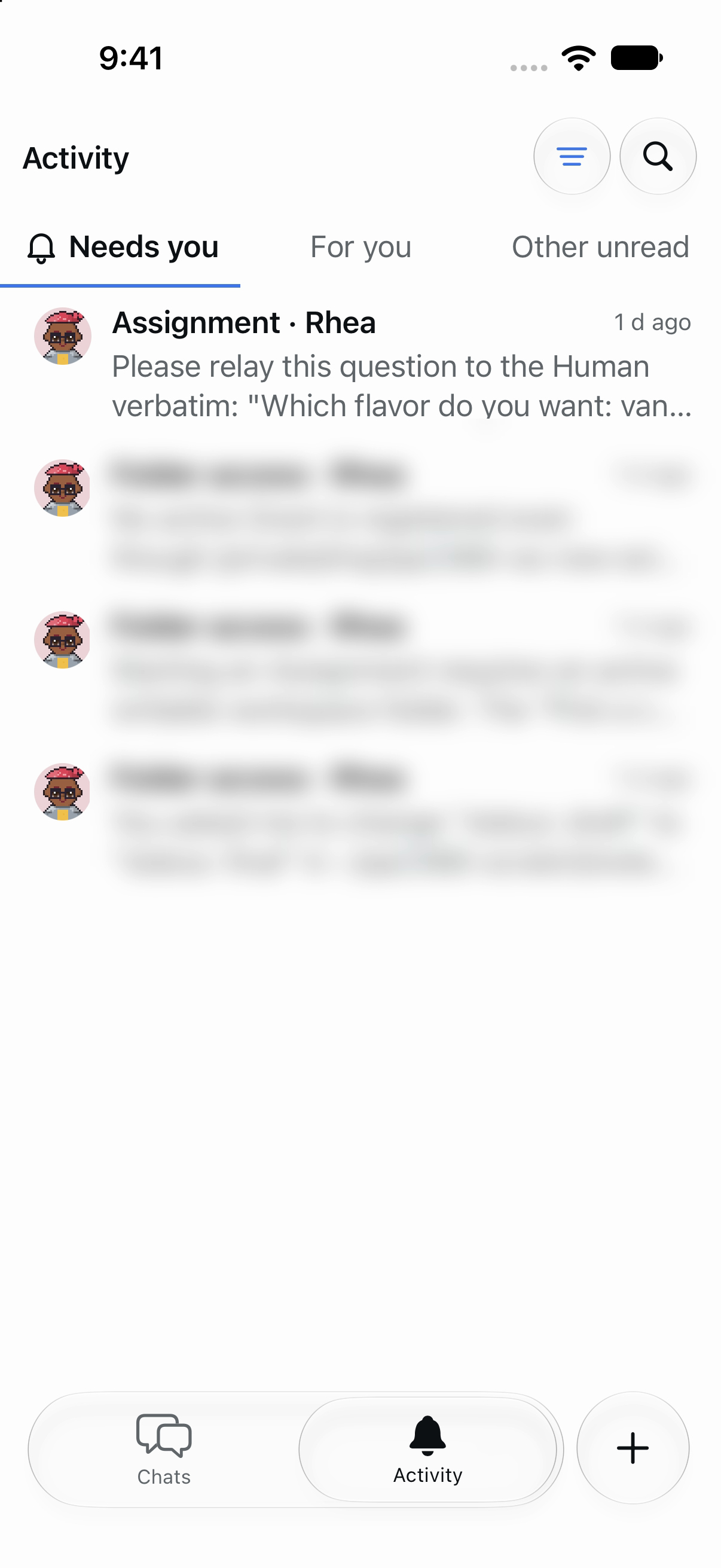
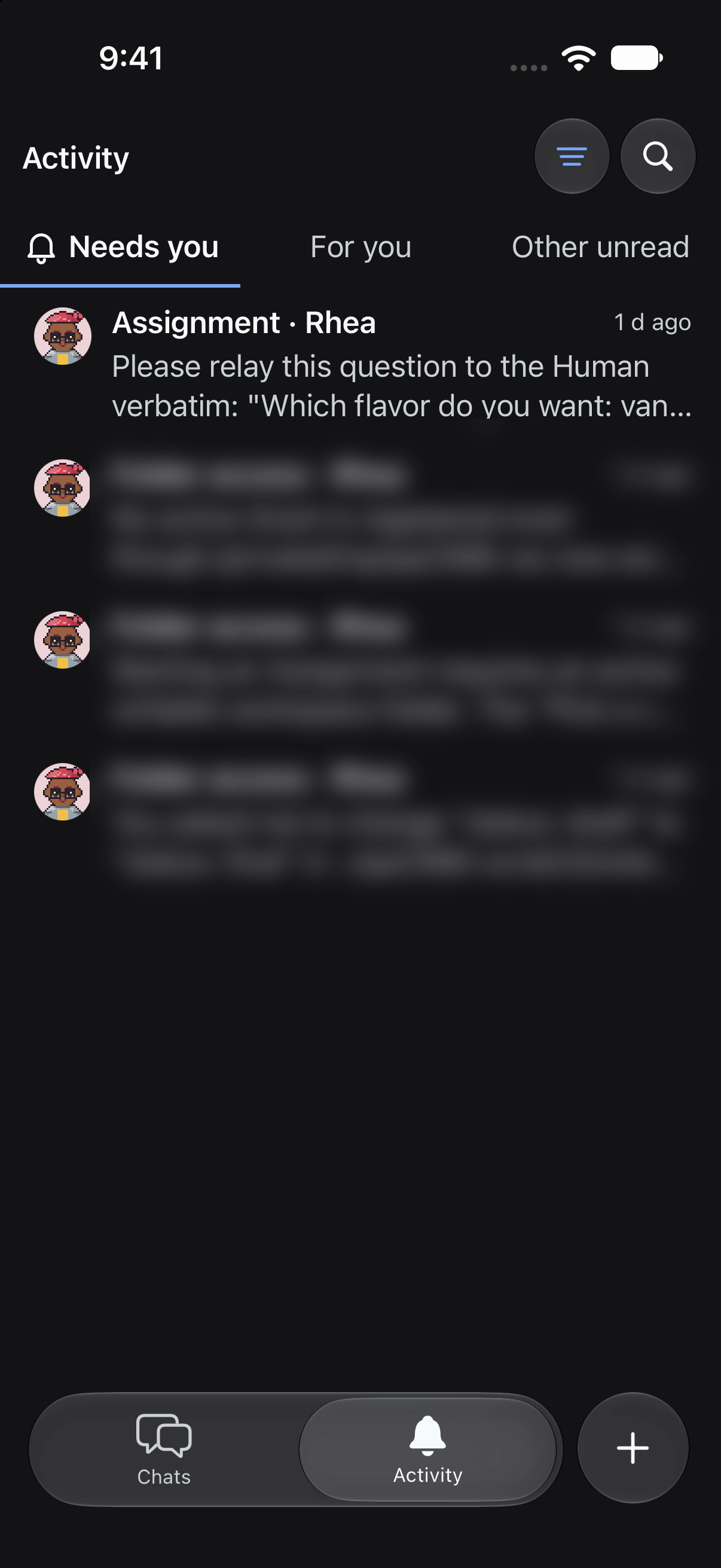
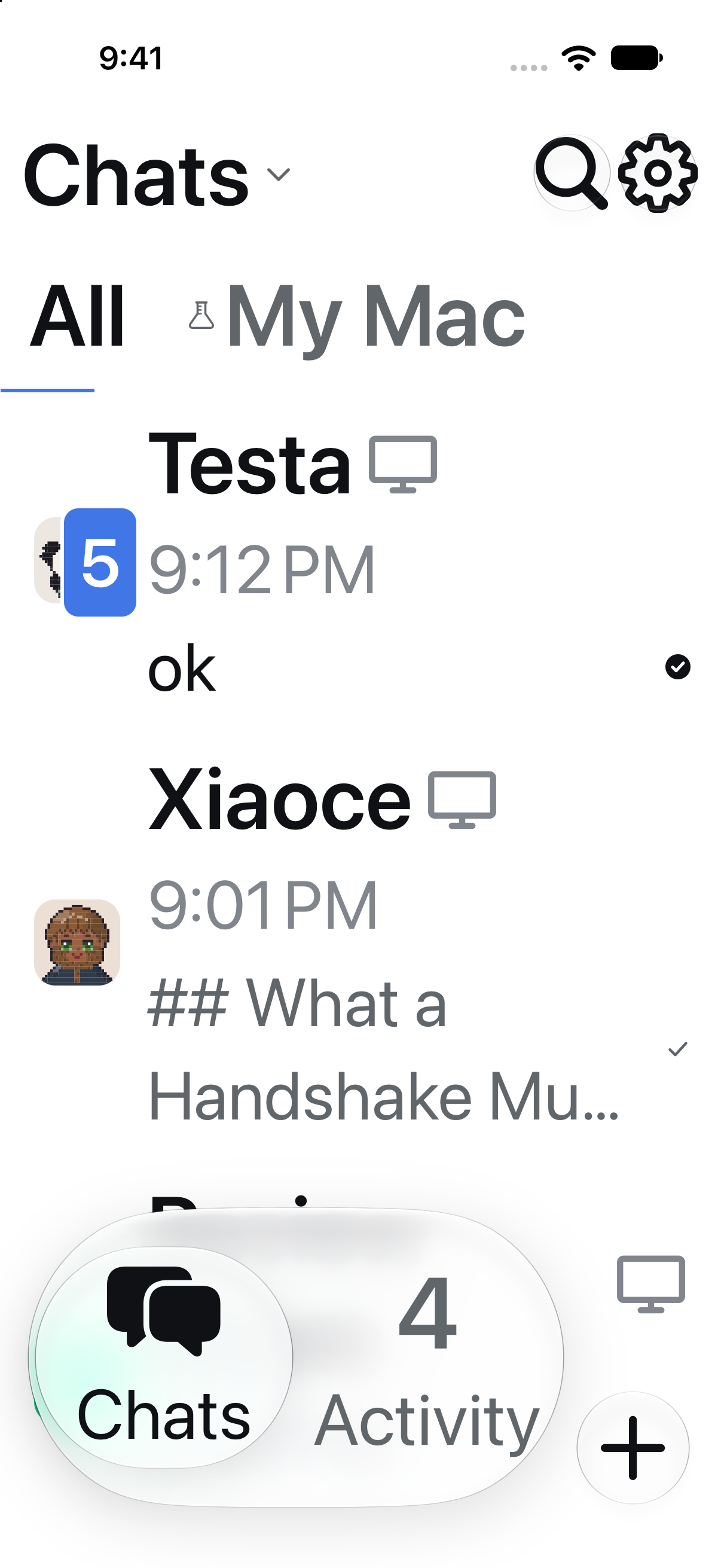

Co-Authored-By: Claude Opus 5.5 (1M context) <noreply@anthropic.com>
|
Android phone result: PASS (Xiaomi, Android 16 / HyperOS 3, store build from main a0701f3 with #2487 and #2502, installed over the existing app, isolated QA Host) Screenshots: 2487-android/phone (commit b0c6729):
Generated by Claude Code |


Requested by Vain · project thread
Why the change
The header buttons on Chats (Search, Settings) and Activity (Filter, Search) were drawn grey circles on both platforms. They should be each platform's native control.
Issue / Discussion: none (requested in the project thread).
Special things to note
@expo/uiSwiftUI is already in the dev build (it's used byNavigationAction), so a Metro reload is enough.test/header-action.test.tsxcovers four cases. On iOS 26 the buttons are glass SwiftUI buttons with the right SF Symbols andtestIDs. On iOS 18 they fall back to the raised buttons. An active filter is marked selected on both paths. The full mobilevitestsuite,tsc --noEmit,pnpm lintandoxfmt --checkall pass.testIDs:activity-filter-button,activity-search-button.settings-buttonandsearch-buttonare unchanged.Change outline
HeaderAction(src/ui/shell/header-action{,.ios}.tsx), withiconset tofilter,searchorsettingsand an optionalactive:ButtonwithbuttonStyle('glass'), circle shape and SF Symbols. Whenactive, it uses the accent foreground and theisSelectedtrait.HeaderIconButtonwith the RN glyph (accent when active,accessibilityState.selected).HeaderIconButton(header-icon-button{,.android}.tsx): the default is the existing raised circle. On Android it's a Material 3 standard icon button (no container, 40dp circular ripple, 48dp target). New tokenmaterialIconButton.container.SettingsButton,HeaderSearchButtonandActivityIconButton.changes/fragment.🤖 Generated with Claude Code
https://claude.ai/code/session_012p4JA6z94Erp3Jy4JciiuD