
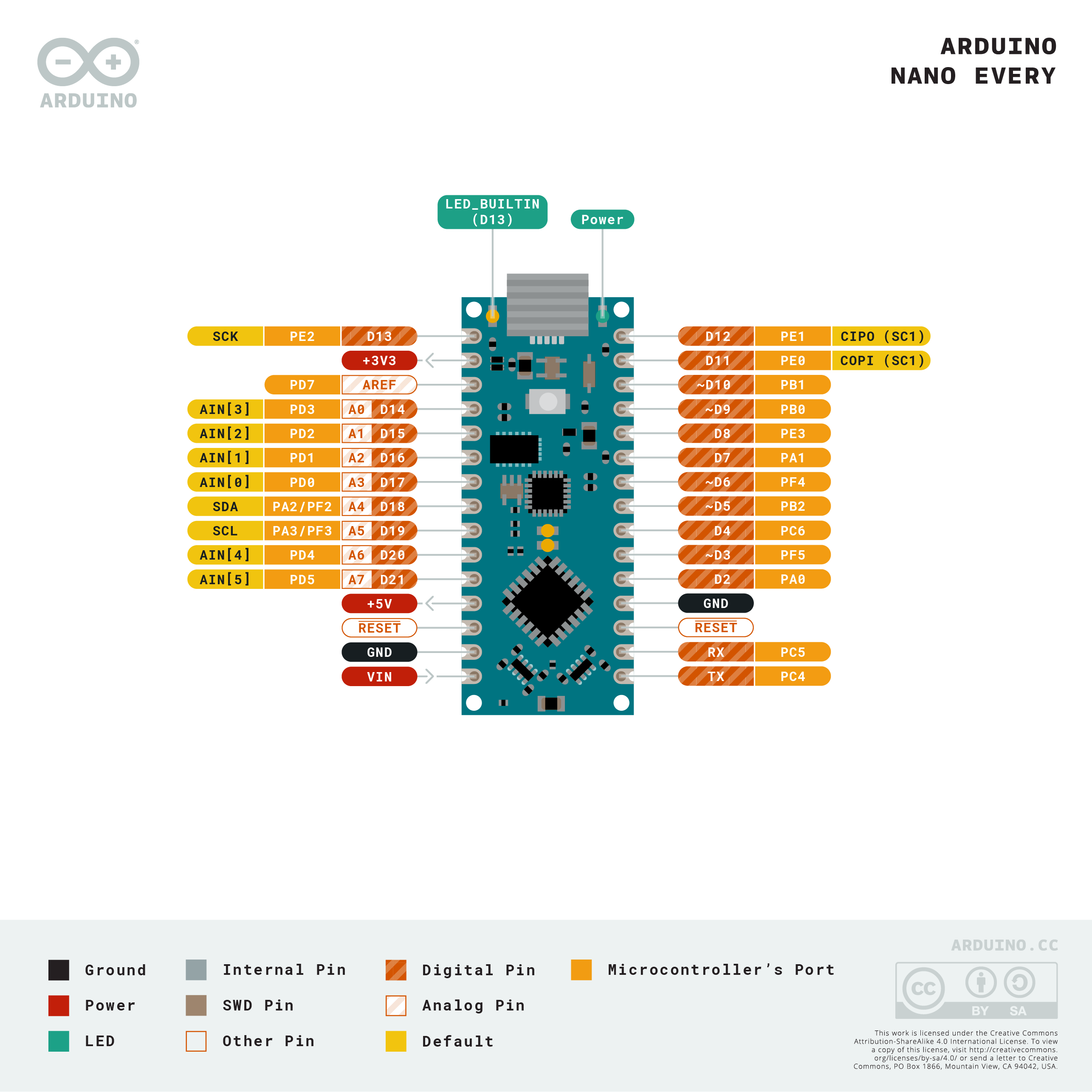
Software to control protogen heads, using 8x8 MAX7219 LED matrices and an Arduino Nano Every or ESP32.

- Controls a protogen head using 8x8 LED matrices to render eyes, nose & mouth on each side of a face
- Supports light strips in each ear/headphones
- Nose "boop" detection & animation
- Blinking animations
- Different expressions, with simple animations
- Remote control support
Step-by-step guides are on the Toaster Oven website.
Setup
- Setting up: wire up the LED panels, then configure Toaster OS and put it on your microcontroller
- Debugging: fix scrambled, upside-down or glitching panels, and other common problems
- Managing expressions: draw, animate and organise your protogen's expressions
Enabling features
- Side lights: RGB LED strips on the sides of the head
- Boop sensor: detect nose boops, and react with different expressions
- Remote control: change expressions and settings with a 4-button remote
- Adding custom features: write your own feature and hook it into Toaster OS
Use Toaster Oven to configure your protogen in your browser: the panel layout, expressions and features. It makes the Config.h and Protogen_Faces.h files for you.
- FastLED (not included; installed via Arduino IDE)
Here are the electronics I used. See Setting up and the feature guides for how to wire them up.
- For both sides of the face
- Mouth: 4 x MAX7219 8x8 LED matrices
- Eyes: 2 x MAX7219 8x8 LED matrices
- Nose: 1 x MAX7219 8x8 LED matrices
- For both sides of the head
- A strip of 15 RGB LEDs (5V, 3-pin)
- Boop sensor
- A 3-pin 5V IR obstacle detection sensor
- A 5V Noctua fan (40x40x10mm) for ventilation (not connected to the arduino)
- A USB cable and voltage + ground splitters to power everything via a USB battery pack
For information on changing the config management website, see the Toaster Oven README.